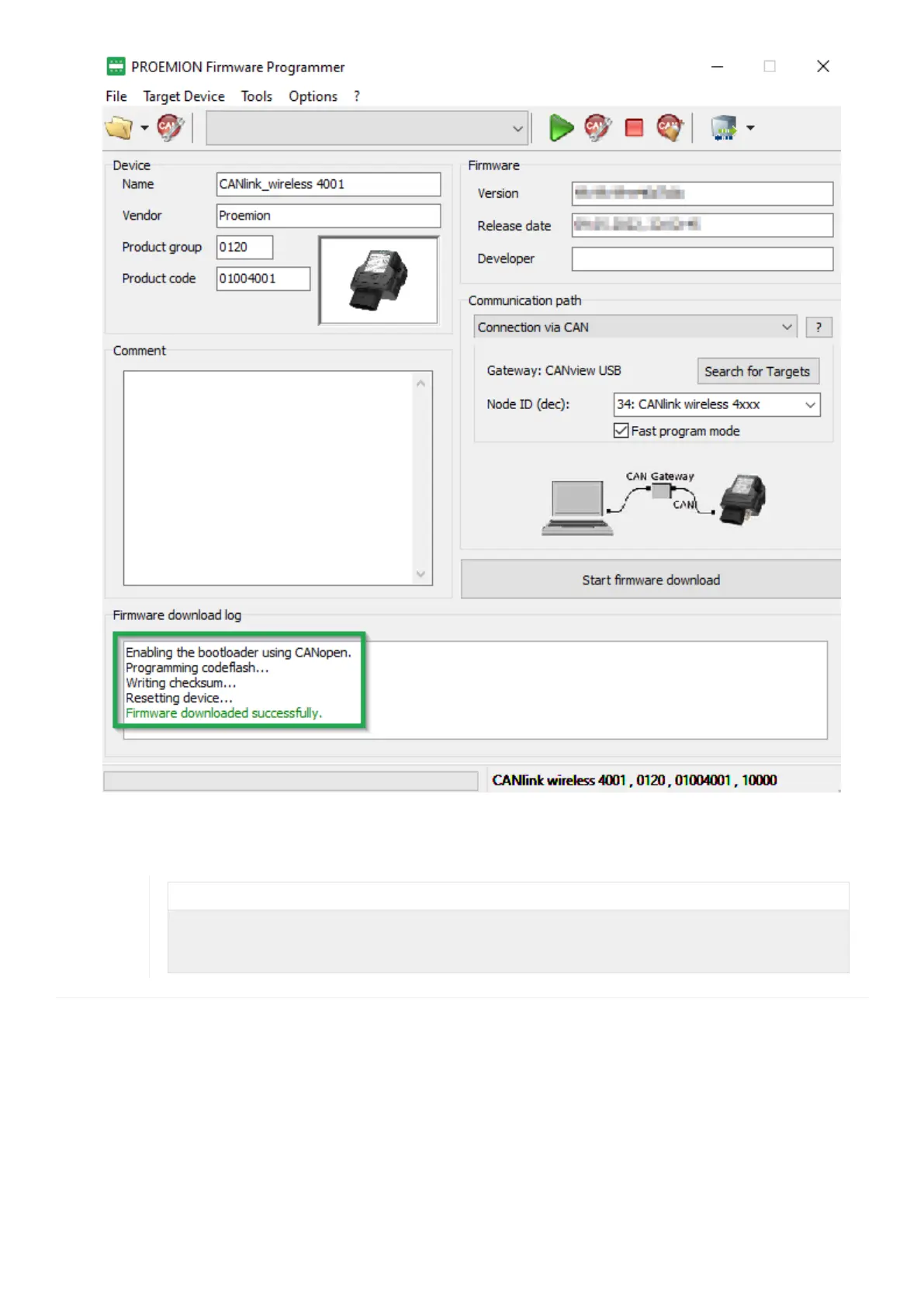
Figure 44. Firmware Programmer - Update Complete
10. Exit the Proemion Firmware Programmer software
INFORMATION
The firmware update may reset or add configuration settings of the device.
¬ After the firmware update, load your configuration to the device with the latest version of the
CANlink wireless 4000 Configurator software.
CANlink wireless 4000 Device Manual



 To Next Page