6.4. Reset device (repair mode)
The repair mode resets the device to the firmware default settings.
NOTICE
Loss of custom configuration
The repair mode reset wipes the configuration in the device. No roll-back is possible if the
configuration is not read from the device and saved to a file with the CANlink wireless 4000
Configurator.
- Read and store the configuration prior to a repair mode reset.
6.4.1. Reset Device to Factory Settings via Start Cable / Main Plug Connector
1. Connect the device to the power supply grid with the cable CLW4K Starter Cable, 6 open, 2 dsub, 1 pw, 2 m
and the power supply unit from the launch kit.
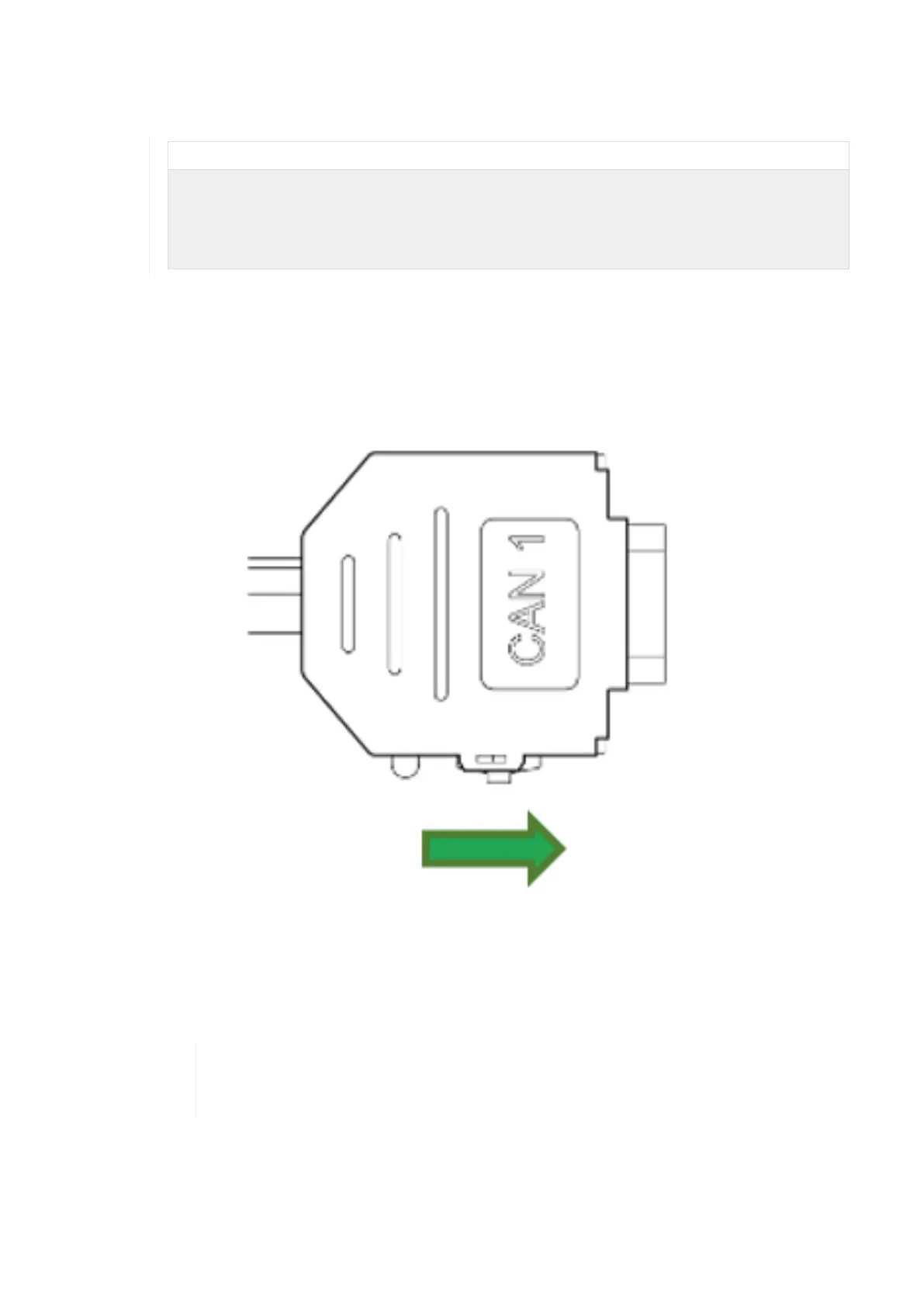
2. Slide the switch on the D-Sub connector (CAN1) towards the SUB-D connection
¬ The LED on the D-Sub connector (CAN1) lights up red.
3. Wait until both LEDs on the device light up orange.
¬ The device is now in the "Repair mode ready" status.
To abort the device reset , disconnect the power supply while the LEDs are still orange and
Slide the switch on the D-Sub connector (CAN1) toward the LED while the device is
powered off.
4. Slide the switch on the D-Sub connector (CAN1) toward the LED.
CANlink wireless 4000 Device Manual



 To Next Page