11
Viewing Photos
Main screen
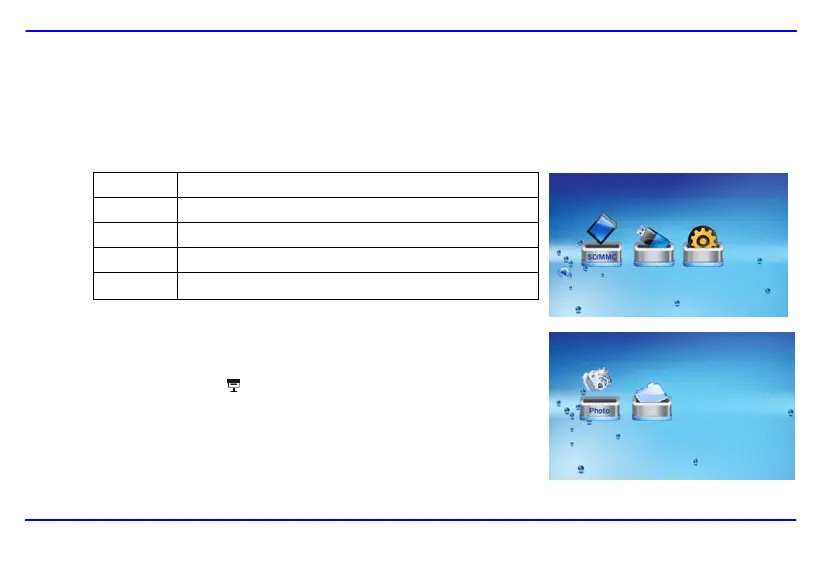
In the main screen, you can select connected source to view pictures or change frame settings.
1. Press the [MENU] button on the remote control to access the main screen. All connected source and setup icons are displayed.
USB Appears when you inserted a USB flash driver.
SD/MMC Appears when you insert a SD or MMC card.
MS Appears when you insert a MS card.
CF Appears when you insert a CF card.
SETUP To customize the settings of Digital Photo Frame.
2. Press the [W] or [X] buttons on the remote control to highlight a picture source.
To view pictures in thumbnails or manage your photos, press the [OK] button.
To start a slideshow, press the [
] button.
Downloaded from www.vandenborre.be


 To Next Page
 Loading...