15
Managing Files
In the File mode, you can view all playable files and folders on the memory source. You also can copy files from a memory device to another memory
device or delete the files.
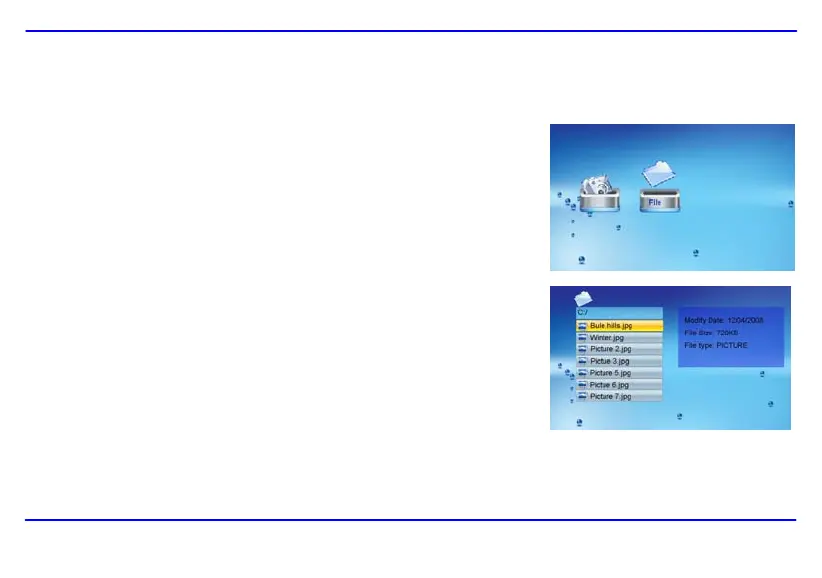
1. Select a memory source (e.g. USB, SD/MMC) in the main screen and press the [OK] button.
The mode menu appears.
2. Press the [W] or [X] buttons on the remote control to select File, and press the [OK] button.
The file list appears.
3. Use the [S] or [T] buttons on the remote control to navigate between files and folders.
When a file is highlighted, the detailed information of file is displayed on the right of the
screen.
y To open a folder, highlight it and press the [OK] or [X] button. To return to superior
directory, press the [W] button.
y To play a file, highlight it and press the [OK] button. To return to file list, press the
[2] button.
Downloaded from www.vandenborre.be


 To Next Page
 Loading...