1.4 - Assign Math Functions to Cooling and Heating Outputs (Unit Controller Menu)
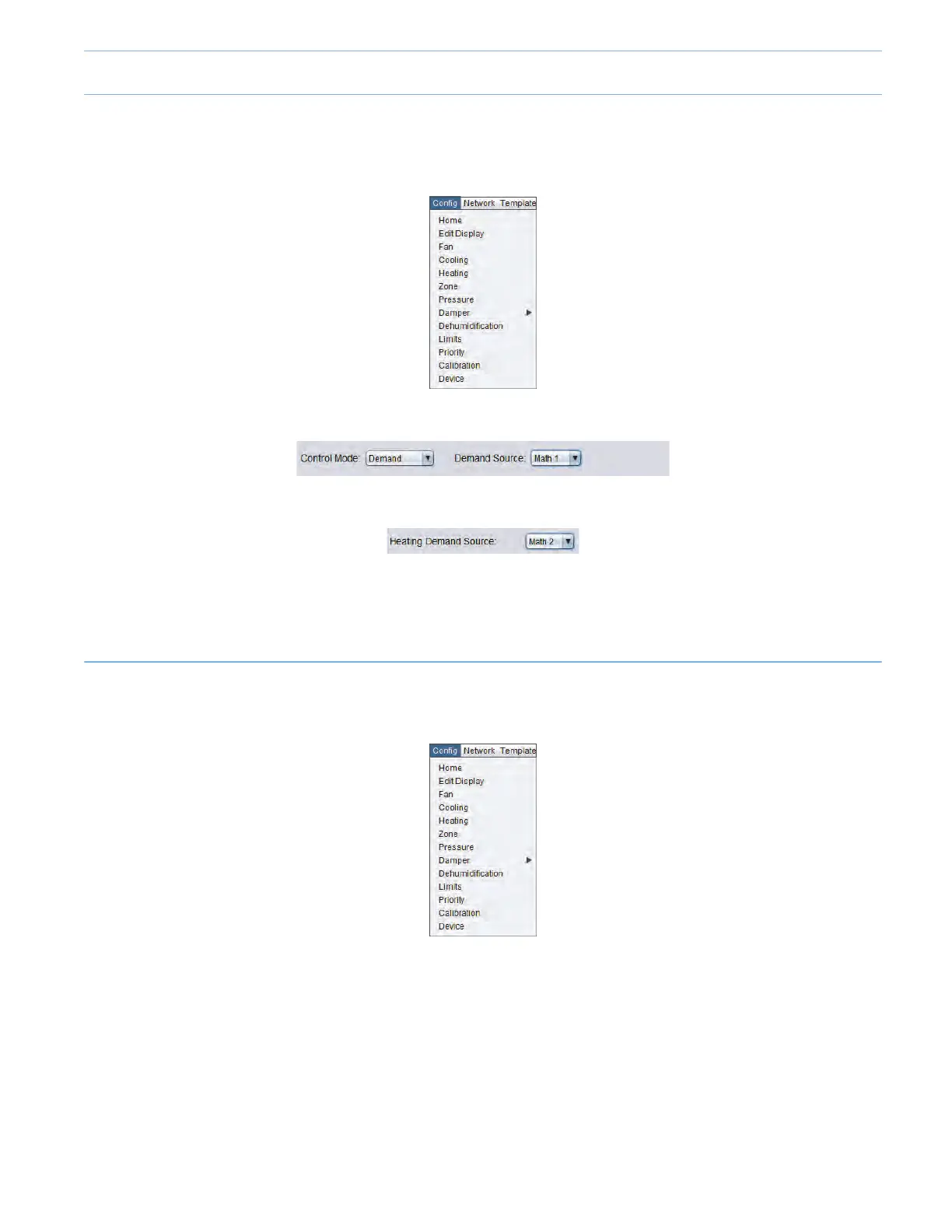
• Onthetopleftofthescreen,select“Cong”andthen“Cooling”.
• In the “Cooling” menu, set the “Cooling Demand Source” to “Math 1”.
• In the “Heating” menu, set the “Heating Demand Source” to “Math 2”.
Withthisconguration,theCoolingintheUnitControllerwillbeactivatedbasedonthevaluescomingfromtheMath1function,
which is a weighted average of all cooling demands from all the followers. The Heating in the Unit Controller will be activated
based on the values coming from the Math 2 function, which is a weighted average of all heating demands from all the followers.
(SEE SECTION 3.2).
1.5 - Conguring the Cooling
• Onthetopleftofthescreen,select“Cong”andthen“Cooling”.
9-5



 To Next Page