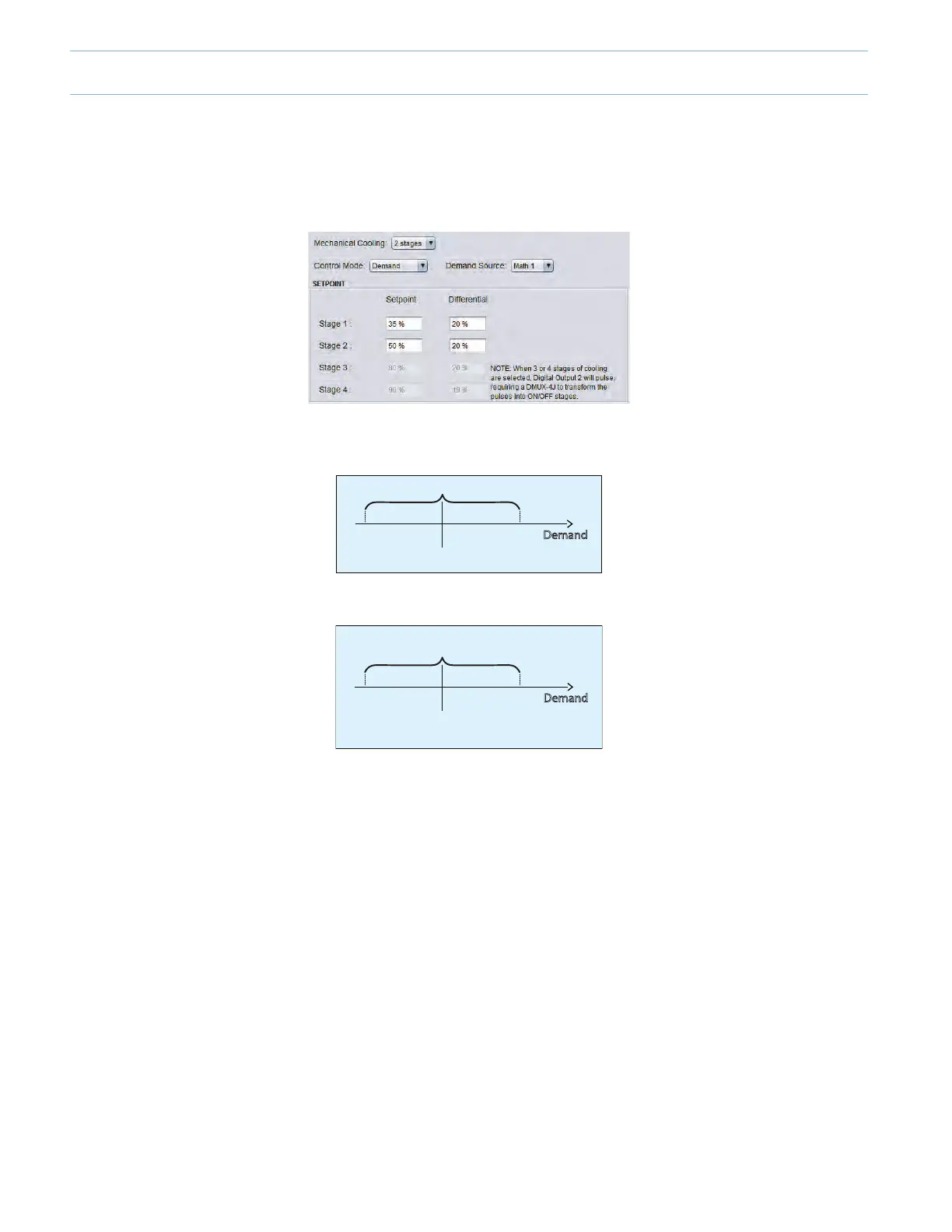
1.5.1 - Unit with Cooling Stages (On-O)
• Set the Control Mode to “Demand”.
• Select how many cooling stages in the “Mechanical Cooling” dropdown list (up to 4x stages).
OFF ON
Setpoint
Dierential
Demand
OFF ON
Setpoint
25% 45%
35%
20%
Dierential
Demand
• Thesetpointanddierentialvaluesdeterminewhenthecoolingstageturnson,andwhenitturnso.Thedierentialis
centered on the setpoint.
• LookingatStage1,withasetpointof35%andadierentialof20%.
• Stage 1 will be activated once the demand (source: Math 1) reaches the following point:
Stage 1 On = Setpoint + 1/2 (Dierential)
Stage 1 On = 35% + 1/2 (20%) = 45%
• When Stage 1 is activated, the unit will supply cool air to the zones.
• All VAV zones with a cooling demand will open their dampers. All zones with a heating demand will close their dampers to
their minimal positions (unless duct heater reheat has been enabled).
• Asthezonesreceivecoolair,theirindividualcoolingdemandswilldecrease,thusdirectlyaectingMath1.Asaresult,
Math 1 will decrease.
• Stage 1 will be deactivated once the demand (source: Math 1) reaches the following point:
Stage 1 O = Setpoint - 1/2 (Dierential)
Stage 1 O = 35% - 1/2 (20%) = 25%
• Congureadditionalcoolingstagesasneededusingthesameguidelines.
9-6



 To Next Page