MVI56E-GSC/GSCXT ♦ CompactLogix or MicroLogix Platform Start Here
Enhanced Generic ASCII Serial Communication Module User Manual
ProSoft Technology, Inc. Page 21 of 140
April 24, 2017
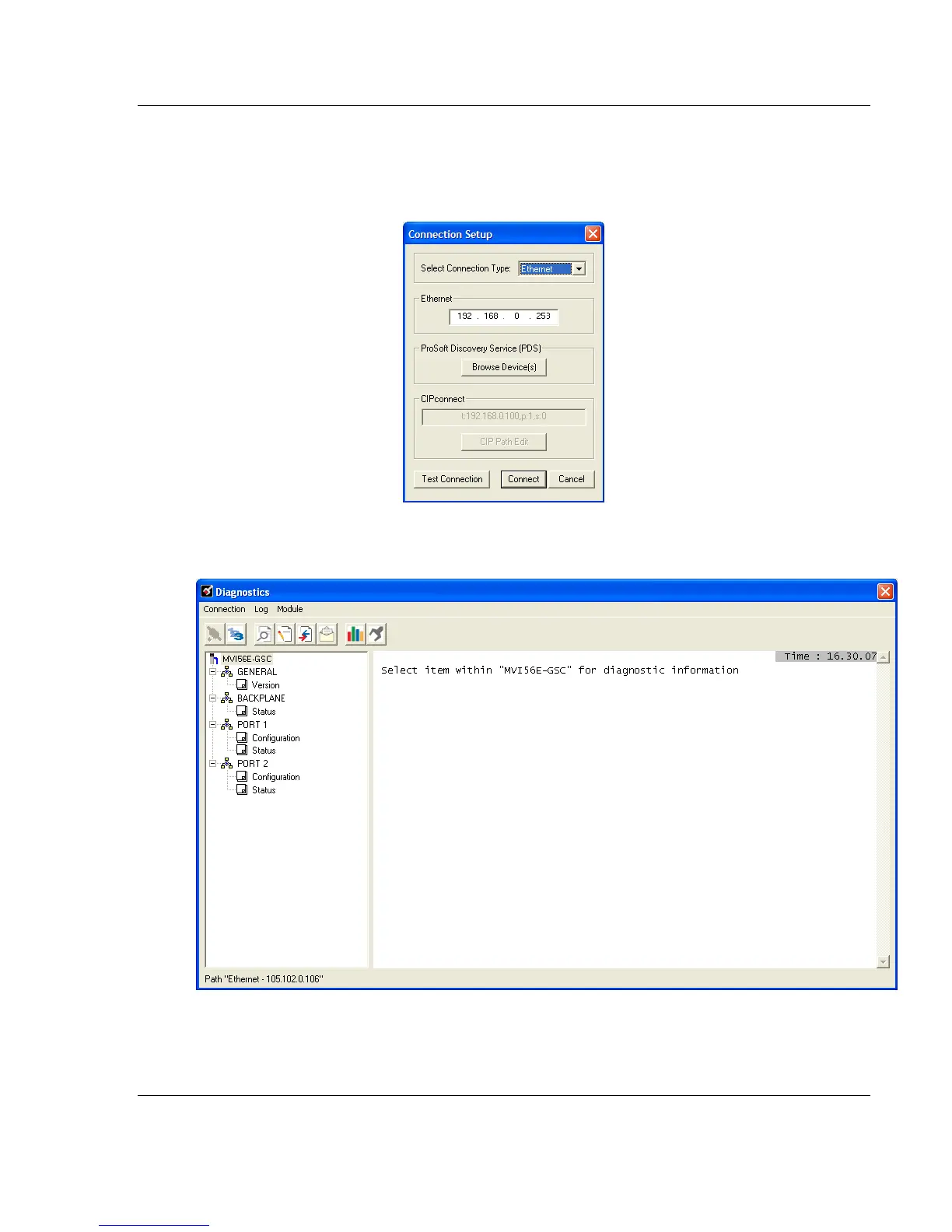
6 Close the ProSoft Discovery Service window. Enter the temporary IP in the
Ethernet address field of the Connection Setup dialog box, then click the
TEST CONNECTION button to verify that the module is accessible with the
current settings.
7 If the Test Connection is successful, click CONNECT. The Diagnostics menu
displays in the Diagnostics window.



 To Next Page