MVI56E-GSC/GSCXT ♦ CompactLogix or MicroLogix Platform Start Here
Enhanced Generic ASCII Serial Communication Module User Manual
ProSoft Technology, Inc. Page 27 of 140
April 24, 2017
If the MVI56E-GSC module is located in the same rack as the first 1756-
ENBT module, select RACK NO. 1 and configure the associated parameters.
If the MVI56E-GSC is available in a remote rack (accessible through
ControlNet or Ethernet/IP), include all racks (by using the ADD RACK button).
Source module type. This field is automatically selected
depending on the destination module of the last rack (1756-
CNB or 1756-ENBT).
IP address of the source module (only applicable for 1756-
ENBT)
Source Module Node Address
Node address of the source module (only applicable for 1756-
CNB)
Select the destination module associated to the source module
in the rack. The connection between the source and destination
modules is performed through the backplane.
Destination Module Slot Number
The slot number where the destination MVI56E module is
located.
To use the CIPconnect Path Editor, follow these steps.
1 Configure the path between the 1756-ENBT connected to your PC and the
MVI56E-GSC module.
o If the module is located in a remote rack, add more racks to configure the
full path.
o The path can only contain ControlNet or Ethernet/IP networks.
o The maximum number of supported racks is six.
2 Click CONSTRUCT CIP PATH to build the path in text format
3 Click OK to confirm the configured path.
The following examples should provide a better understanding on how to set up
the path for your network.
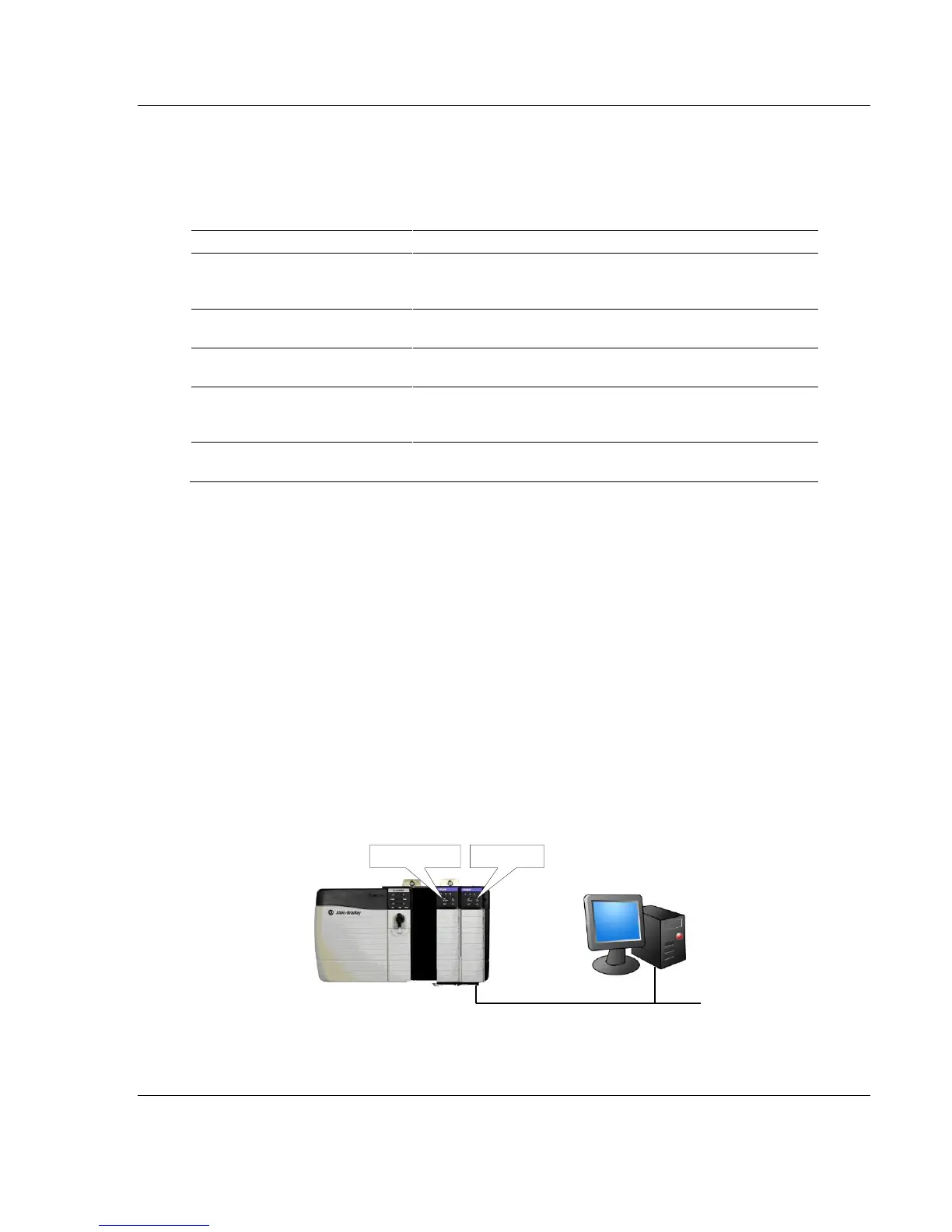
Example 1: Local Rack Application
For this example the MVI56E-GSC module is located in the same rack as the
1756-ENBT that is connected to the PC.
Ethernet
Rack 1
MVI56E Module 1756-ENBT
0 1 2
3



 To Next Page