VIBTOOL 02.2009
12
Operation
Display
VIBTOOL displays measurement results and status infor-
mation on the LCD display. Typical measurement screens
and the explanation of the individual screen symbols are
given in the respective measurement section.
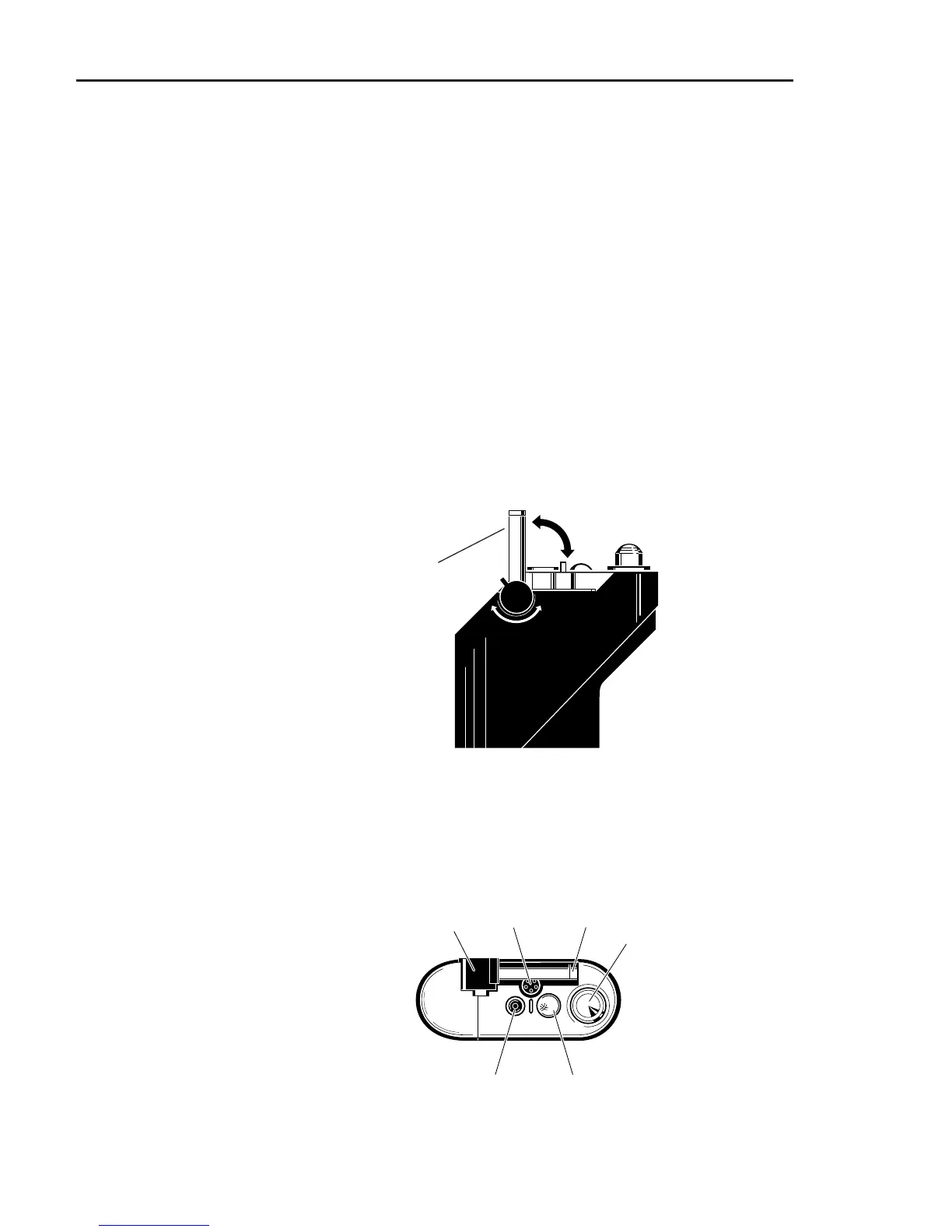
Temperature probe
VIBTOOL sensors and connections
Rear view
A rear view of VIBTOOL is shown below. Here, it is possible
to extend and retract the temperature probe as indicated by
the arrows.
Top view
Temperature probe
Input for:
external hand probe or
permanently installed transducers
Optical RPM sensor
Vibration and
bearing sensor
Charging socket /
Serial port
Input for external
temperature probe
(remove built in
temperature probe)



 To Next Page