VIBTOOL 02.2009
17
‘Preset measurements’ operating mode
VIBTOOL contains the following preset measurement tasks
that can be carried out at any time:
• Vibration velocity - 10Hz to 1kHz
• Vibration velocity - 2Hz to 1kHz
• Shock pulse measurement - 36kHz bandpass
(bearing condition evaluation)
• Vibration acceleration - 0.5kHz to 10kHz
• Vibration acceleration - 1kHz to 10kHz
• Cavitation measurement - 36kHz bandpass
• RPM
• Temperature
The measurement results are displayed until the next
measurement is started. It is not possible to store the
results on or to transfer them to a PC.
Measurement selection
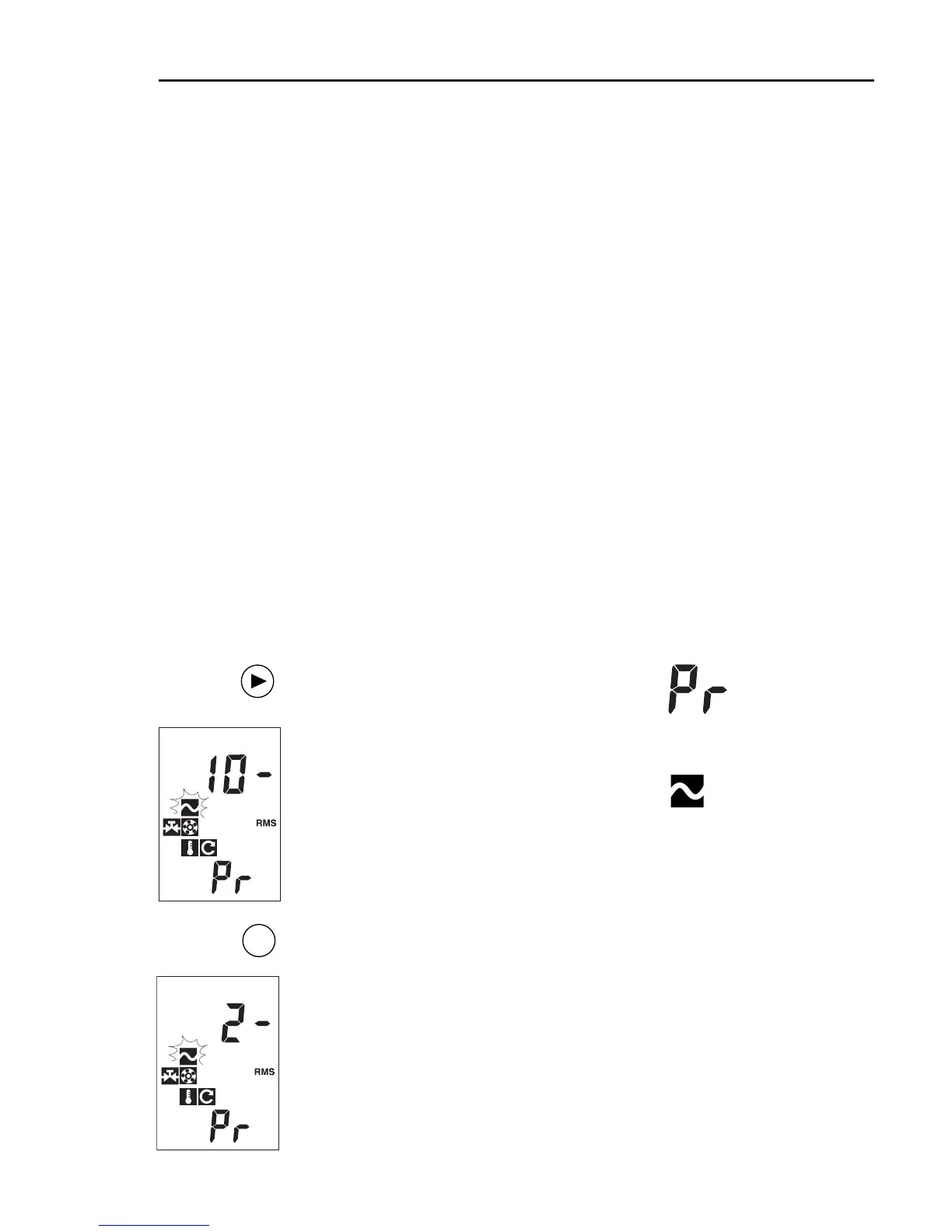
1. Vibration velocity
Switch on VIBTOOL and press NEXT until
‘Pr’ appears in the lower display field.
Vibration velocity 10Hz to 1kHz is select-
ed:
The corresponding symbol flashes and
the lower frequency (10-) appears on the
display.
To change the lower frequency, press
ENTER:
Vibration velocity 2Hz to 1kHz is now
selected: 2- (Hz).
ENT
Operation



 To Next Page