VIBTOOL 02.2009
16
))
))
)
Note
))
))
)
Note
VIBTOOL carries out several individual measurements
which are then averaged to produce a final result. VIB-
TOOL automatically sends the final result to the PDA.
To extend the measurement recording period, keep the
M key pressed. VIBTOOL starts the individual measure-
ment when the M key is released.
The measurement result is shown on the display until the
next measurement task is received.
If an external sensor is connected to VIBTOOL, this
sensor must also be used to carry out the measure-
ment! In this case, the integrated sensors are not used
for measurement.
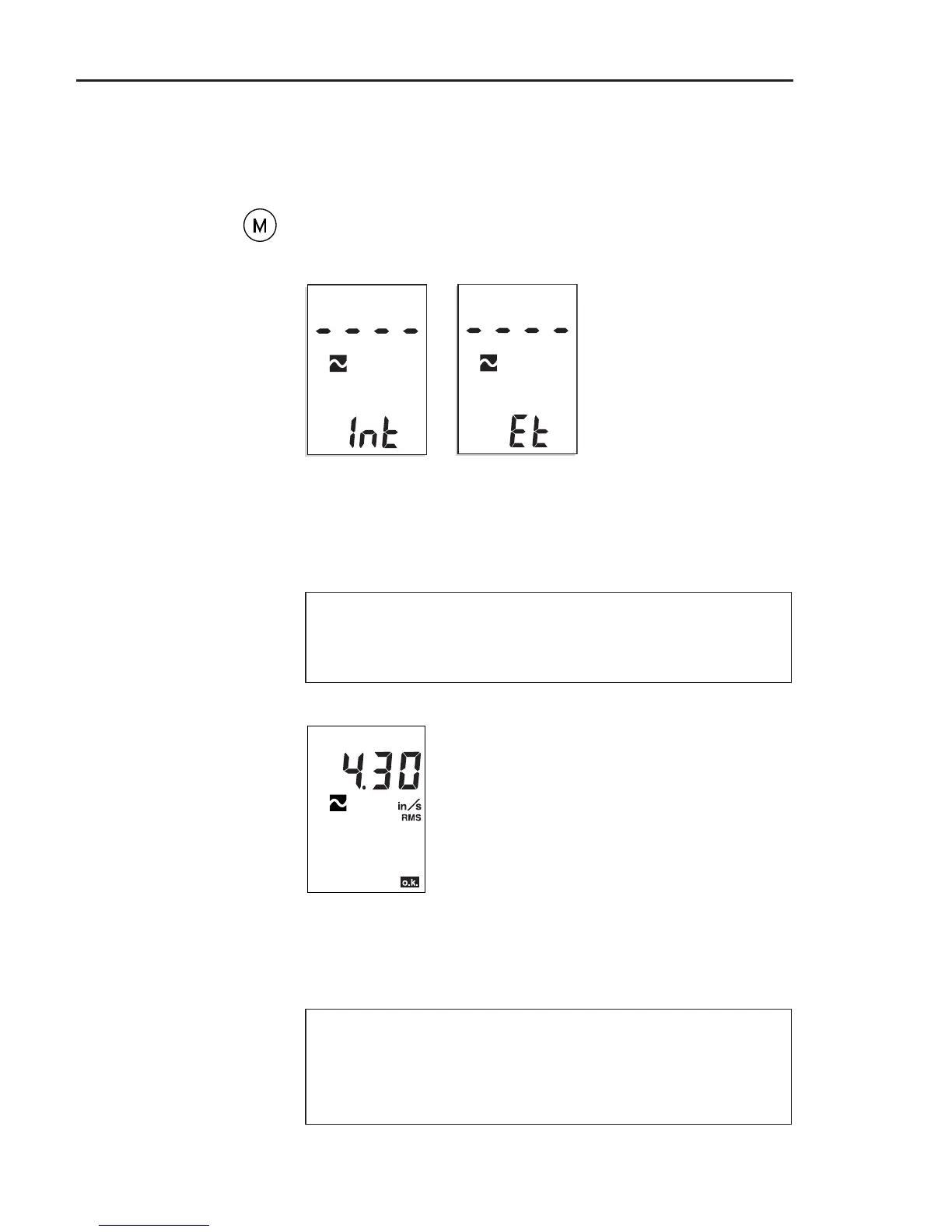
Measurement result
Operation
Int and Et indicate whether an
internal or external sensor is
being used. If they disappear
then reappear, this indicates
that the measurement is
unstable - remeasure!
• Hold the sensor against the measurement location.
Make sure that the direction of measurement and the
contact pressure are correct.
• Press the M (Measure) key to start the measurement:



 To Next Page