VIBTOOL 02.2009
22
Operation
Turn off time (Device setup)
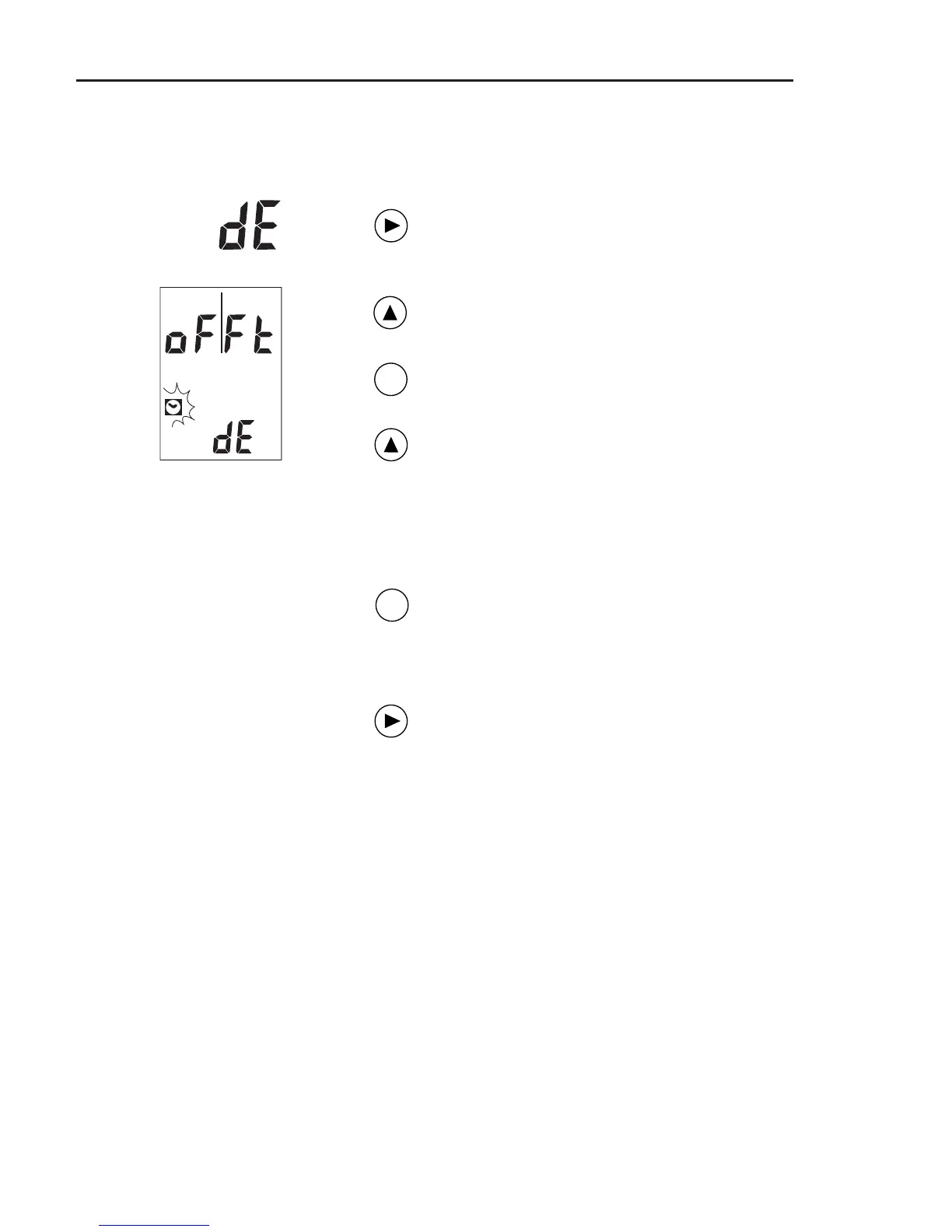
To change the turn off time, proceed as follows:
Switch on VIBTOOL and press NEXT until
‘dE’ appears in the lower display field
(see previous pages).
Press the UP key until ‘oFFt’ appears and
the clock icon flashes in the display.
Press the ENTER key to enter the edit
mode.
Press the UP key repeatedly to select the
turn off time one after the other:
10.°° (minutes)
30.°° (minutes)
45.°° (minutes)
60.°° (minutes)
Press ENTER to save the settings and to
leve the edit mode.
To leave the Device Setup again, press
the NEXT key. The ‘Bluetooth’ operating
mode is activated.
ENT
ENT



 To Next Page