If this advice is not followed and there is a plastic debris on the print nozzle, then the debris
may touch the print bed or even push the print bed away from the PINDA probe, so the
PINDA probe will not trigger properly and the calibration will fail.
6.3.7 Mesh bed leveling
Mesh bed leveling can be found in the Calibration menu. It is the same procedure which is
performed before every print. It’s also the same procedure that happens in the second round
of XYZ calibration.
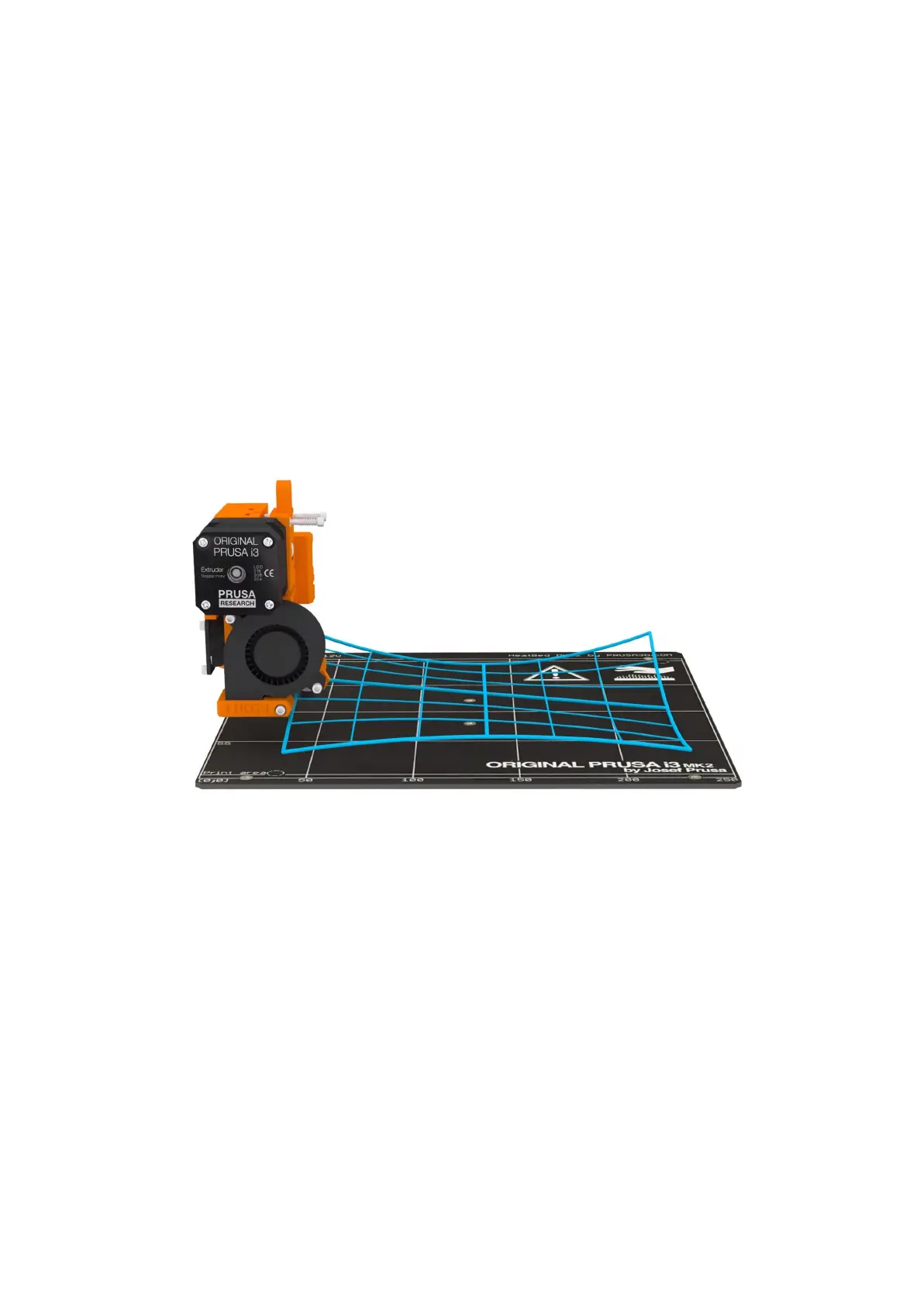
The PINDA probes 9 points in a grid manner on the sheet plate (whether it’s powder coated
or smooth PEI doesn’t matter) and measures the distance to the sheet. These points are
interpolated and used to create a virtual mesh of the bed. During printing, if the bed is
slightly warped, the probe will still precisely follow the surface according to its measured
mesh. The deviation limit for the compensation is +-50μm (or 0.05 mm).
Pict. 8 - Visualisation of mesh bed leveling
6.3.8 Loading the filament into the extruder
To load filament, simply insert it into the extruder. Make sure that the filament tip is nice and
pointy. Printer will prompt you to select the inserted filament material, preheat the nozzle and
finish the loading with a small extrusion. Alternatively, if the printer was preheated already,
everything is fully automatic.
Filament can be loaded from the LCD menu, for example, even if the filament sensor is
disabled in the settings.
● Press the LCD-knob to enter the main menu on the LCD. Rotate the button to choose
Preheat option and confirm by pressing the LCD-knob. Next you choose the material
you will print from. Choose a material; then confirm with the LCD-knob. The nozzle
and heatbed will heat to the requested temperature.
21


 To Next Page
 Loading...



