Pict.
36
-
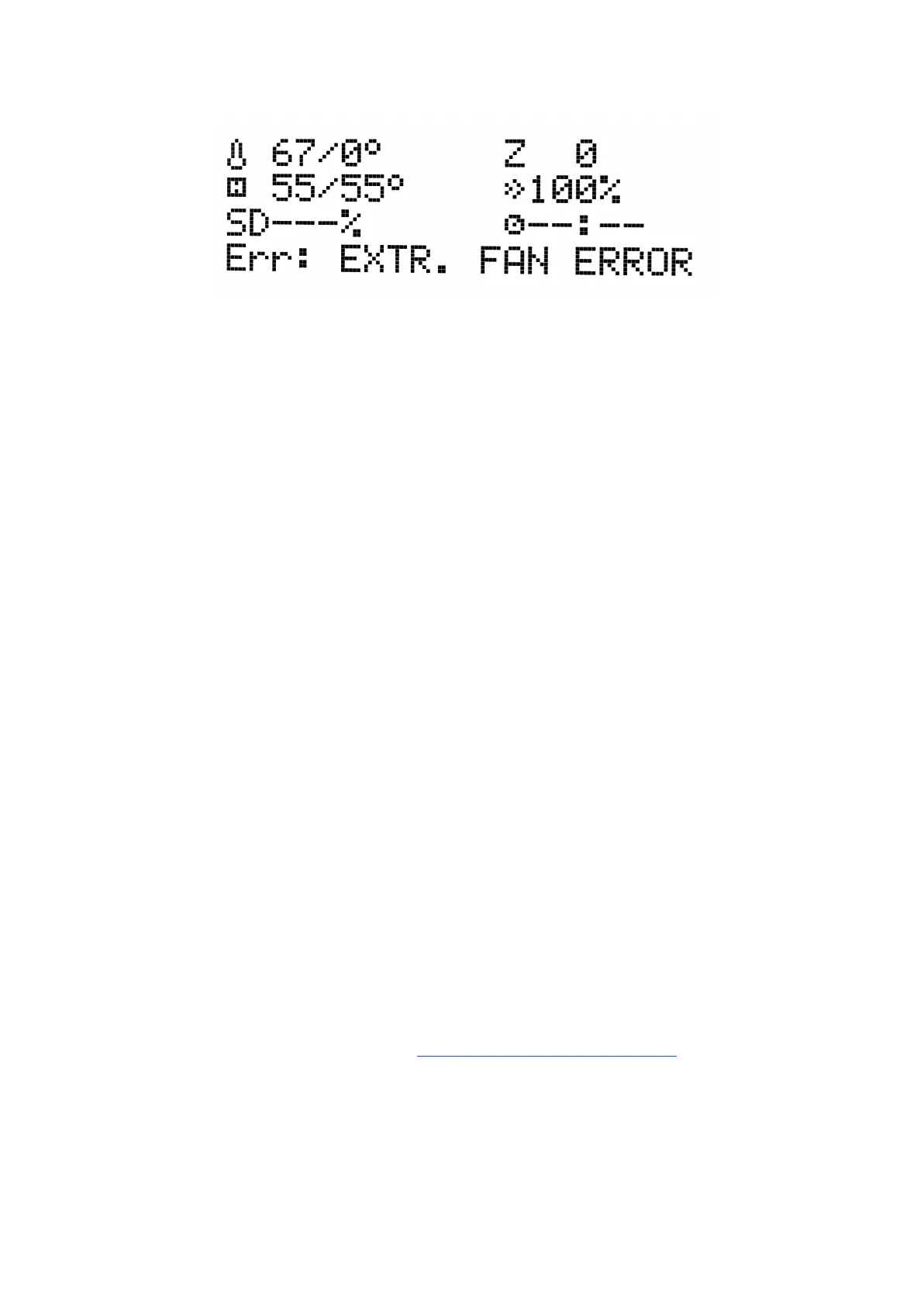
Fan
error
The nozzle cooling fan is made by Noctua. These premium fans are known for their superb
quietness and exceptional performance.
You can turn off the monitoring in LCD menu under Settings -> Check fans for example if
you replaced one of the fans with a replacement not supporting RPM sensing.
12.1.3 Extruder drive gear
The hobbed drive gear on the extruder motor shaft can have build-up of filament shavings in
the grooves and cause under-extrusion. A small brass brush is an ideal tool to clean the
grooves, but a regular toothpick will do the job as well. Check and clean from the access
window on both sides of the extruder assembly. Clean what you can, then rotate the gear
and repeat. Nothing needs to be disassembled. Clean when you see signs of missing plastic
in the objects, e.g. missing lines of extrusion.
12.1.4 Electronics
It is good practice to check and eventually reconnect the electrical connectors on the mini
RAMBo board. Do so after first 50 hours of printing and then every 150-200 hours.
12.1.5 PEI rejuvenation
PEI can lose its adhesive powers after a couple hundred hours. Wipe it thoroughly with
acetone when you see models getting loose to restore the adhesion.
12.2 Print surface preparation
Print surface preparation is described in 6.3.2 PEI print surface preparation chapter.
12.3 Filament sensor
The optical filament sensor detects the presence of filament and also it’s movement.
60



 To Next Page