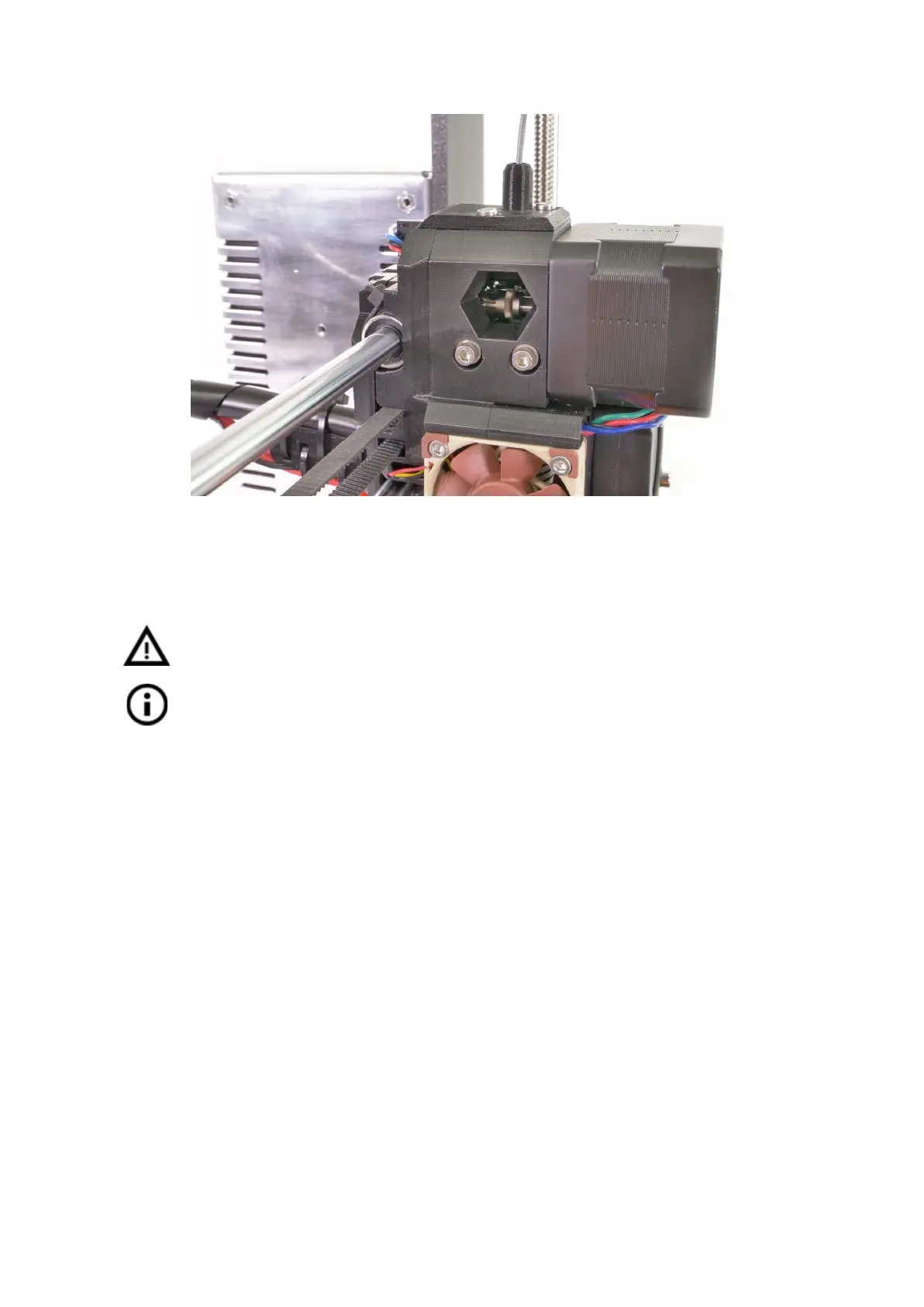
Pict.
39
-
Cleaning
the
extruder
-
you
can
see
the
hobbed
pulley
through
the
service
hole
12.5 Nozzle cleaning
Do not touch the nozzle during these procedures as it is preheated and you may
burn yourself!
To make cleaning easier, move the extruder head up. On the LCD menu go to
Settings -> Move axis -> Move Z axis. As you will be operating with the hotend.
Use
a
wire
brush
to
clean
the
nozzle
from
the
outside.
Heat
the
nozzle
before
you
do
so.
Filament is pouring out a little
If the filament doesn’t go through the extruder smoothly and only a small volume is coming
out, first check if the extruder fan is working properly and that the temperature is set correctly
(PLA 210 °C; ABS 255 °C, HIPS 220 °C, PET 240 °C). Also check that the filament was
correctly loaded into the extruder.
If that is not the case. Follow the instructions below:
1. Heat the nozzle according to the filament you want to print from. Load the filament
and push a bundled acupuncture needle (0,3-0,35 mm) into the nozzle from below
- between 1 and 2 cm deep.
2. Choose Load filament option from the LCD menu and check if filament is extruded
properly.
3. Push the acupuncture needle into the nozzle again and repeat these steps a few
times more. When the filament is extruded properly, the nozzle is clear.
None of the filament is going through the nozzle
If none of the filament is going through, then most likely, your hotend got clogged. In order to
fully clear it, please follow these instructions:
63



 To Next Page