If you experience random glitches after a firmware update, or after a printer upgrade, use the
All data option.
7.2.7 SD card sorting
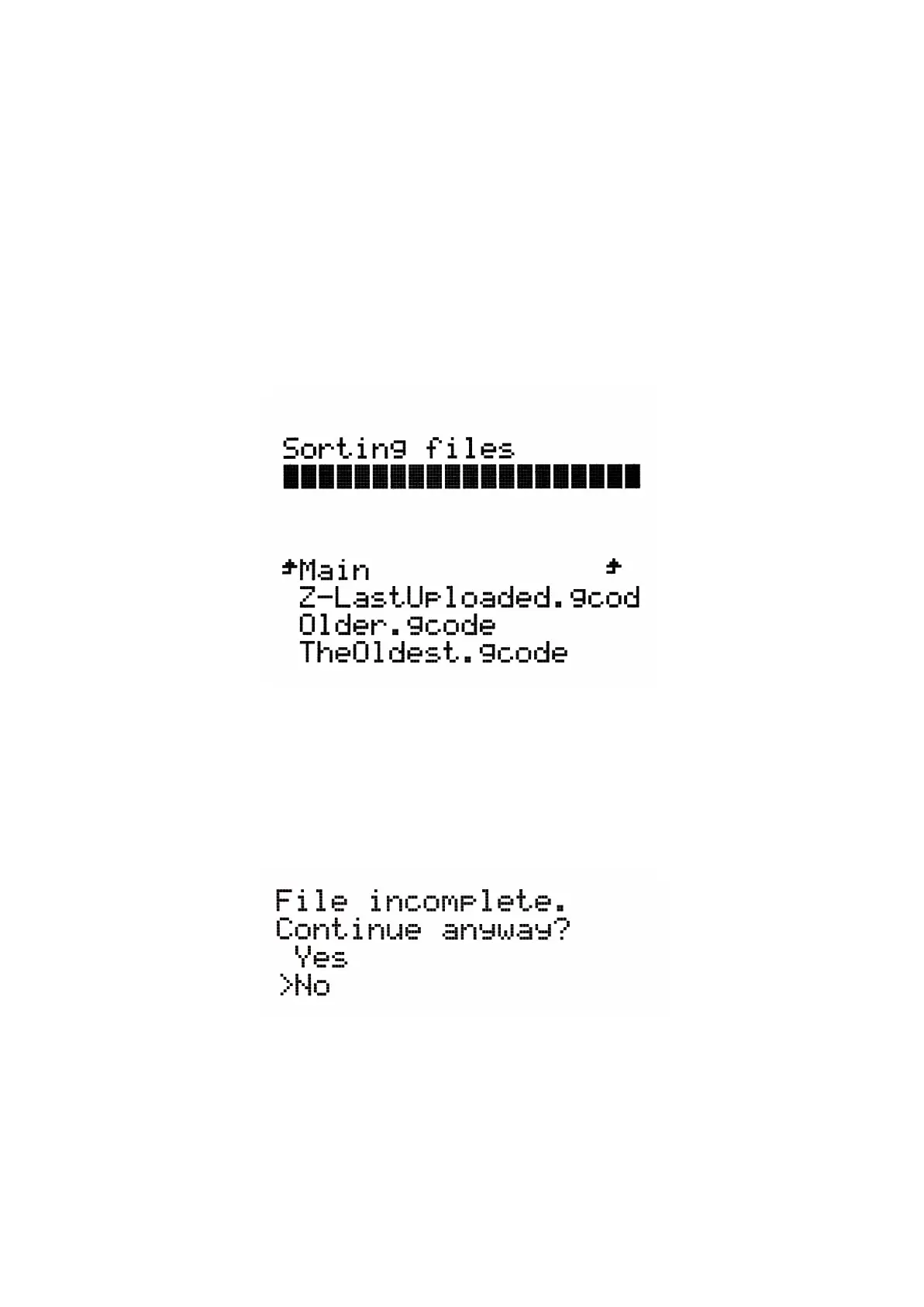
The display of the files on the SD card can be sorted; you can change the sorting type in
Settings -> Sort: [Type] you can select to sort by name, by date or no sorting. The best is
by time where the newest files are on the top.
Folders are shown on the top of the SD card menu and then other files follow.
The maximum number of files which can be displayed is 100. If there are more than 100 files
on the SD card, only the first 100 will be displayed.
Pict.
18
-
SD
card
sorting
7.2.8 Testing if file (.gcode) is complete
The printer automatically looks for common g-codes which indicate the end of the generated
file. If they are not detected, you will get a warning. You can still continue printing if you wish,
but you should probably examine the file.
Pict.
19
-
Incomplete
file
warning
30



 To Next Page