12 FAQ - Printer maintenance and print issues
12.1 Regular maintenance
12.1.1 Bearings
Every couple hundred hours, the smooth rods should be cleaned with a paper towel. Then
apply a little bit of general purpose machine oil on the smooth rods and move the axis back
and forth a couple of times. This cleans the dirt and increases longevity.
If you feel the axis is not running smoothly anymore, bearings can be taken out and greased
on the inside (they need to be removed from axis because the plastic lip will prevent the
grease from getting inside). Super-lube, or any other multi purpose grease, will do.
12.1.2 Fans
Both fans should be checked and cleaned every couple hundred hours; dust or plastic
build-up can decrease their efficiency or even damage them. Computer cleaner spray will
get the dust away and tweezers can be used for little plastic strands.
Both extruder and part cooling fans measure current RPM (Revolutions Per Minute).
Because of that, they can detect any problem that will cause the fan to slow down, like a
piece of filament getting stuck in it. If you get a fan error, check that it can rotate freely; clear
any debris that may be stuck in it.
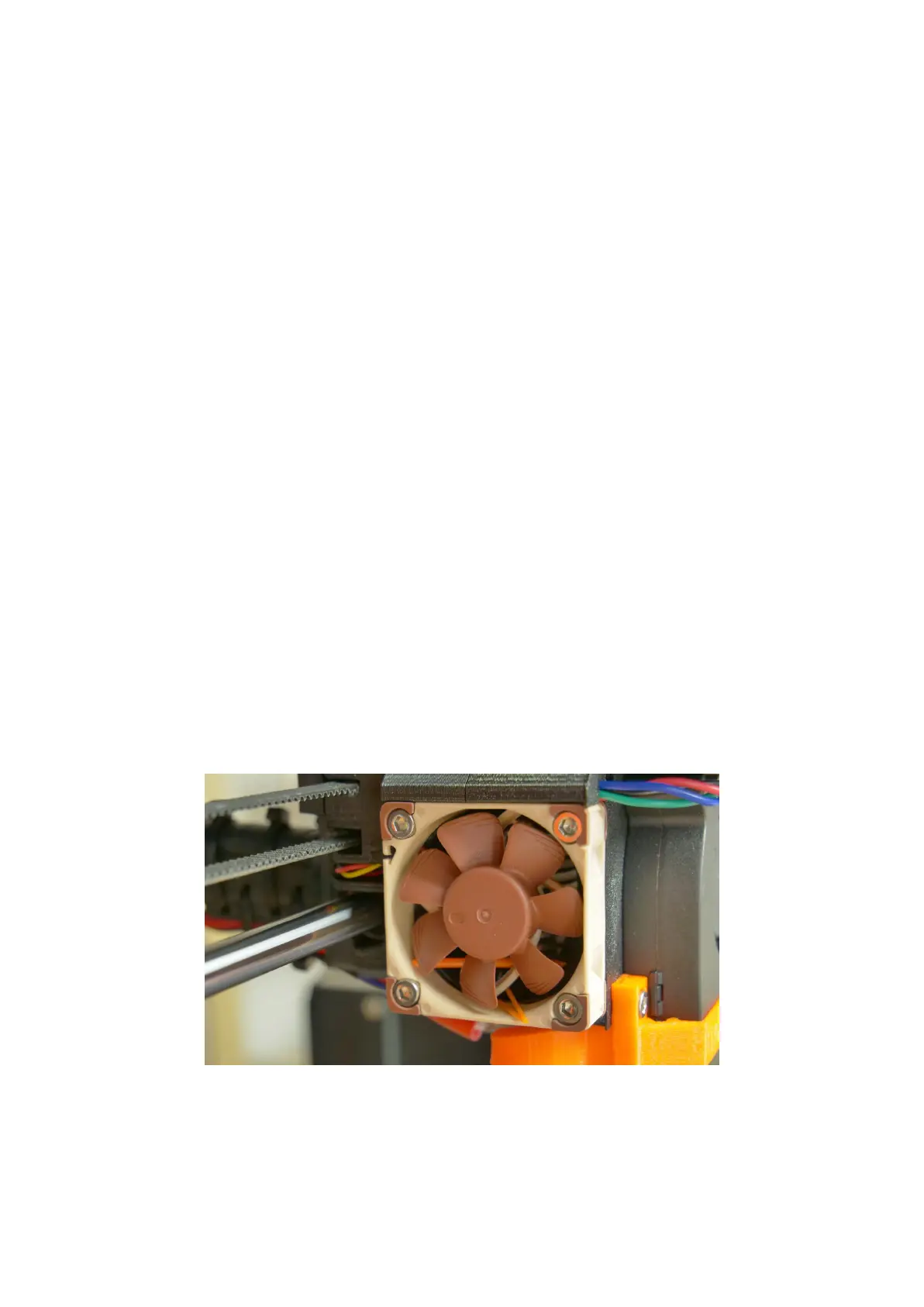
Pict.
35
-
Nozzle
cooling
fan
from
Noctua
59



 To Next Page