10.2 In what program can you create your own models?
To create a 3D model yourself, you need a dedicated program. The easiest way to quickly
create a model is TinkerCad (www.tinkercad.com) - an online editor (no installation needed)
- you create your 3D model directly in the browser window. It is free, is easy to operate and
you will find even basic video tutorials, so after a few minutes nothing prevents you from
creating your first 3D object.
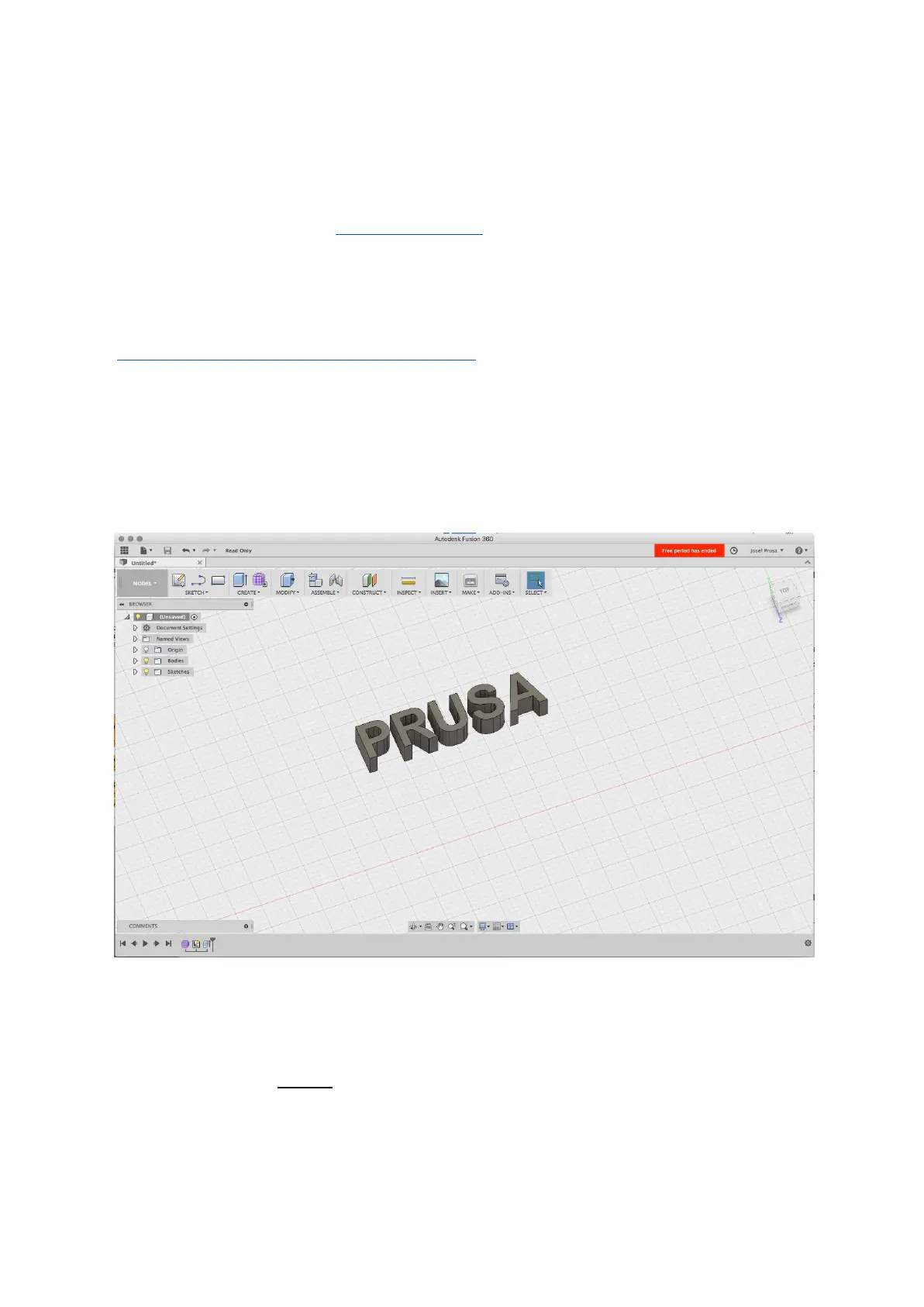
Another popular tool for creating models is Fusion 360
(https://www.autodesk.com/products/fusion-360/) for PC, Mac and iPad. The website
provides a quick guide along with detailed video tutorials so it’s a very good choice for
novice enthusiasts
.
There is a great deal of 3D programs - free or paid - your choice depends more on your
personal taste and preferences. The following is a list of other programs used for making 3D
models: OpenScad, DesignSpark Mechanical, Fusion 360°, Blender, Maya, 3DS Max,
Autocad and many more…
Pict.
25
-
Fusion
360
10.3 PrusaControl
A 3D printer can print almost anything. Whether you’ve downloaded 3D models from the
Internet or created your own models, you will need to convert the .obj or .stl format into a
.gcode file. Gcode is a file format readable by a 3D printer. The file contains information for
nozzle movement and the amount of filament to extrude. The right tool for this task - and for
many more - is the PrusaControl program.
42



 To Next Page