Chapter 4: Configuration
Volume & Sounds Properties
Psion Omnii Hand-Held Computer User Manual
122
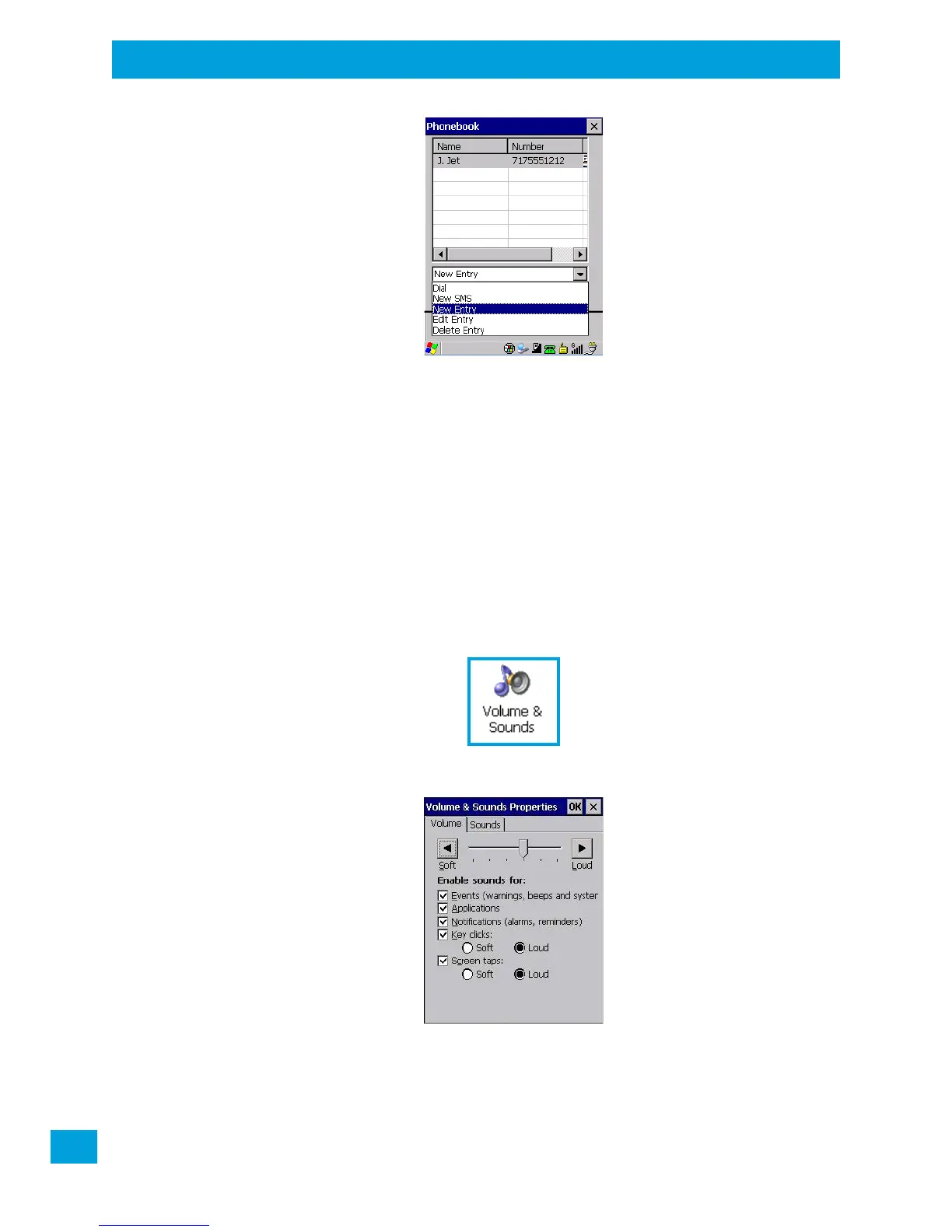
You can choose one of the following:
• New Entry to add another phone number,
• New SMS (Short Message Service) to send a new SMS,
• Edit Entry to change an existing name and/or phone number, or
• Delete Entry to erase an existing phone entry.
In the Phonebook:
• Highlight the entry with which you want to work.
• Choose a command from the drop-down menu, and tap on Execute to carry out the command.
4.31 Volume & Sounds Properties
The Omnii supports several audio options, including Bluetooth. The beeper is used for the standard sounds:
key clicks, screen taps, and scanning. The optional rear speaker can be used for system (Windows) sounds
and .wav files. When a rear speaker is absent, those sounds are routed to the front receiver.
•In the Control Panel, choose the Volume & Sounds icon.
4.31.1 Volume Adjustments
• Slide the volume button to the left to lower the volume or to the right to increase the volume.
• Under the heading Enable sounds for, enable the conditions under which you want the hand-held to
emit a sound.



 To Next Page