Chapter 4: Configuration
Device
Psion Omnii Hand-Held Computer User Manual
58
• Disconnect Audio disconnects the audio connection from the Bluetooth headset.
• Volume Control displays a dialog box where the headset and microphone volume can be adjusted.
4.4.2 Device
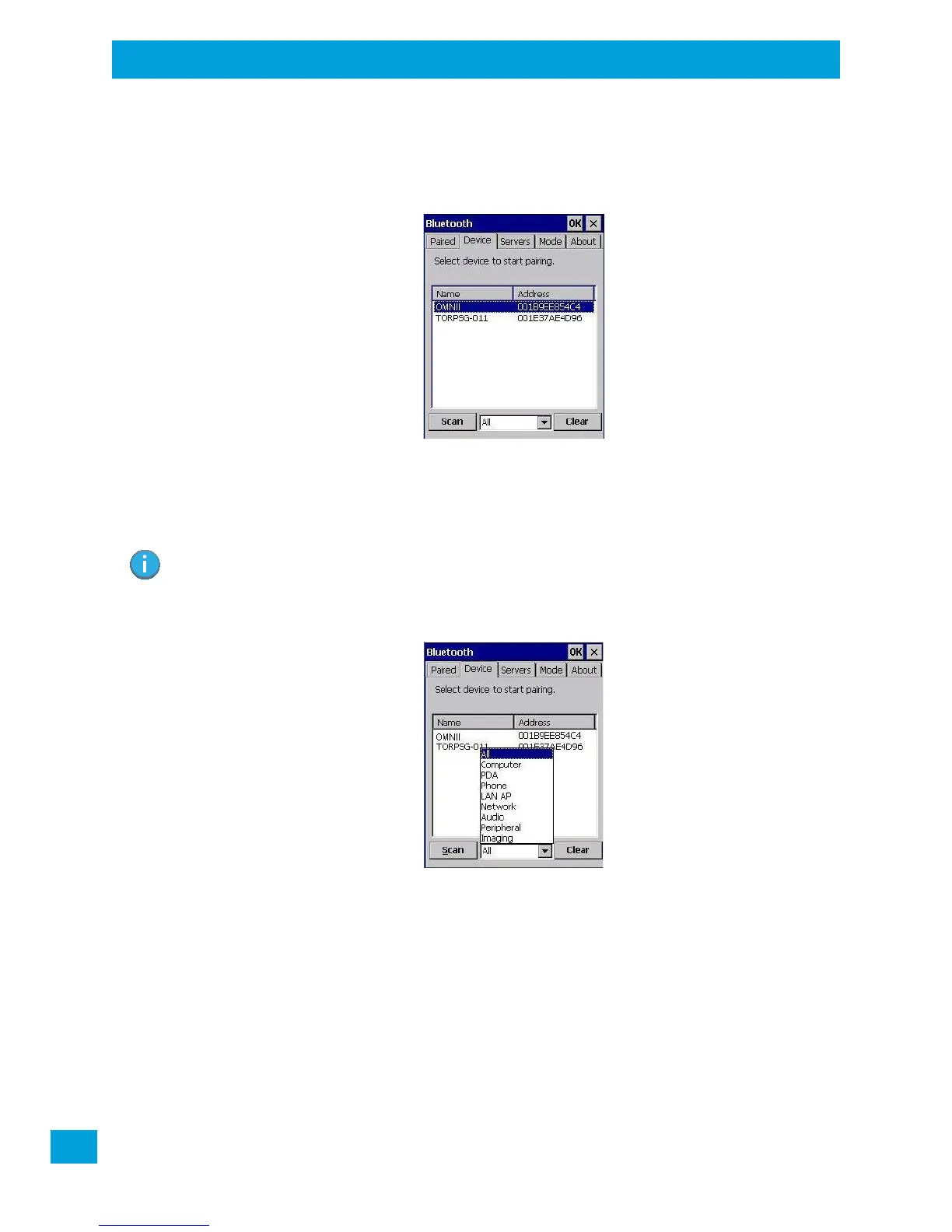
In this tab, users can discover and display Bluetooth devices.
4.4.2.1 Discovering and Removing Devices
Scan discovers Bluetooth devices in range of the Omnii and lists them in this tab. Any existing devices previ-
ously discovered and listed will also be displayed.
Clear removes all Bluetooth devices listed except those with currently paired and connected services.
4.4.2.2 Filtering By Class of Device (COD)
This menu allows you to filter the displayed devices by their COD. If, for example, you choose Computer
from this menu, only the devices that have the matching Computer COD value will be displayed. Choosing
All lists all detected devices.
Note: To limit the number of devices listed to a particular type of device, refer to “Filtering By Class
of Device (COD)”, next section.



 To Next Page