Appendix C: Scanner Settings
Barcode Settings
C-3
Psion Omnii Hand-Held Computer User Manual
C.1 Barcode Settings
The Scanners icon in the Control Panel provides dialog boxes in which you can tailor barcode scanner con-
figurations and choose the barcodes your scanner will recognize.
The parameters are preset with the default settings of the decoded scanner installed in the unit. For a
listing of available scanners and their specifications, please refer to Chapter E: “Omnii Specifications”.
C.1.1 Scanner Options
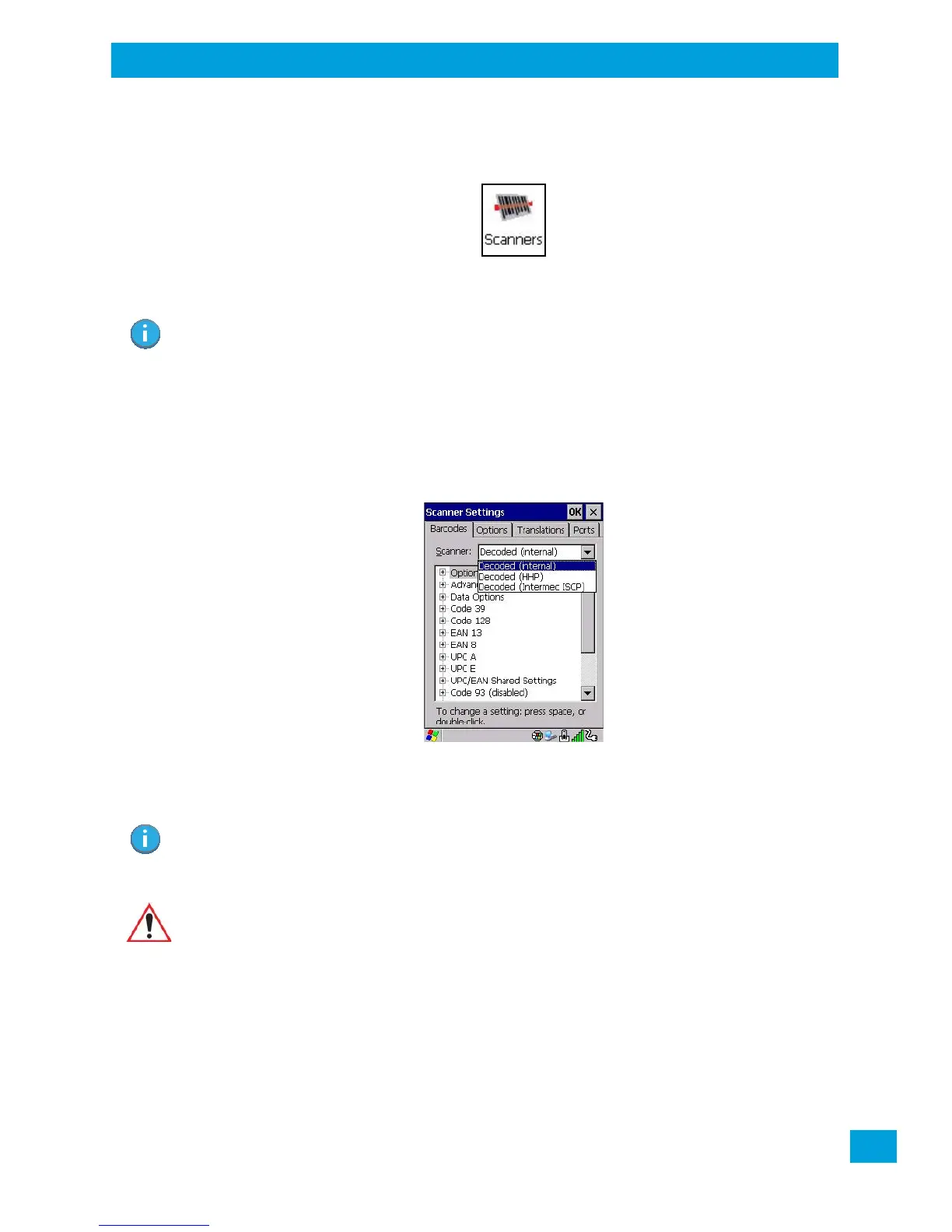
The drop-down menu to the right of the Scanner option allows you to choose configurations for one of the
following scanner types, depending on what is installed in/on your hand-held: Decoded (internal), Decoded
(HHP), Decoded (Intermec ISCP, and Non-decoded Scanners.
The symbologies listed change to reflect the scanner you choose and the barcodes it supports. Always
defer to your barcode scanner’s programming manual when in doubt about the availability or settings for
any parameter.
Keep in mind that some barcode types are only available when an internal imaging scanner is installed. All
internal scanners can be configured using these dialog boxes.
C.1.2 Restoring Default Settings
If you want to restore the factory defaults after making changes, the defaults can be applied to a selected
parameter, sub-tree of parameters, or all scanner parameters.
• Press and hold on a symbology (e.g., Code 128) to display a pop up a menu.
Important: To enable a newly-installed scanner, press and hold down the [FN] key and the
[Power] key simultaneously for a minimum of three seconds.
For information on configuring the Options, Translations, and Ports settings, see
“Scanners” on page 97.
Note: Your Omnii comes preconfigured from the factory for internal scanner types. The type of
scanner installed can be determined from the System icon in the Control Panel, under the
System Properties tab.
Important: To improve the decode speed and performance, enable (set to ‘on’) only those
codes that are required by the application.



 To Next Page