Chapter 3: Getting To Know Your Omnii
The PsionVU Desktop Shell
Psion Omnii Hand-Held Computer User Manual
42
3.8.2.2.5 Shutdown
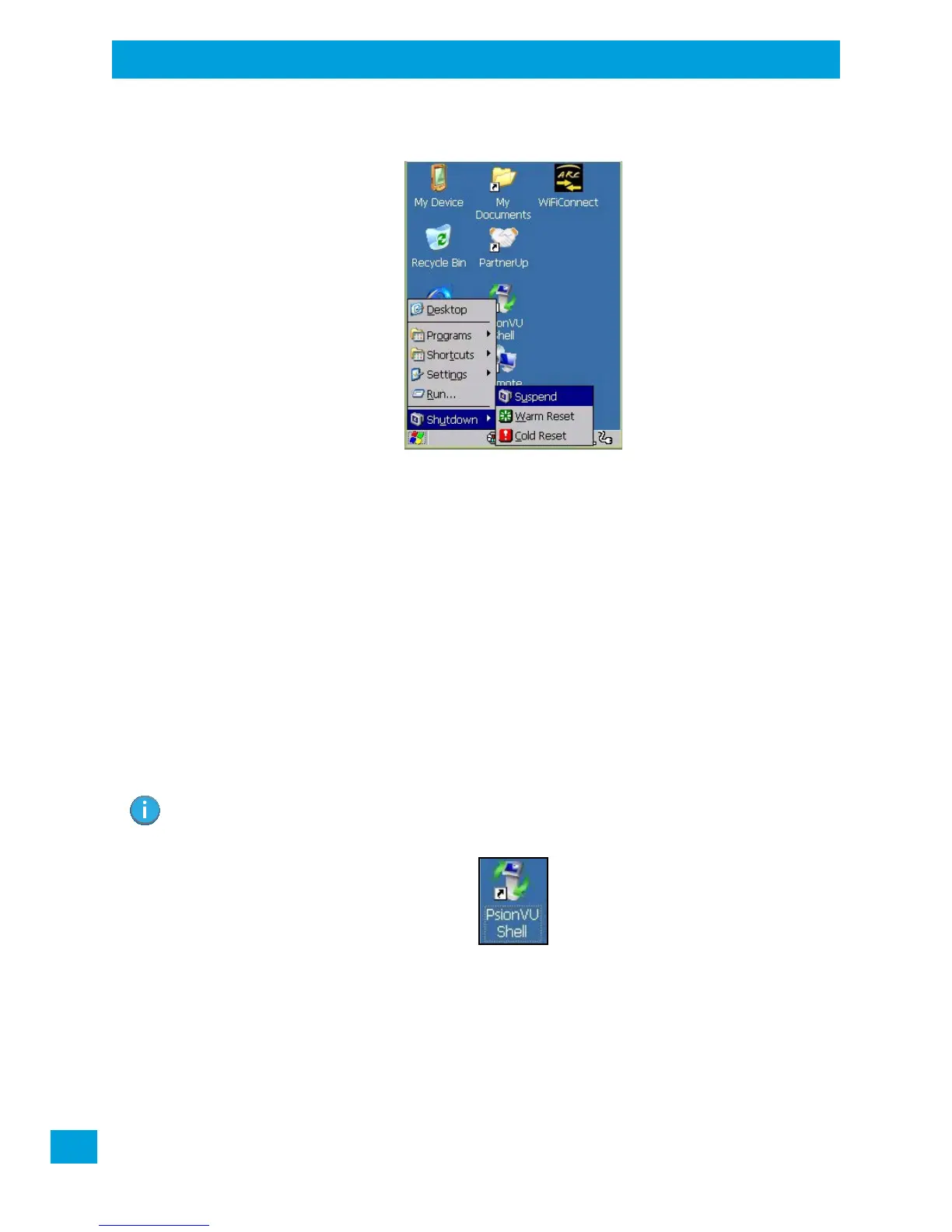
The Shutdown menu includes these options: Suspend, Warm Reset and Cold Reset.
Suspend
The Suspend option suspends the Omnii immediately. This is equivalent to turning the hand-held off.
Warm Reset
The Warm Reset option resets the hand-held, leaving all saved files and registry settings intact. Any
unsaved data is lost.
Cold Reset
The Cold Reset option resets the hand-held. Any files not stored in permanent memory are lost; however,
the registry settings are saved.
3.9 The PsionVU Desktop Shell
The appearance and actions of the desktop can be changed by tapping on the PsionVU Shell icon on your
desktop, which activates the PsionVU shell.
Note: The Omnii will be reset if you choose to switch shells.



 To Next Page