Chapter 4: Configuration
Info
75
Psion Omnii Hand-Held Computer User Manual
4.11.5 Info
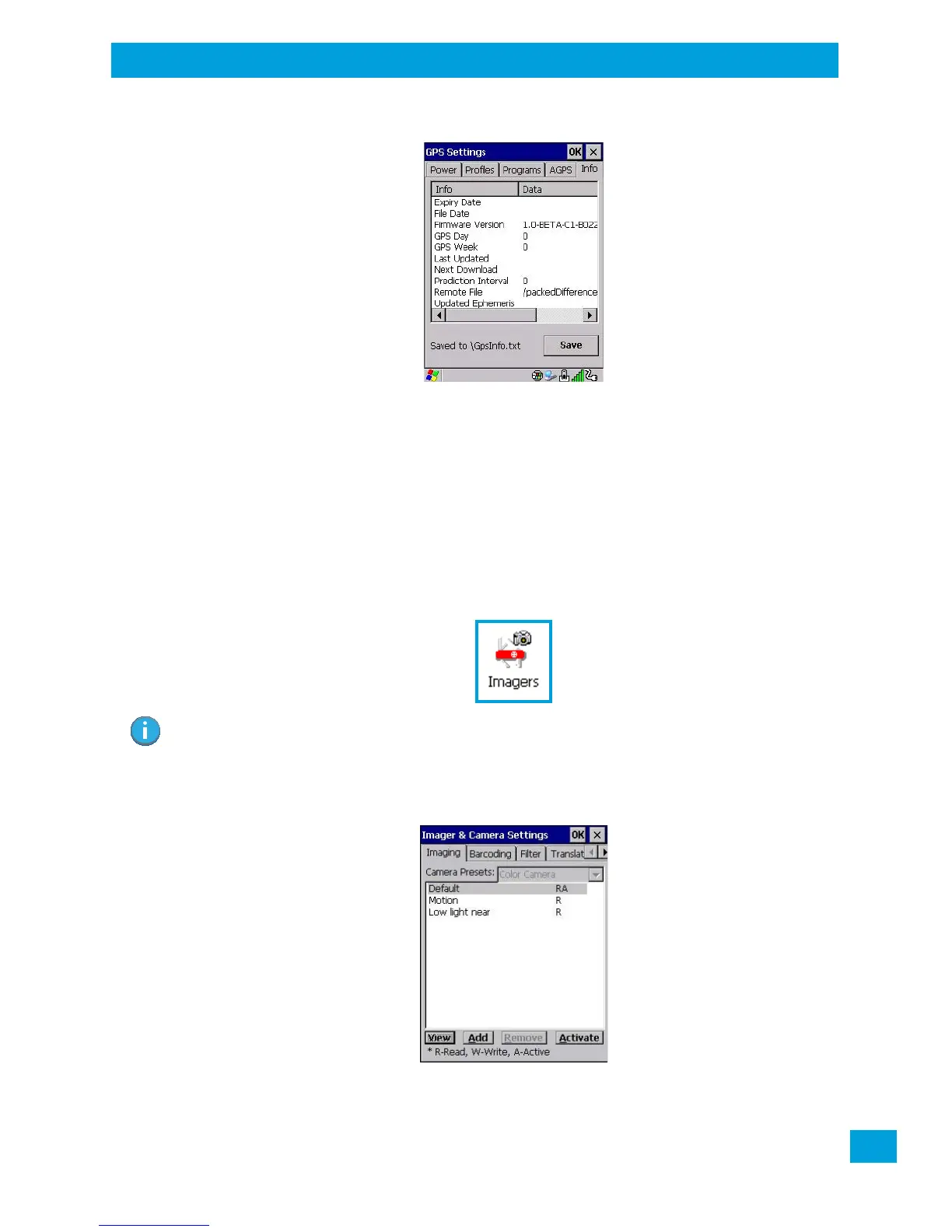
This tab provides general information about the GPS module such as the firmware version, the date on
which files were last updated, and so on. If GPS module support service is required, you may be asked to tap
on the Save button in this tab and forward the information to Psion support staff.
4.12 Imager & Camera Settings
The Imagers applet is used to create, modify, delete, and activate imager and camera settings. The principle
uses of the applet are to decode barcodes and to capture images. A Demonstration Application is provided
to demonstrate how the imager works. Refer to “Demo” on page 39 for details.
Refer to Appendix B: “Imager & Camera Settings” for configuration details.
To launch this applet:
•In the Control Panel, choose the Imagers icon.
Note: This icon is only displayed when the appropriate imager is installed in your Omnii. If there is
an imager installed but this icon is not present, additional software (ICS) may need to be
installed.
To enable a newly-installed imager, Press and hold down the [FN] key and the
[Enter/Power] key simultaneously for a minimum of three seconds.



 To Next Page