Chapter 4: Configuration
Configuring TCP/IP
129
Psion Omnii Hand-Held Computer User Manual
The Wireless Statistics screen is displayed.
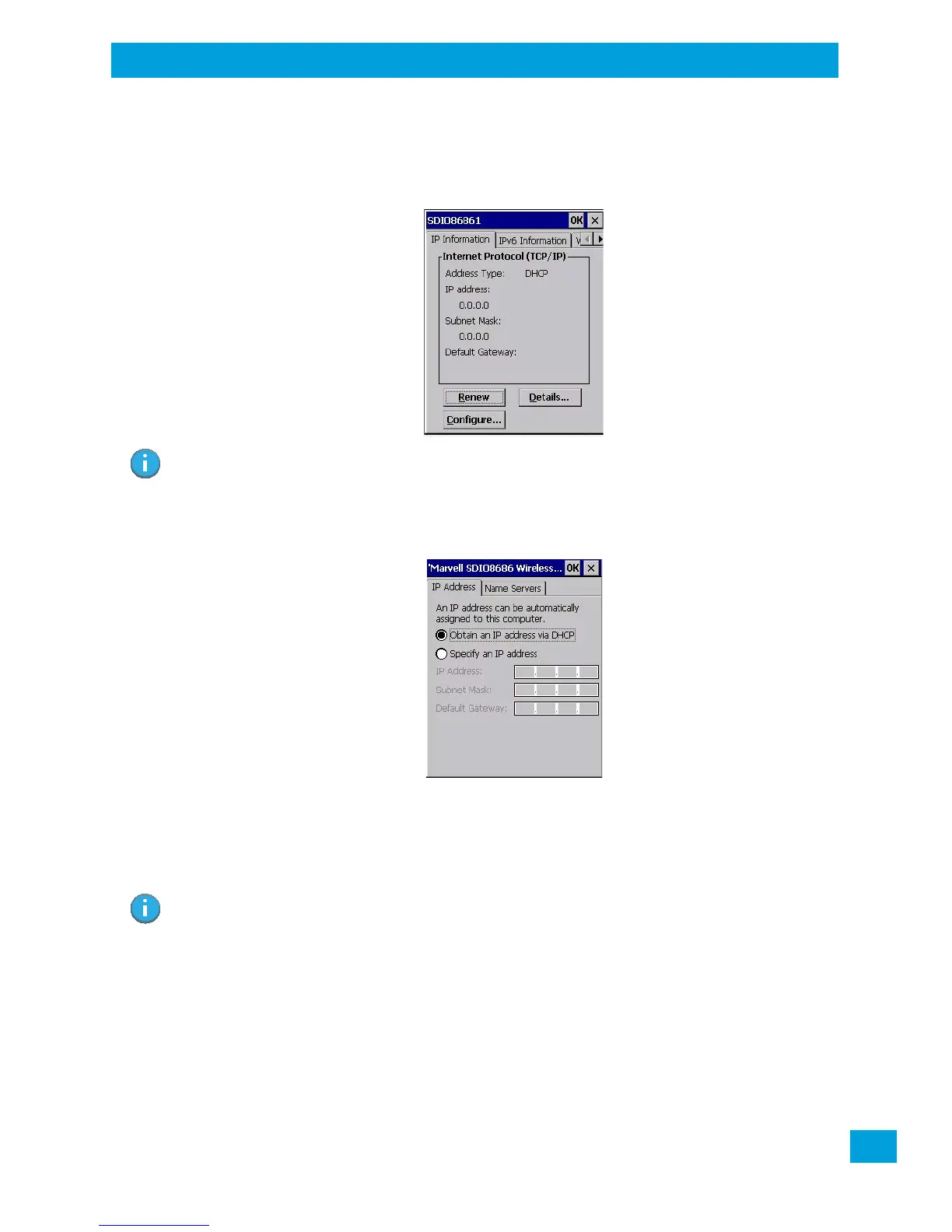
•Tap on the IP Information tab.
Figure 4.7 SDIO86861 IP Information
To define a static IP address:
•Tap on the Configure button.
• Tap on the radio button next to Specify an IP address to select it.
•Type an IP, Subnet Mask and Default Gateway address in the appropriate fields. Press [Enter] to save
your information.
4.32.3.2 Name Server
•In the SDIO86861 IP Information tab (see Figure 4.7), tap on the Configure button.
•Tap on the Name Servers tab.
Note: When DHCP is enabled, tapping the ‘Renew’ button forces the Omnii to renew or find a new IP
address. This is useful if, for example, you are out of communication range for a longer period
of time and your hand-held is dropped from the network.
Note: If DHCP is enabled, name server addresses are assigned automatically.



 To Next Page