Chapter 4: Configuration
Device
Psion Omnii Hand-Held Computer User Manual
60
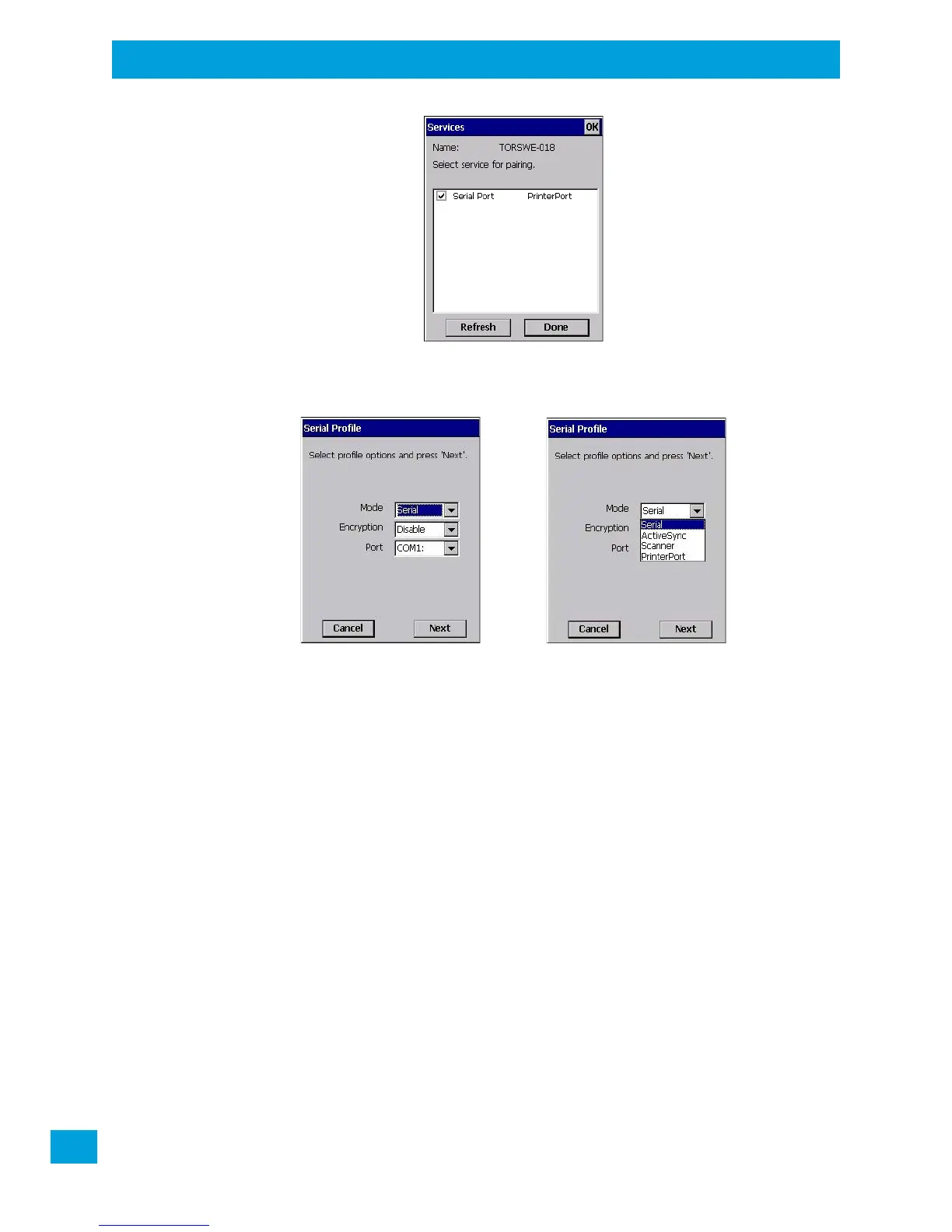
• Click in the check box to the left of the service to activate it.
• Click on Done.
Services that require more information present a configuration dialog box. Serial Profile is an example.
This dialog box offers a number of additional options such as enabling Encryption and selecting four differ-
ent Modes: Serial, ActiveSync, Scanner, and Printer Port.
Serial is used for simple serial port communication.
ActiveSync is for ActiveSync-over-Bluetooth.
Scanner is used to create a connection to a barcode scanner. A serial connection is created, then the
Scanner Services is notified of the connection so that the incoming barcode scan will be forwarded to
Scanner Services directly.
Printer Port must be chosen here if you want to communicate with a paired Bluetooth printer. For further
details, see “Mode” on page 61.
• Once you’ve completed the information, tap on Next and then in the Services screen, click on Done.



 To Next Page