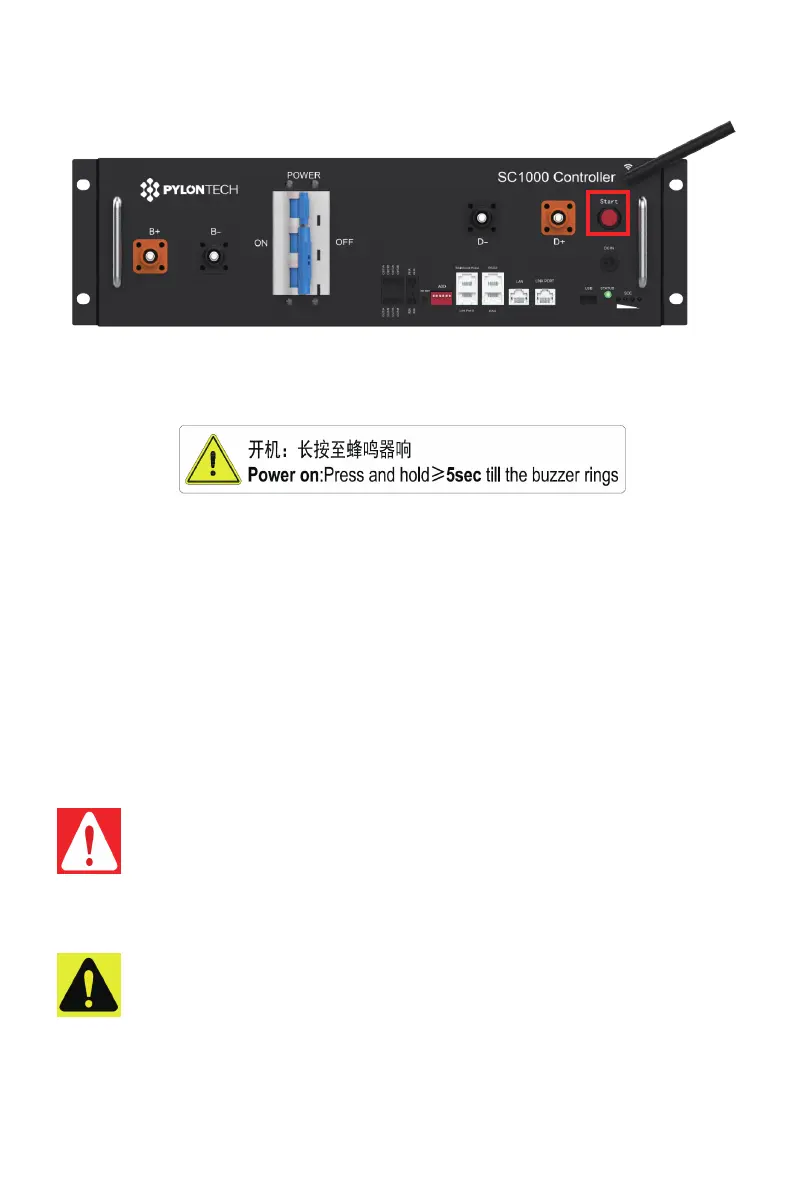
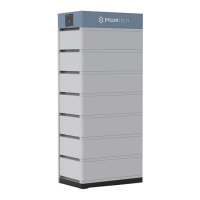
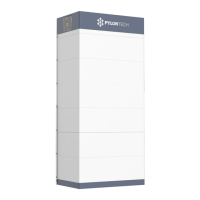
Turn on the “Start Button”:
·
Press and hold the Start Button for more than 5 seconds until the buzzer rings, the LED indicator on front
panel will light on if the start-up is successful.
If the “STATUS” lamp shows red from beginning, it means has failure in the battery string, the Power
Relays in BMS will switch ON, must debug at first.
The battery string’s system will check by itself, if it works normally the battery string system will go to the
self-check mode.
If the BMS and all battery modules are working normally, every status LED will be lighting green, that
means self-check is passed. Normally the self-check will be finished within 30sec.
If long press the start button again within 30 seconds during BMS self-check, the “STATUS” lamp will
flash green, it is to remind that the black start function is activated within 30 seconds for 10min.
If there is no communication from upper equipment because the communication is off, the “STATUS”
lamp will light red after 30sec. That doesn’t mean failure existed, it means this battery string is OK when
the external communication is off.
3.7.2.3. Control Module Self-test and Start Process:
Caution: During first time power on, the system will require to do fully charge progress for SOC
calibration purpose.
Caution: The whole Battery Energy Storage System (BESS) after installation or reuse the BESS
when it is not used for a long time , user should charge it to full at first. There will be a regularly
fully charge requesting during continuous operation as well, it will be handled automatically
by the communication between BESS and external device.
Warning: If it has failure during the self-check, must debug the failure then it can start next
step.
30
/
42


 To Next Page