When automatic cooking is completed, a buzzer alarm is heard and will sound, if not
stopped, for 7 minutes.
1) Switch your oven OFF 2) Reset the timer
Note: Your oven will be inoperative until you reset the timer.
In the example above was entered before the cooking time, cooking end time, automatically
calculated in the second stage was changed by us. If you are prompted to enter before the
end time of cooking is also possible, in which case the second stage cooking time is
automatically calculated and can be changed if desired.
.
Note: The meat probe is attached to the automatic cooking programs. Just an alarm time
adjustment can be made available.
* COOKING WITH MEAT PROBE
Meat probe is a sensor, connected to plug inside the oven and inserted into the
meat to be cooked. Using the meat probe, cooking is automatically ended when
the meat reaches the desired temperature.
* Optional feature.
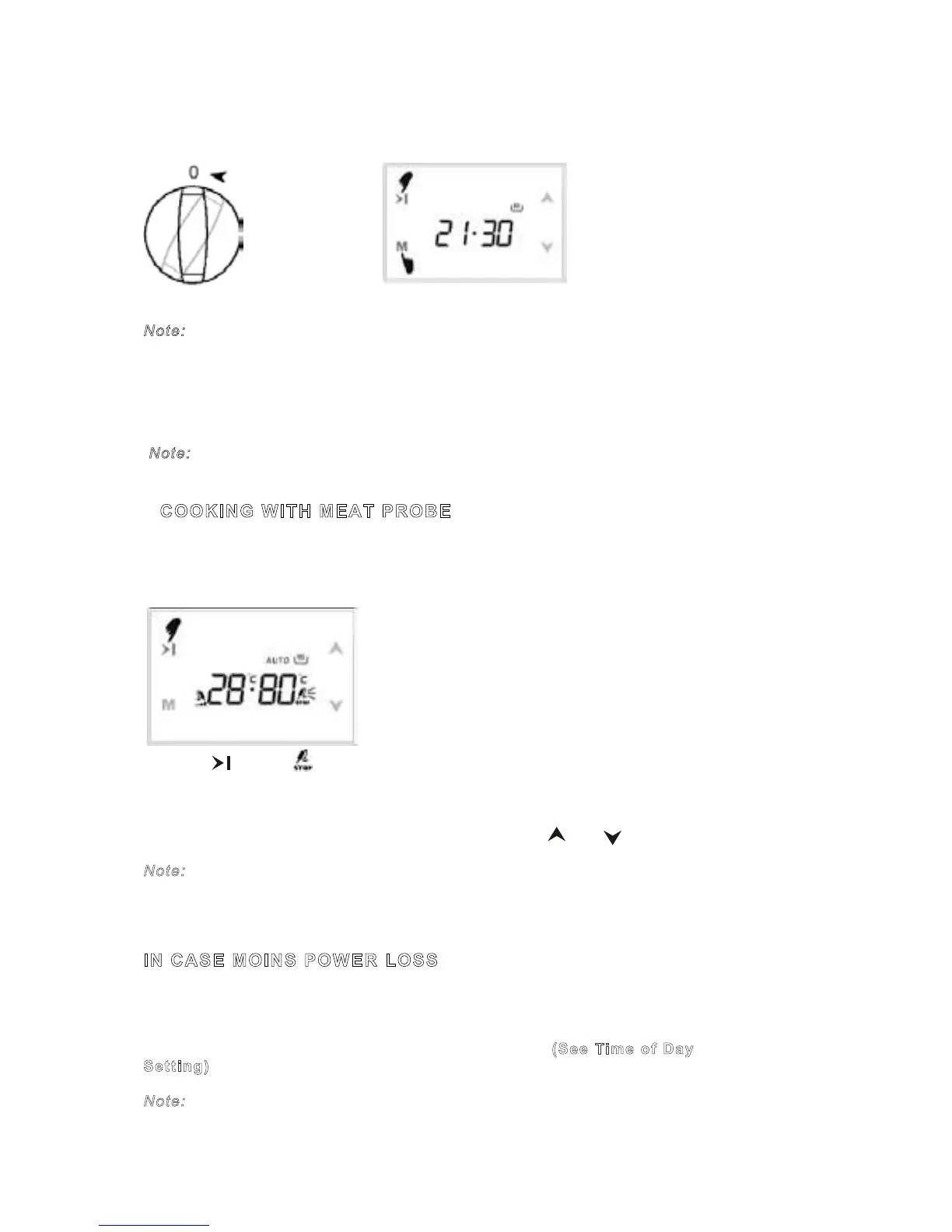
1) Touch button. symbol will flash on the right side of the screen.
2) The actual meat temperature is displayed on the left, the adjusted end
temperature on the right portion. Default adjusted end temperature is 80 ºC.
3) Adjust the desired meat temperature at cooking end in the range ‘actual meat
probe temperature+2 ºC’ between 20 ºC and 90 ºC using and buttons.
Note: Meat probe socket of the probe is pulled out of the cooking is completed, the
finished cooking, such as an alarm. Ended before the heat of cooking, which is set to
the left of the screen, expressed interest ''Er'' icon. In this case, use the Manual Fashion
passing the oven.
IN CASE MOINS POWER LOSS
If the mains power failure, the oven will be disabled in the emer-gency. This
condition is expressed by a flashing on-screen time, and the AUTO script. This
position will be deleted from the force if there is a cooking program. 0 00 is
displayed on-screen clock, the clock will need to be set. (See Time of Day
Setting)
Note:
KEY LOCK
When activated in manual mode, your oven and the timer keys are blocked.
When activated as a cooking program is in progress, just the keys are blocked.
1) Touch and at the same time 2) The key symbol appears on the
for 1 seconds until 2 beep tones heard. Screen, key lock is active.
To deactivate the key lock, touch and until key symbol disappears.
Note: A buzzer tone during key lock can be cancelled by touching any button.



 To Next Page