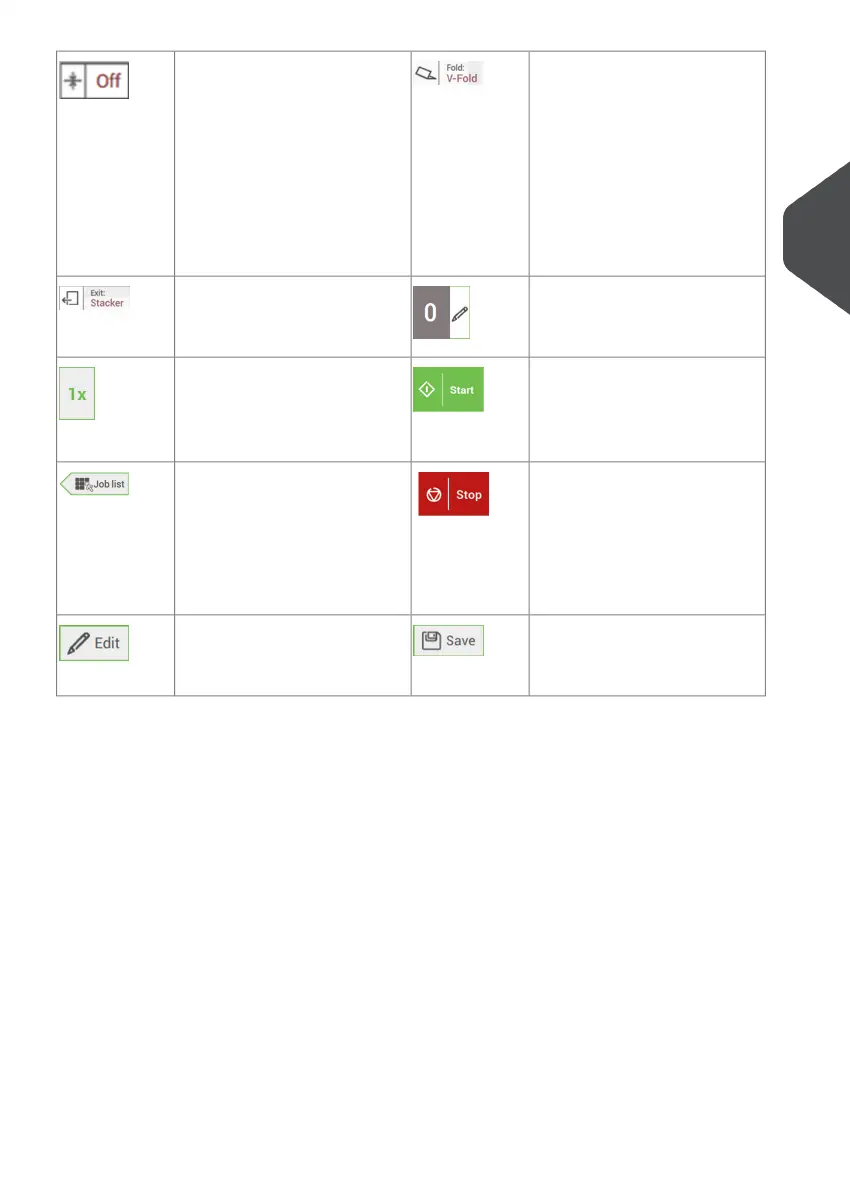
Fold type
This icon shows what kind of
fold type has been set.
Dfc/mail set thickness de-
tection
Double feed control and/or
mail set thickness detection
has been set to 'off'.
By default the dfc/mail set
thickness detection will be set
to 'on' and the icon will not be
shown.
Counter setting
Shows on what number the
counter has been set.
Exit setting
This icon shows what kind of
exit setting has been set.
Start button
Tapping this button runs the
job.
1x button
After tapping this button the
system will create an ex-
ample mail set.
Stop button
Button to stop the system
The current mail set will be
completed and the system
stops, being empty and ready
for a new set.
Job list button
After tapping this button the
job list screen will be shown.
Save button
Save the job or changes that
have been made to a job.
Edit button
Gives access for editing a
job.
3
English
17
| Page 17 | Nov-25-2020 04:16 | Meet your Document System



 To Next Page