4. Confirm the enclosure settings with [OK].
Continue with the fold settings (see Fold settings).
Fold Settings
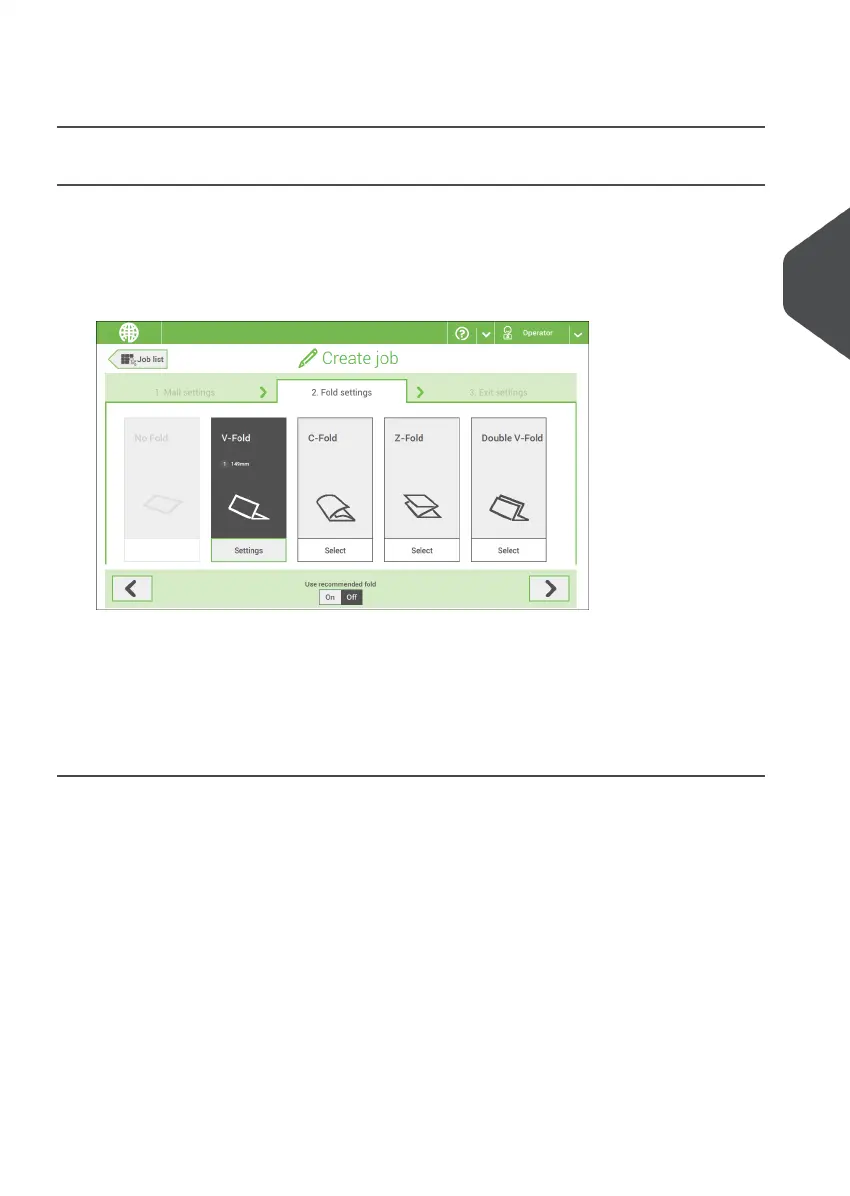
Default the machine suggests the most logical fold type. This fold type is highlighted.
However, you can select other fold types and change their settings.
Tap a fold type.1.
2. If necessary, tap [Settings] to change the fold settings.
3. Tap [>].
If you want to revert to the machine recommended fold type, switch [Use recommended
fold] to On.
Continue with the exit settings (see Exit settings).
4
English
31
| Page 31 | Nov-25-2020 04:16 | Working with Jobs



 To Next Page