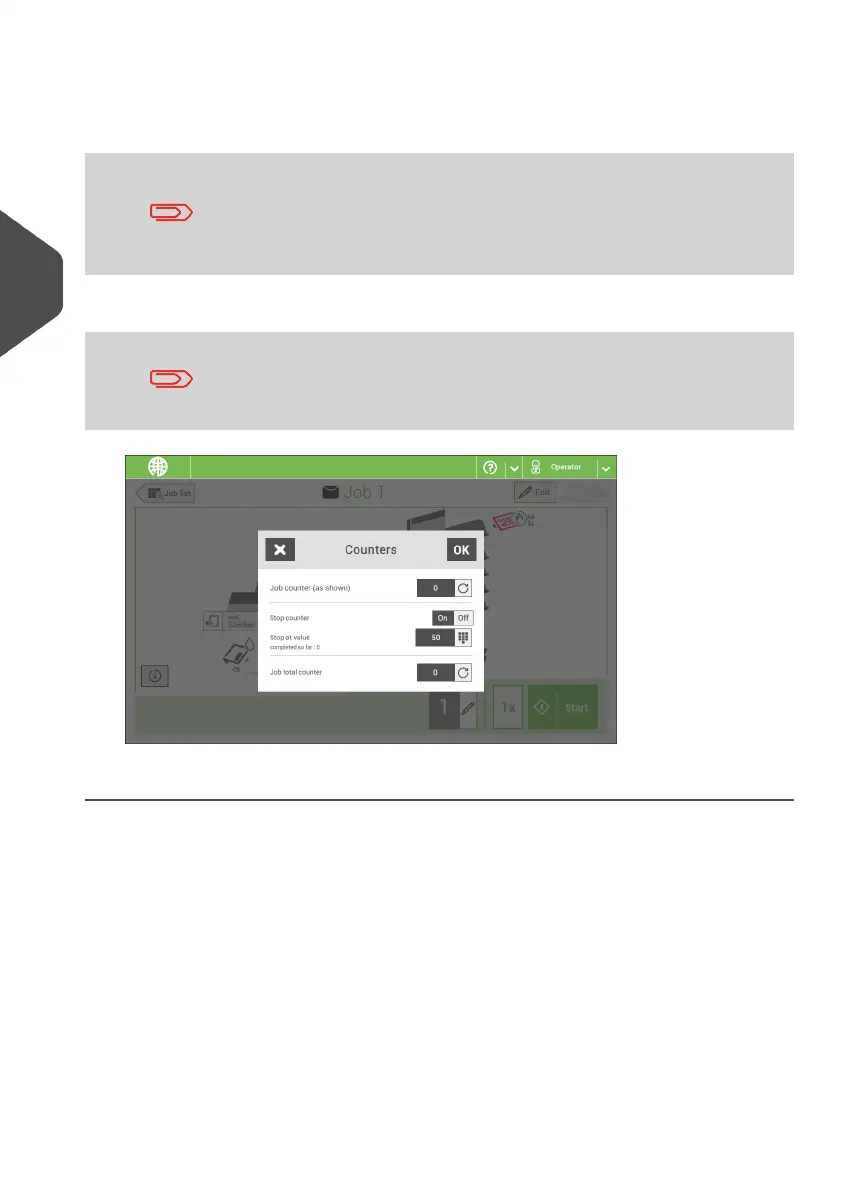
3. Tap the [on/off] button to set the Stop counter to ‘on’ or ‘off’.
If you set the Stop counter to ‘on’ you can enter the ‘Stop at value’. Enter a value from
5 through 9999.
Be aware that when the system stops based on the stop counter,
there can still be documents in the system. To clear the system
from documents, remove the documents from the feeder trays and
tap [Start] from the warning message; the remaining documents
will be processed to clear the system.
4. Tap the reset button for the Job total counter to set it to zero.
If you set the Job total counter to zero the number history of this
job will be lost.
5. Tap [OK] to go back to the job overview screen and tap [Start].
36
| Page 36 | Nov-25-2020 04:16 | Working with Jobs
4
English



 To Next Page