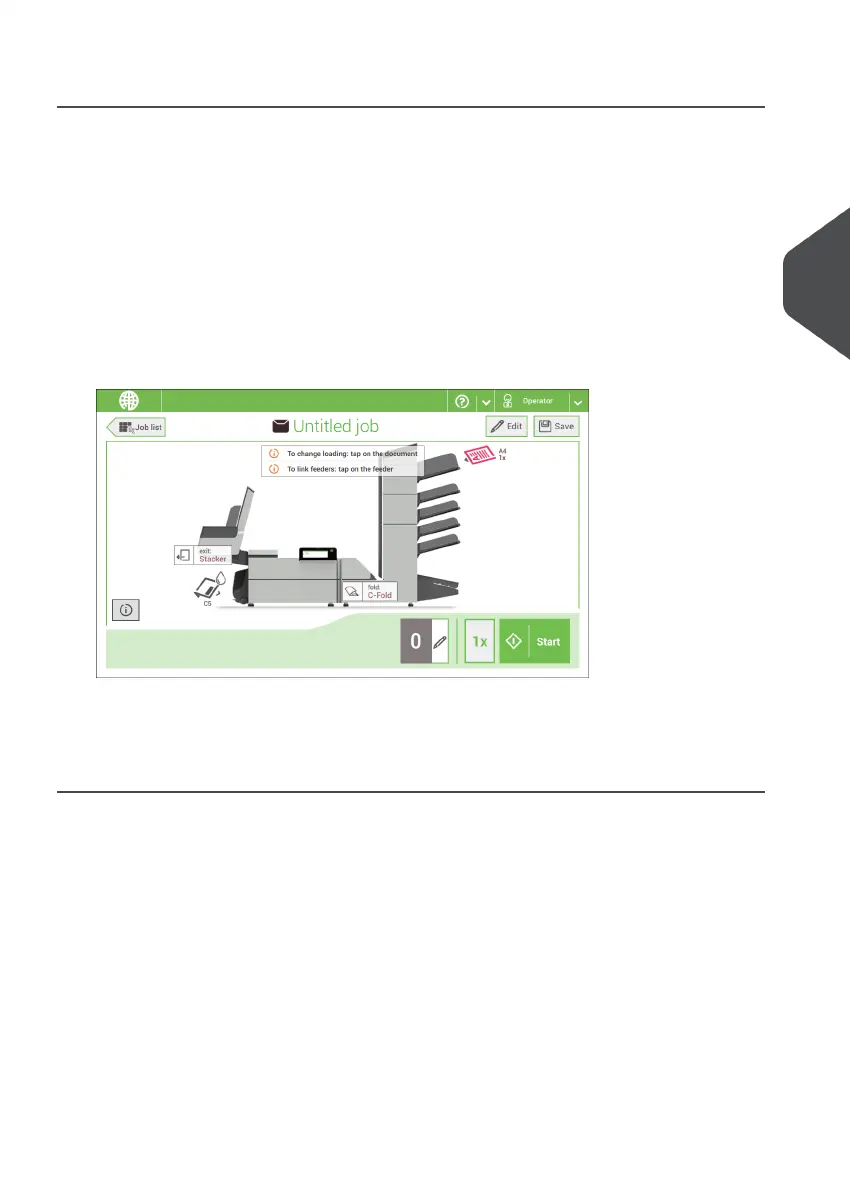
Finish the Job Definition and Start the Job
When you have finished the exit settings, the touch screen shows an overview of the job
settings.
In this screen you can change the following settings:
• Move documents between feeders (see Change to an other feeder tray)
• Link feeders (see Link feeder trays)
• Change the counter settings (see Change the counter settings)
When you are ready with these settings, proceed as follows:
Load the documents as indicated on the Job info screen. For more information
regarding how to load documents refer to "Document Orientation on page 54".
1.
2. Tap [1x] to create a test mail set (see Test mail set).
3. If desired, you can save the job (see Save a job).
4. Tap [Start] to start the job.
4
English
37
| Page 37 | Nov-25-2020 04:16 | Working with Jobs



 To Next Page