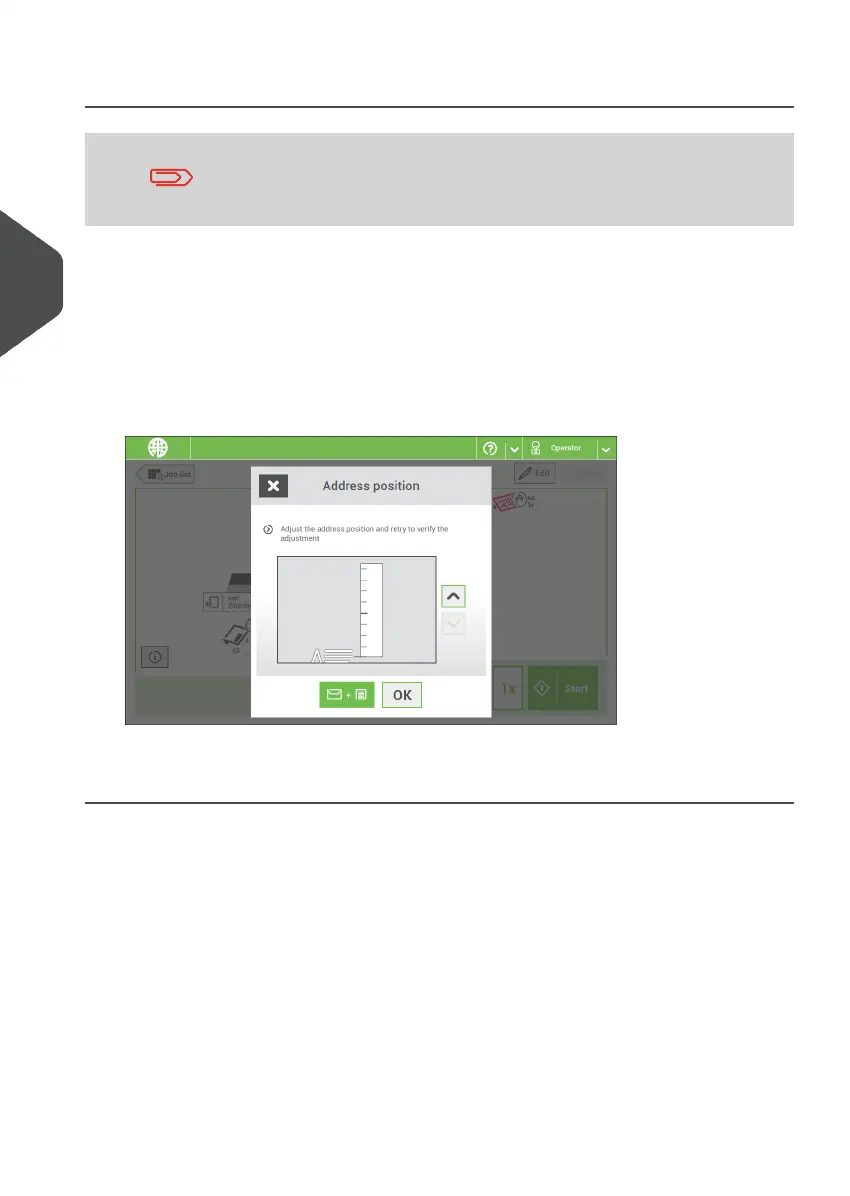
Adjust the Address Position
Adjusting the address position is only possible after creating an
example mail set (by using the [1x] button).
If the address on your mail is not correctly positioned behind the envelope window, change
the address position as follows:
Choose a job and tap [1x].1.
2. Tap Mail set not OK if asked if the mail set is correct.
3. Tap Address position not correct.
4. Change the address position: slide the position indicator to the correct position.
5. Tap the green button to create another example mail set or tap [OK] to confirm the
settings.
42
| Page 42 | Nov-25-2020 04:16 | Working with Jobs
4
English



 To Next Page