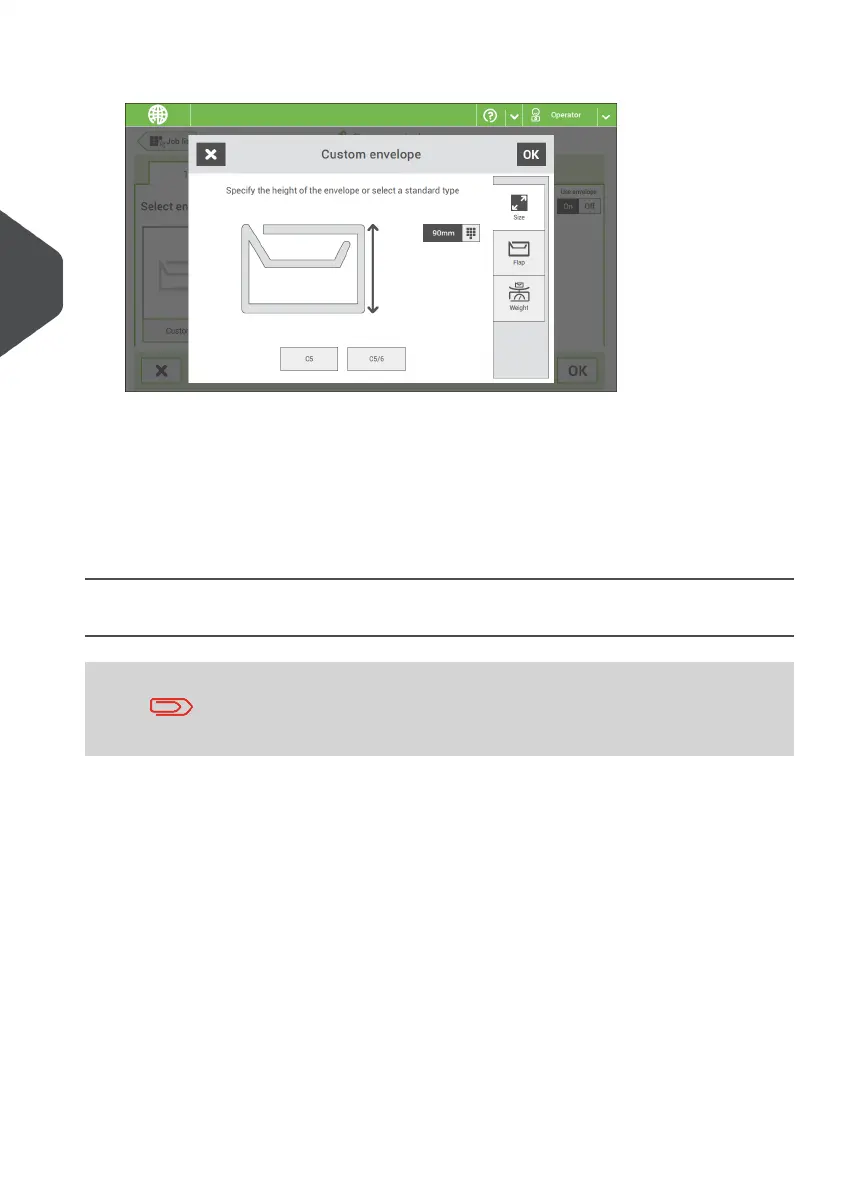
3. Enter the envelope height.
4. Tap the [Flap] tab if you use open flap envelopes.
5. Select if you want to feed envelopes with flaps up (On) or with flap down (Off).
6. Tap [OK] to save and close the envelope settings.
7. Complete the Fold Settings and Exit Settings to complete the job and tap [Save] to
save the job.
Follow the instructions as described in 'Create test mail set'.
Create a Job with Custom Documents
Makes sure that your custom documents fit within the specifications
(see Document Specifications on page 142).
Create a Manual job and select a custom document as your main document or
enclosure.
1.
2. Tap [Custom] to create a custom document.
46
| Page 46 | Nov-25-2020 04:16 | Working with Jobs
4
English



 To Next Page