980 User Guide Rev. B29
Page 108 August 5, 2011
5.3.15 Mode Configurations
The 980 can operate in three different configuration modes. The configuration of these modes can be
accomplished both through the Real Time mode and the Capture mode. The table below describes the panels in
the Real Time mode that are used to set the configuration mode.
Real Time – Link and HDCP Mode Settings
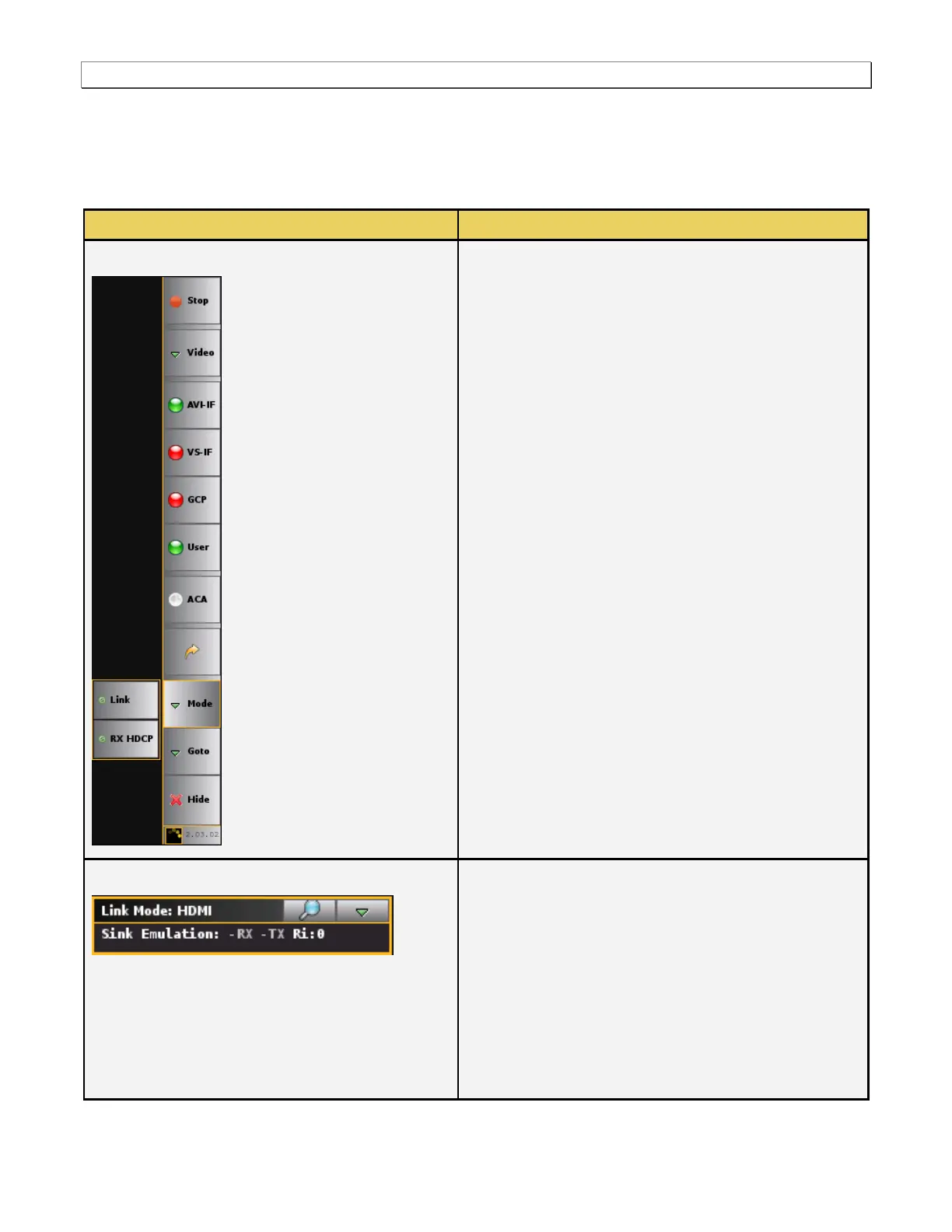
The following modes are available in the Mode pop-out
panel:
Link Mode – The Link setting enables you to set the
configuration: 1) Sink Emulation, 2) Pass-Through, 3)
Encrypted Link Analyzer.
Rx HDCP – The Rx HDCP setting enables you to
configure the HDCP mode: 1) HDCP Enabled, 2)
BSTATUS (HDMI or DVI), 3) BCAPS.
There are four sets of status information provided on the
Link Mode panel. They are described below:
Link field (e.g. Sink Emulation) – This field shows the
current Link Mode which is one of:
o Sink Emulation – The 980 Rx port is emulating a
sink.
o Pass-Through Monitor - In the pass-through
monitoring configuration the 980 HDMI Rx port is
connected to the source device under test and
the 980 HDMI Tx port is connected to a sink



 To Next Page