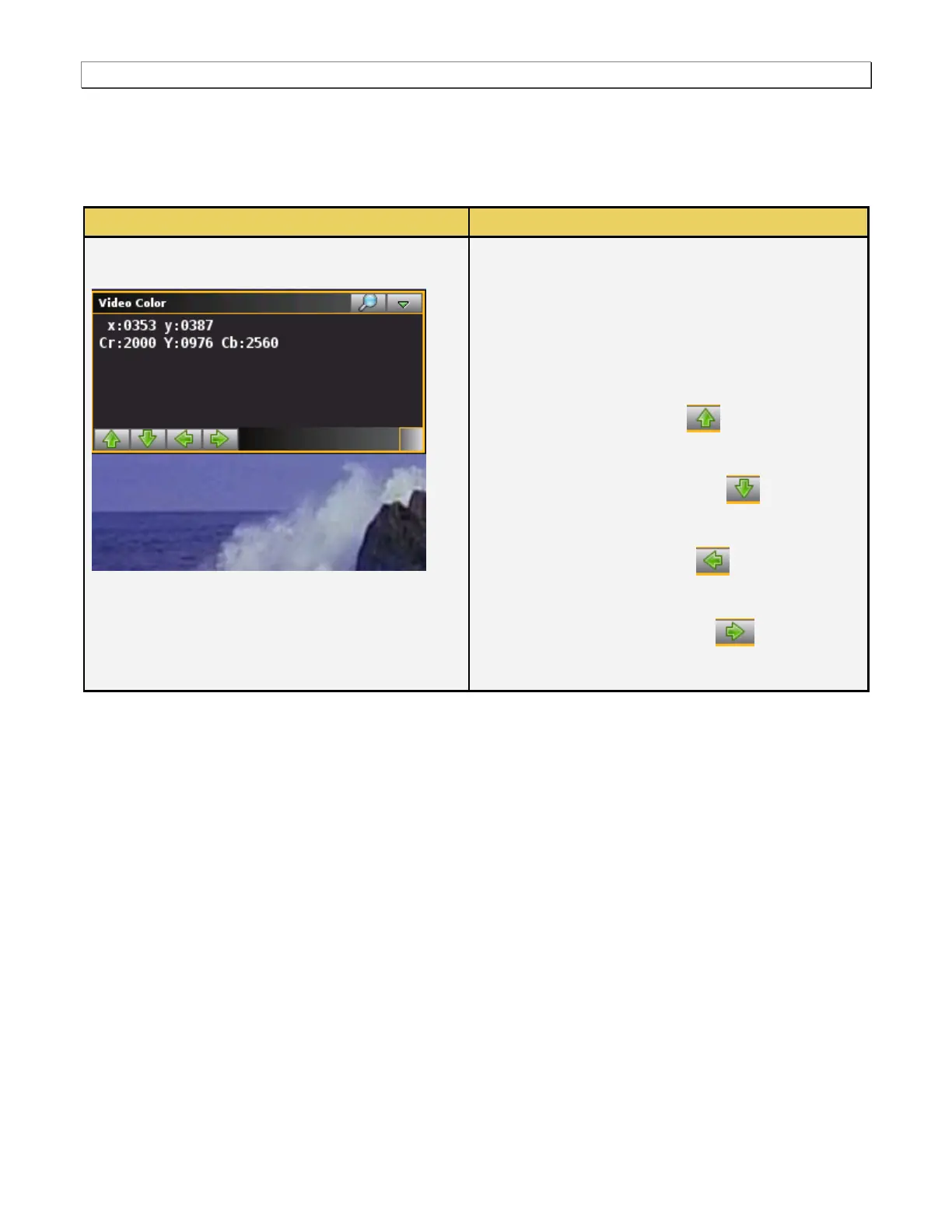
The following information is provided in the Video
Timing dialog box:
Pixel and pixel values – The pixel color values for
any selected pixel are shown in their format RGB or
YCbCr.
There are a series of arrows on the bottom of the Video
Info dialog box. These arrows are described below:
Up Arrow – The up arrow enables you to
move up to an adjacent pixel to view its color
components.
Down Arrow – The down arrow enables you
to move down to an adjacent pixel to view its color
components.
Left Arrow – The left arrow enables you to
move left to an adjacent pixel to view its color
components.
Right Arrow – The right arrow enables you
to move right to an adjacent pixel to view its color
components.



 To Next Page