Maintenance
QUBEVSM-V01-R0 Installation and Operation Manual Intelligent Electric Vehicle Chargepoints
February 2023 Page 40 of 42
Maintenance
NOTE: In the event of a hardware issue, always contact your installer first.
x Damage caused to the equipment by misuse, lack of maintenance, inappropriate
maintenance or modification is not covered by the manufacturer warranty.
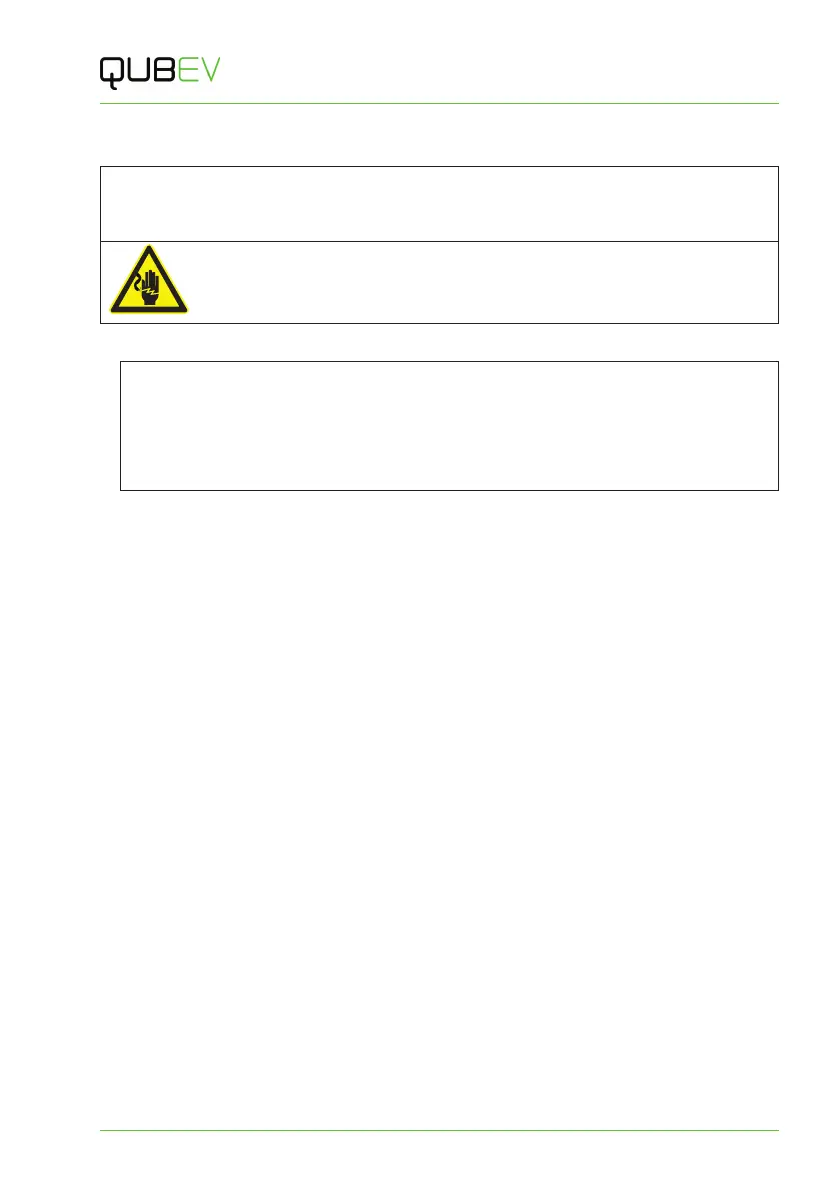
WARNING: Electrical Power
The charger enclosure does NOT need to be opened for routine maintenance tasks
but, if opened for more thorough testing/maintenance, it must only be done by an
appropriately qualified electrical engineer.
1. Regularly clean the external surfaces of the equipment with a damp cloth.
CAUTION: Equipment Damage
To avoid damage to the surface finish, and/or internal components do NOT use:
x Abrasive materials.
x Mineral or petroleum solvents / degreasers.
x Hose pipes, Jet washers or Steam cleaners.
2. Regularly inspect the exterior of the equipment for visual damage.
x If damage affects safety, isolate the equipment and prevent its use until appropriate
repairs have been completed.
Where required, an appropriately qualified electrical engineer may open the enclosure to perform
observations and tests.
3. In accordance with the legislation for the installation location, the charger and any
switchgear (if installed) should be electrically inspected (tested) by an appropriately
qualified electrician.
x If the equipment fails the test, isolate the equipment and prevent its use until
appropriate repairs have been completed.
x A record of the tests and results must be kept.
4. Whenever the enclosure is opened, check the security of accessible cable terminals
before closing the enclosure. Temperature changes during the year and when charging,
and movement of cables during maintenance may cause cables/terminals to become
loose.
x Make sure power to the charger is OFF.
x Check the security of ALL accessible terminals.
x Tighten any terminals that appear loose.
5. Make sure the enclosure is closed securely after work is done.



 To Next Page