CV200 Dash Camera User Manual
9
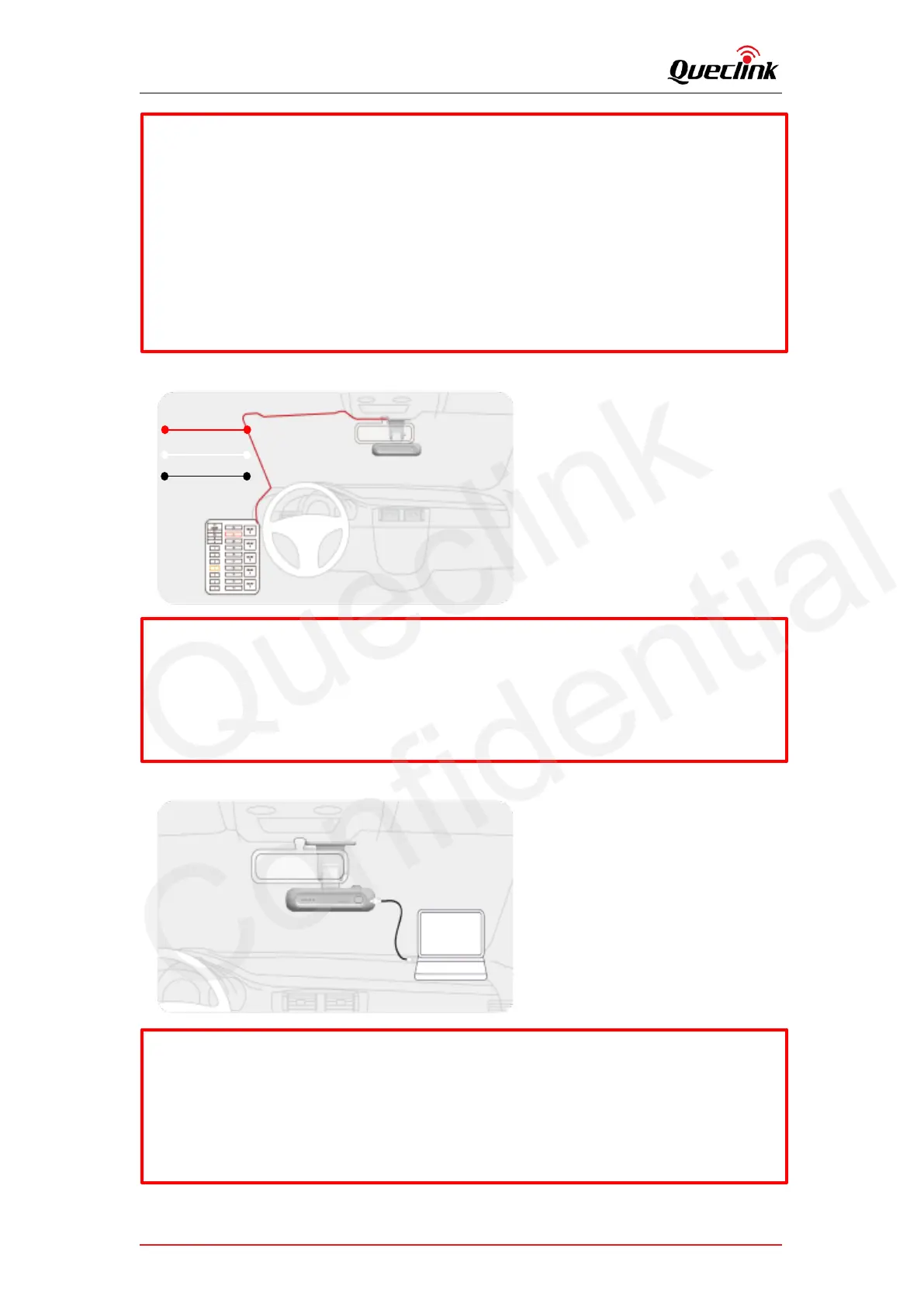
4. Connect the vehicle battery from fuse box to power on the dashcam via function cable.
5. Plug the USB-C connector into dashcam and plug both USB-A connectors into computer
*Need to install the cable driver probably for USB_COM communication
*Need to install ADB driver for USB_ADB communication.
Please inquire them from technical support team if there is any problem.
*Using a fuse removal tool can make the hardwiring process easier.
*Location of Battery + and ACC_IN power source may differ by car manufacturers and
models. It may result in fire risk if wired incorrectly.
*The product is running correctly while all 4 pieces LED indicator stay solid.
*Before inserting the TF card, ensure that the metal contacts on the TF card are facing
towards the mount connector of the product.
*The product only accepts the MicroSD (TF) type cards.
*UHS type TF cards provide high speed write and read performance.
*We strongly recommend to use a storage capacity of 64GB or above for longer
recording time
* Metal tray is provided to mount SIM card correctly.



 To Next Page