CV200 Dash Camera User Manual
37
9. TF card selection
/queclink/video & /queclink/protected
30 seconds (default, configurable)
Record while ignition on and driving
Record while events are triggered
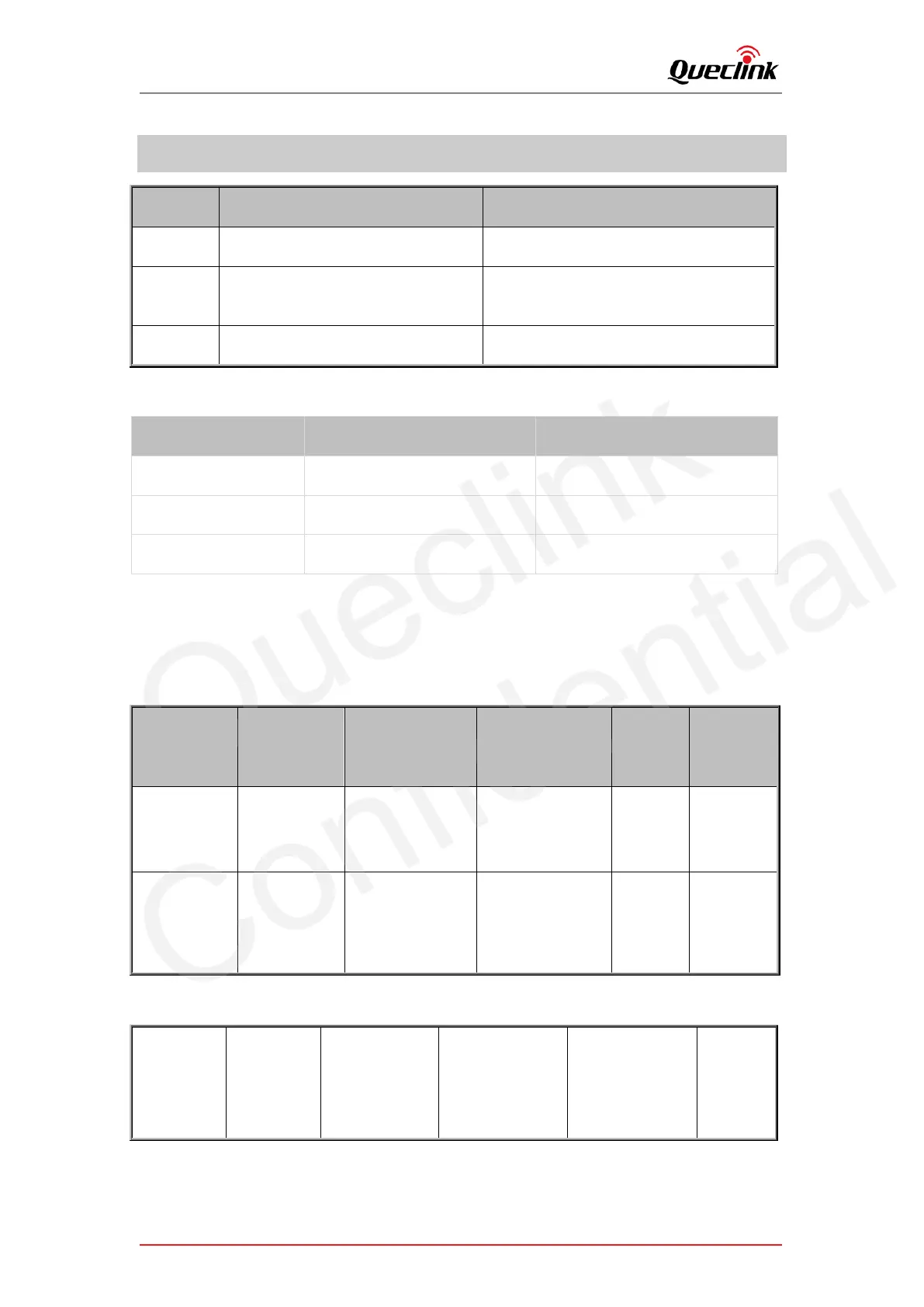
What’s the bitrate difference of image quality? (For reference only)
Please use a memory card with a higher storage capacity for longer recording time. The
64GB and 128GB capacity of cards are recommended for the driving trips one day. The
relationship (estimated) of the framerate, file size and recording time shows as below:
High Quality
Frame Rate
(Front +
Interior)
File Size
(Front +
Interior)
Medium Quality
Frame Rate
(Front +
Interior)
File Size
(Front +
Interior)



 To Next Page