CV200 Dash Camera User Manual
28
6. Updating the product
The continuous update enhances the product's features, operation or to increase stability.
For optimal operation of the product, ensure that you keep your product up to date.
6.1. Updating over OTA
You can update the product's application in batches. The product will download and update
after receiving the FOTA commands from server as schedules, follow the steps to upgrade
the application.
6.1.1. Preparation before operations
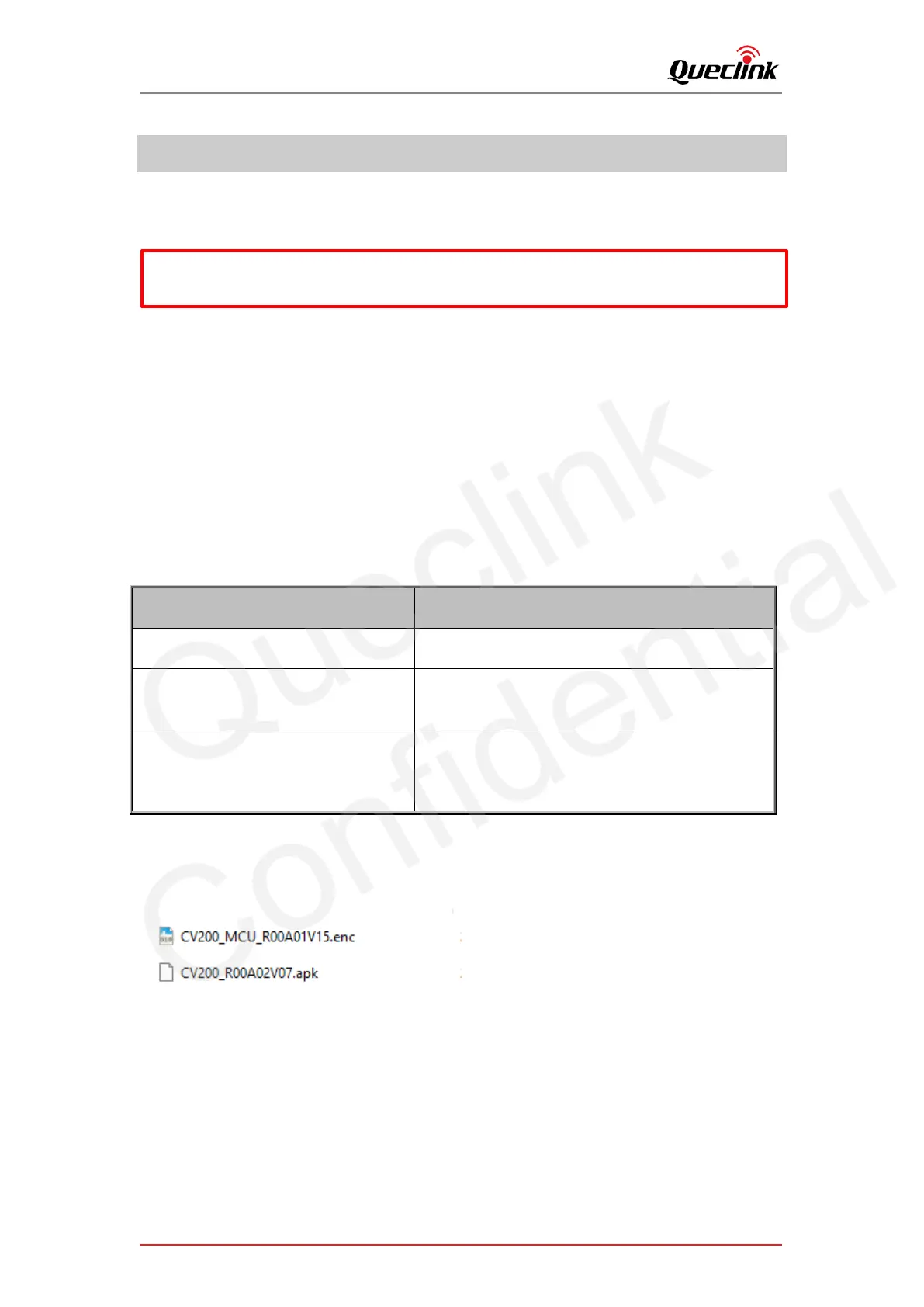
1) MCU Application “CV200_MCU_RxxAxxVxx.enc”
2) Firmware Application “CV200_RxxAxxVxx.apk”
3) Updating Tools
It is named ‘FotaTool V0.06’ from Queclink.
FTP server (FileZilla recommended)
Open-source server downloaded from internet.
E.g., FileZilla
After the TCP socket established between server
and product, it’s used to trigger the updating
process by typing the command remotely.
6.1.2. FOTA based on HTTP service
1) Copy the application file into software path '.\project\CV200\deltabin\'.
2) Open the configuration file path ‘.\conf\svr.ini ‘, confirm the supported file type and FOTA
service path.
Run the FOTA tool “wxFotaSvr.exe” as administrator.
3) Input the service port to start the HTTP server, switch to the folder of CV200 project.
*Don’t’ recommend to downgrade all applications If not necessary, it may result the features
exception.



 To Next Page