CV200 Dash Camera User Manual
26
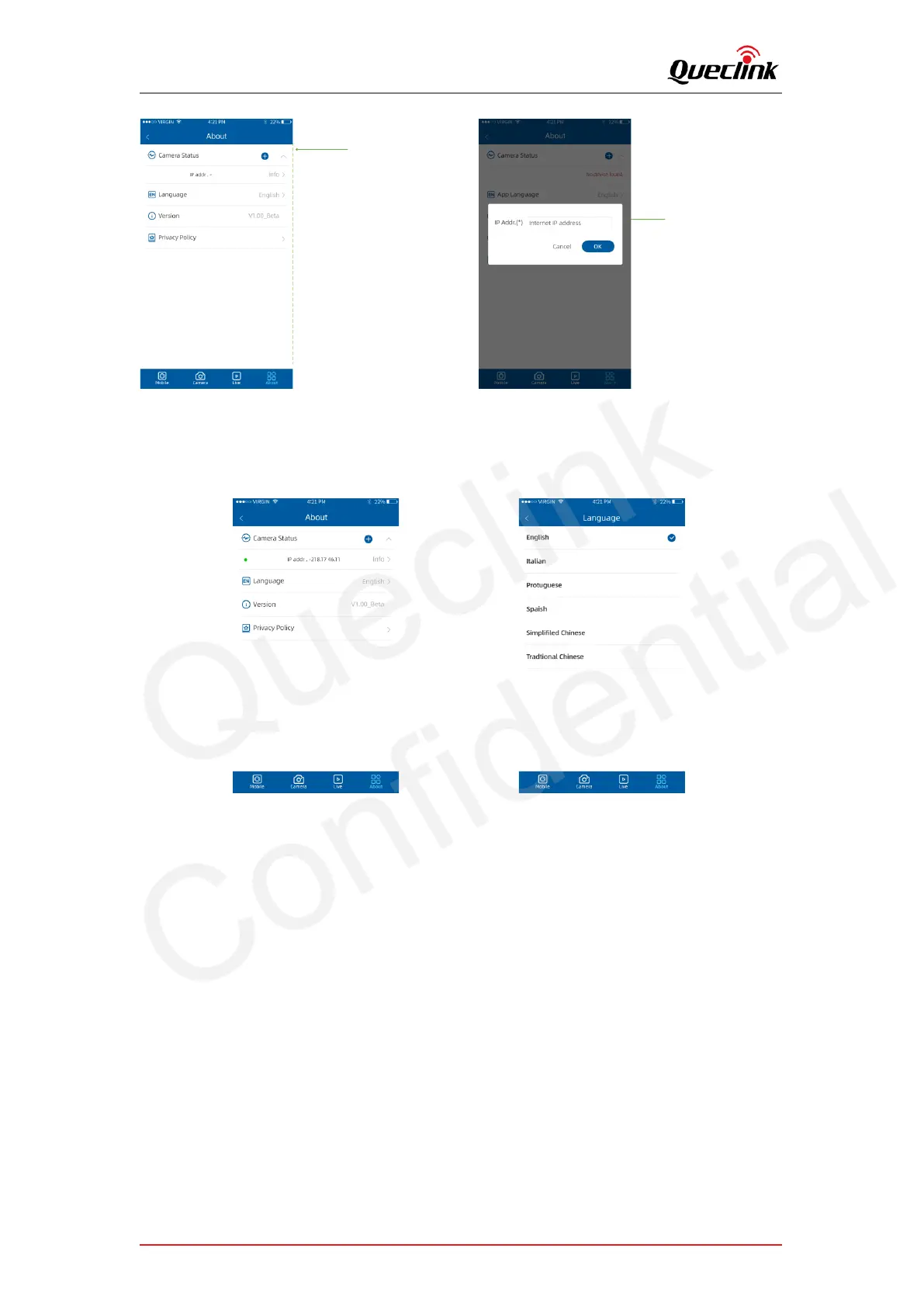
Add the camera manually
Input the IP address that is
accessible by mobile app
CV200XEU 001
5.8. Querying information
Open the About window to show all camera and mobile app information.
1) Camera Status
List the connection status of product. Tap info button for further information.
a) Firmware version
Show the firmware version number
b) SSID
Show the hotspot name of product’s Wi-Fi
c) Password
Show the password of product’s Wi-Fi
d) IMEI
Show the IMEI number of 4G module
e) 4G Signal
Show the signal strength of cellular network



 To Next Page