CV200 Dash Camera User Manual
30
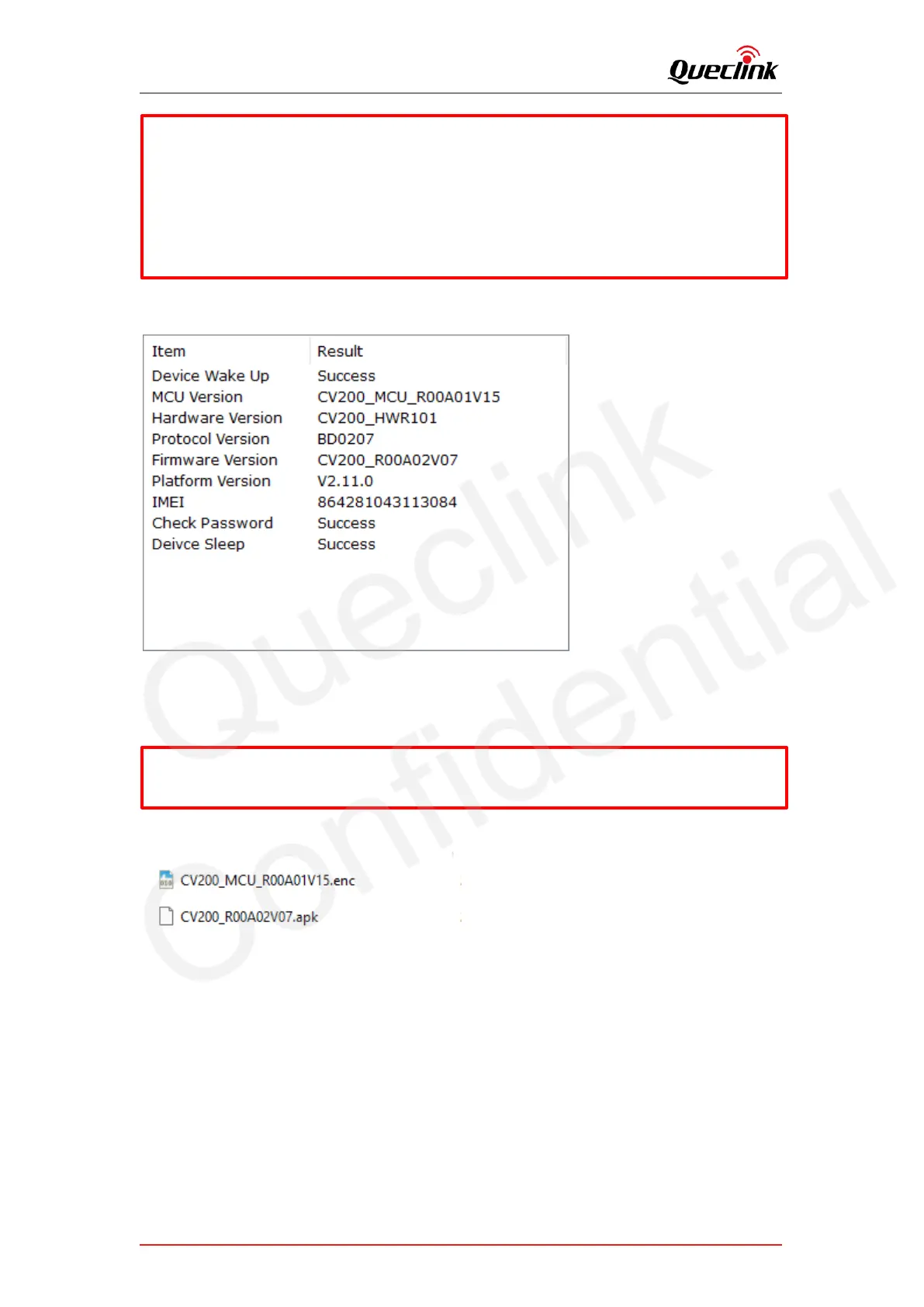
6) Double check the current version of applications.
6.1.3. FOTA based on FTP service
1) Run the FileZilla FTP server, create users and assign the root folder.
2) Copy the application file into root folder ‘D:\FTP\DASHCAM\deltabin’.
3) Copy the corresponding URL to add into ‘GTUPD’ command. For example:
For example:
Account: cv200lg / cv200; Root folder: D:\FTP
The “Status Code” of updating will be reported to display the process from starting to
completing. The reference code changes as below:
Updating “. enc”: 110-210-211-310-311
Updating “. apk”: 100-200-201-300-301
*Query the document “CV200 @Track Air Interface Firmware Update Protocol” to get more
information



 To Next Page