CV200 Dash Camera User Manual
31
4) Send the GTUPD command by TCP socket to start the updating process. Confirm the
report feedback on the server or local Power indicator (fast flashing).
5) Monitor the report feedback on the server or debug window of Manage tool, the local
Power indicator is fast flashing during updating. The updating is completed after hear the
beep sound.
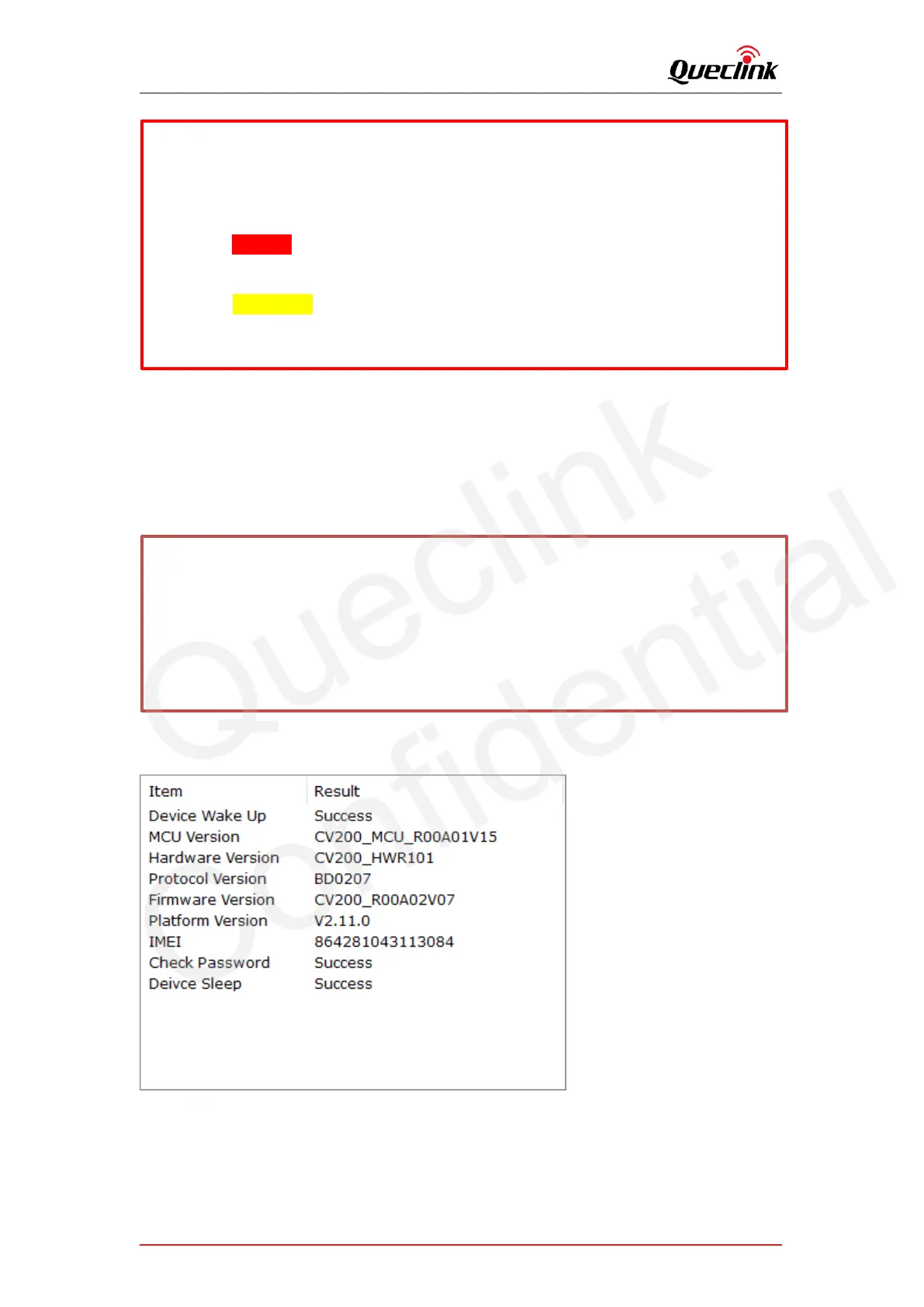
6) Double check the current version of applications.
6.2. Updating over TF card
The way is used to upgrade MCU application, firmware application and platform patch by
The “Status Code” of updating will be reported to display the process from starting to
completing. The reference code changes as below:
Updating “. enc”:110-210-211-310-311
Updating “. apk”:100-200-201-300-301
Updating “.zip”: 1110-2110-2111-3110-3111
*Query the document “CV200 @Track Air Interface Firmware Update Protocol” to get more
information
AT+GTUPD=cv200,0,0,10,2,,,ftp://cv200:cv200@192.168.90.21:21/DASHCAM/deltabin/
CV200_MCU_R00A01V15.enc,,1,,,,0001$
AT+GTUPD=cv200,0,0,10,2,,,ftp://cv200:cv200@192.168:90.21:21/DASHCAM/deltabin/
CV200_R00A02V07.apk,,0,,,,0001$
Symbol #1 (red color): it indicates the transmission protocol.
Value “2” means FTP
Symbol #2 (yellow color): it indicates the application type.
Value “0” means .apk file.
Value “1” means .enc file



 To Next Page