CV200 Dash Camera User Manual
10
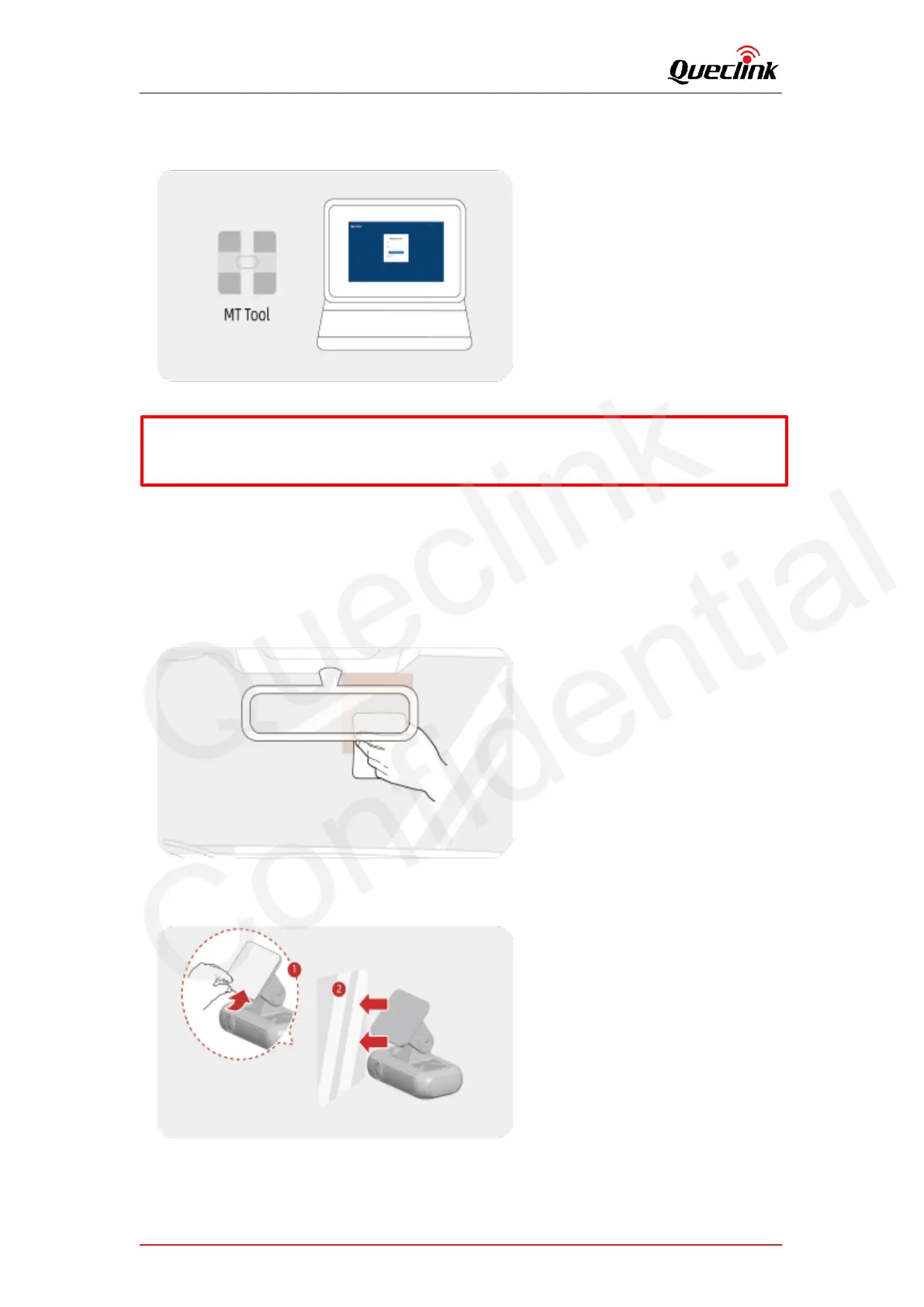
6. Decompress the “Manage Tool” package and run it to setup the parameters. Mount the
Tamper-Resistant cover back after completing configuration.
3.2. Mounting the dashcam
Follow the steps to mount the dashcam into vehicle correctly.
1. Install the dashcam behind the rear-view mirror. Clean the windshield by wiper and make sure
there is no stain.
2. Peel off the protective film from the double-sided tape and attach the dashcam to the
windshield.
3. Use the pry tool to lift the edges of the windshield trim/molding and tuck in the power cord.
*Debug cable isn’t included into standard package, please contact the supplier if necessary
*After the product is powered on, wait for 30-60 seconds until it’s fully started



 To Next Page