CV200 Dash Camera User Manual
11
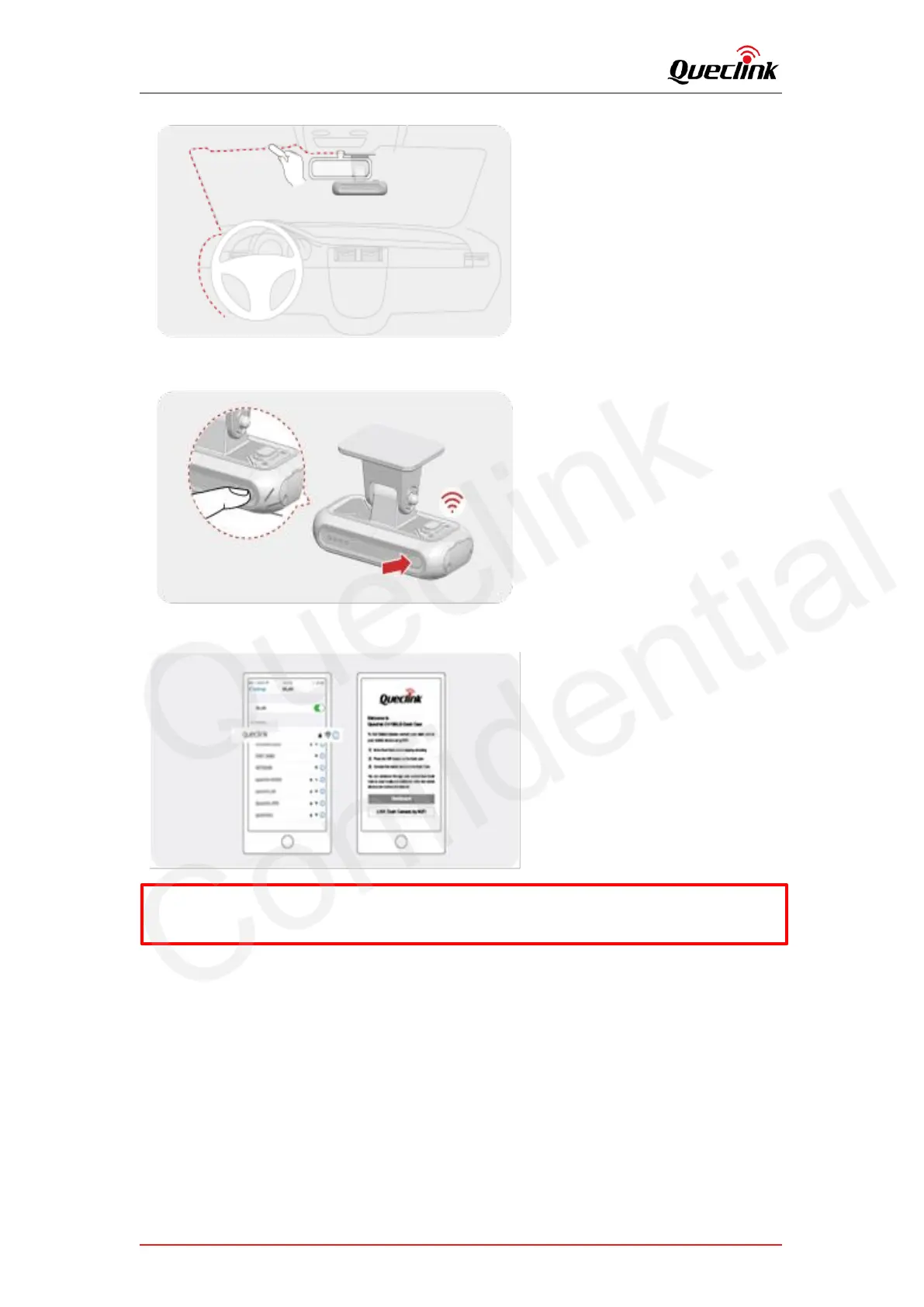
4. Click the function button twice to activate Wi-Fi hotspot after the dash camera is running.
Voice Prompt : Enable WiFi
5. Download Qucam mobile application, search the Wi-Fi hotspot of product and connect to it.
6. Login the “Live” tab of mobile application to get the live view of front-facing camera.
*Default hotspot SSID / Password: queclink / 12345678



 To Next Page