CV200 Dash Camera User Manual
12
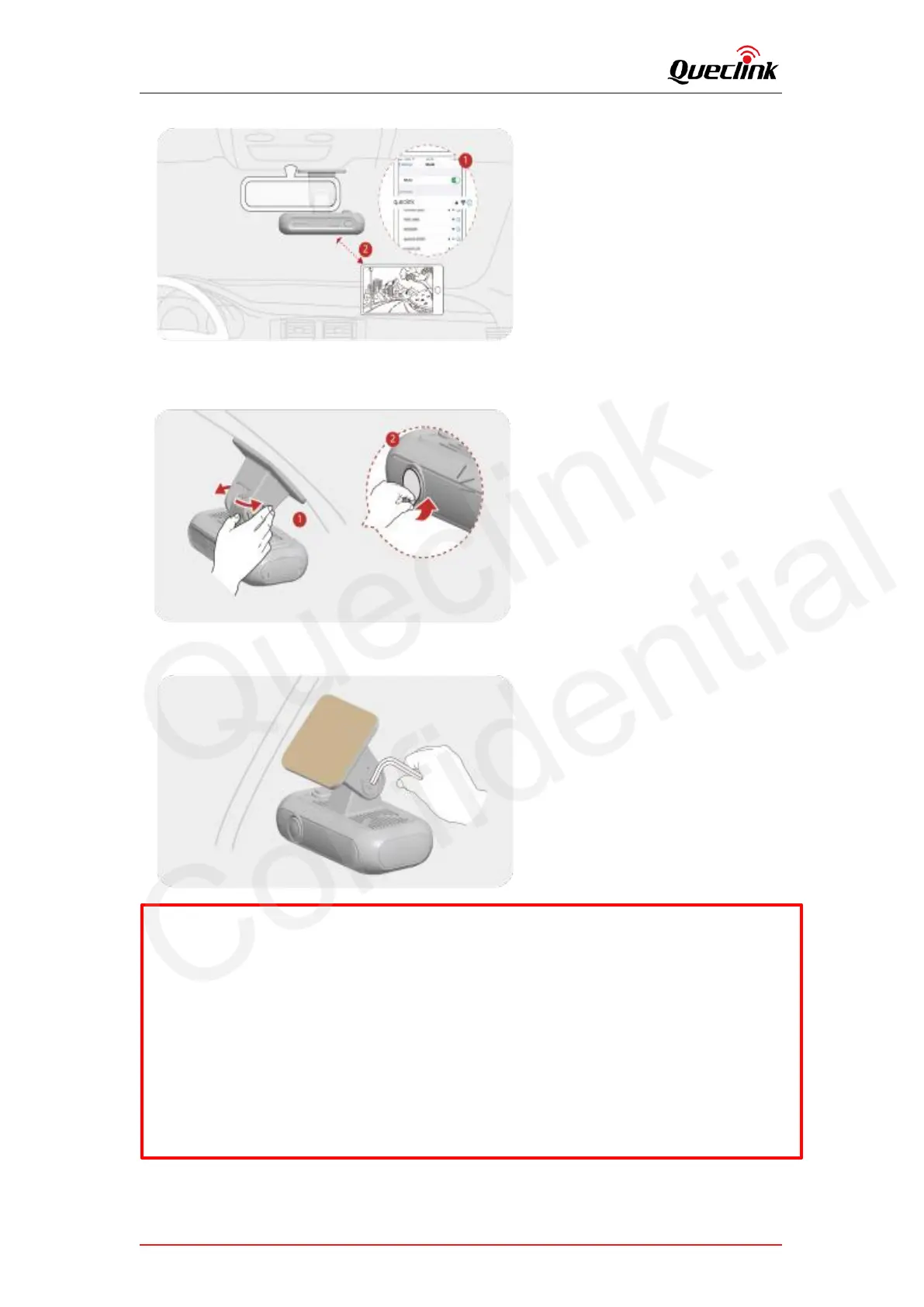
7. Unscrew the bracket shaft by hex drive. Adjust the angle until approx. 30% view of your
vehicle bonnet is showing at the bottom of view, and then remove the protection film of lens.
8. Screw the bracket shaft to complete the installation.
*The dashcam should record the entire view in front of the vehicle without obstructing the
drivers view
* If the adhesive tape is with stickiness lost, please change new tape.
*Press down the bracket base for a while until it bonds under windshield firmly (3-5 mins
recommended)
*The dashcam automatically starts hotspot and only keeps 5 mins waiting for connection,
please activate the hotspot manually if it can’t be found by mobile phone.



 To Next Page