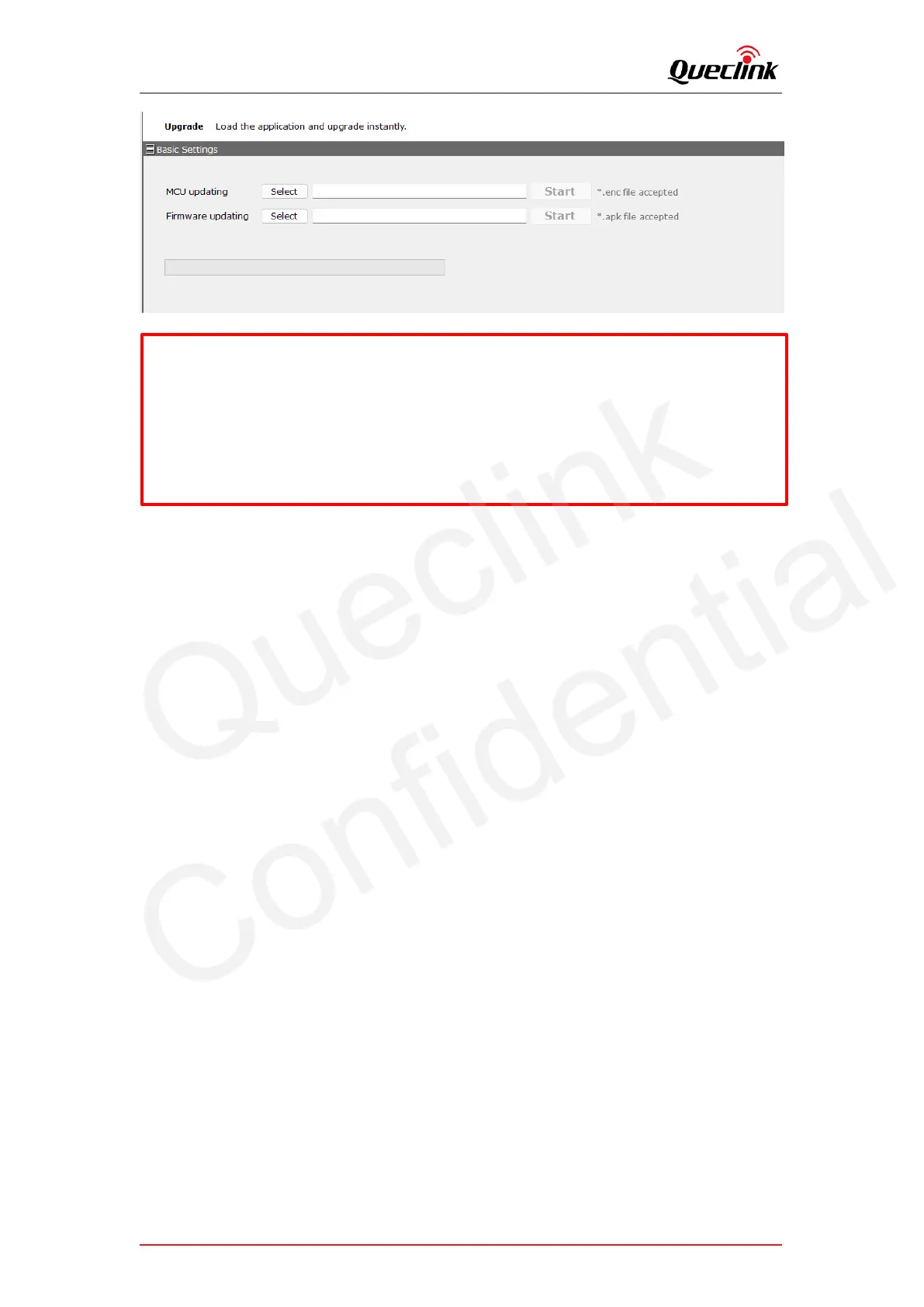
*Confirm the updating files are latest and newest.
*Confirm the file type for MCU and firmware, make sure the file path is proper to access.
*Update the MCU and firmware one by one, the product cannot load both simultaneously.
*DO NOT power off or reboot the product in updating process.
*It needs to install “USB-COM” and “Google ADB “driver on the computer firstly, please
contact for help if needed.



 To Next Page