GL300 @Tracker Air Interface Protocol
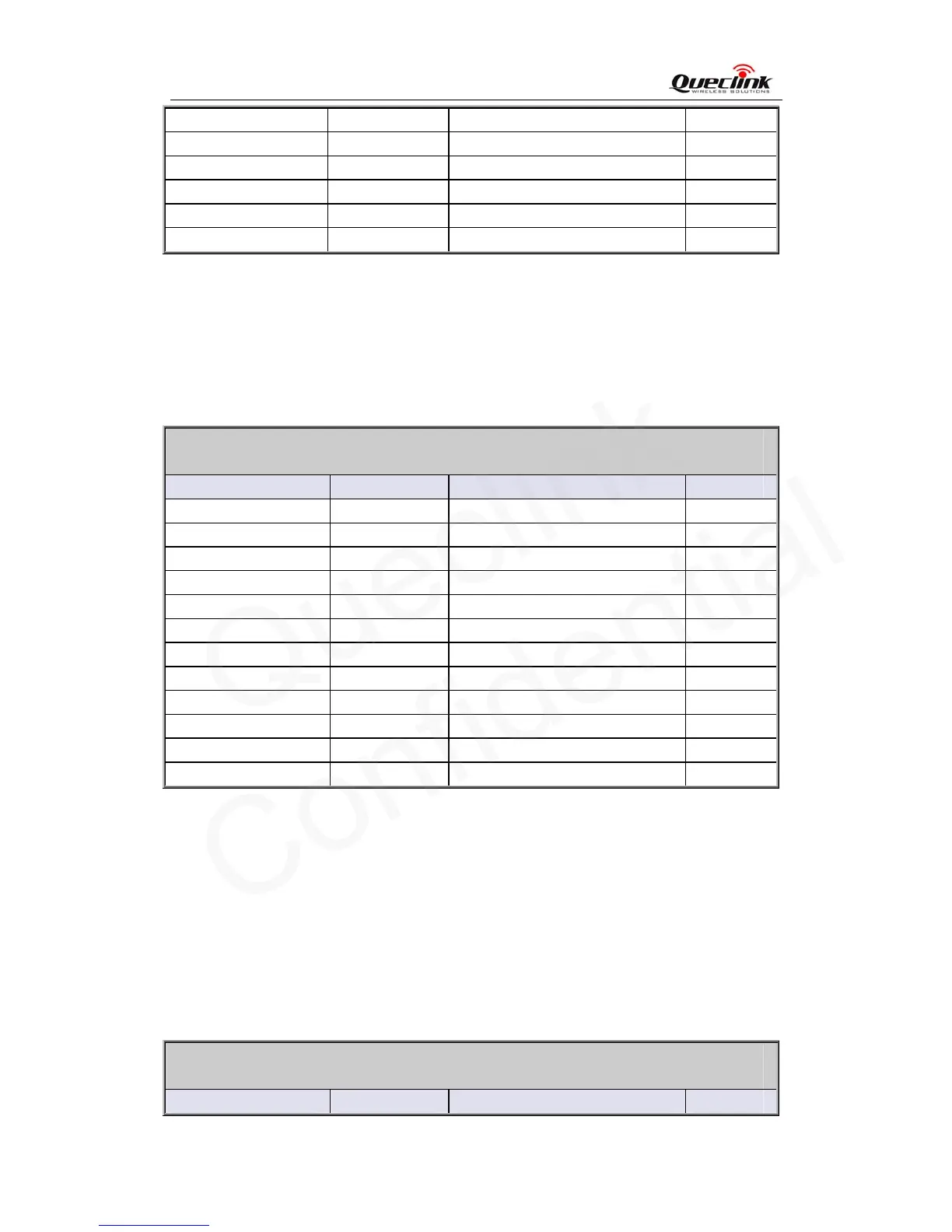
Unique ID 15 IMEI
Device name 20
Serial number 4 0000 – FFFF
Send time 14 YYYYMMDDHHMMSS
Count number 4 0000 – FFFF
Tail character 1 $ $
3.2.6. Time Adjustment
The
command AT+GTTMA is used to adjust local time. If the GPS fixing is successful, the local
time will be automatically adjusted according to the GPS UTC time.
AT+GTTMA=
Example:
AT+GTTMA=gl300,-,3,30,0,20090917203500,,,,,0006$
Parameter Length (byte) Range/Format Default
Password 4 – 6 ‘0’ – ‘9’, ‘a’ – ‘z’, ‘A’ – ‘Z’ gl300
Sign 1 +|- +
Hour Offset <=2 0 - 23 00
Minute Offset <=2 0 - 59 00
Daylight Saving 1 0|1 0
UTC Time 14 YYYYMMDDHHMMSS
Reserved 0
Reserved 0
Reserved 0
Reserved 0
Serial number 4 0000 – FFFF
Tail character 1 $ $
<Sign>: Indicate the positive or negative of the local time offset to UTC
<Hour Offset>: UTC offset in hours
<Minute Offset>: UTC offset in minutes
<Daylight Saving>: Enable/disable daylight saving time.
0: Disable daylight saving
1: Enable daylight saving
<UTC time>: The configuration UTC time.
The acknowledgement message of AT+GTTMA command:
+ACK:GTTMA,
Example:
+ACK:GTTMA,1A0102,135790246811220,,0007,20100310172830,11F0$
Parameter Length (byte) Range/Format Default
TRACGL300AN001 - 23 -



 To Next Page