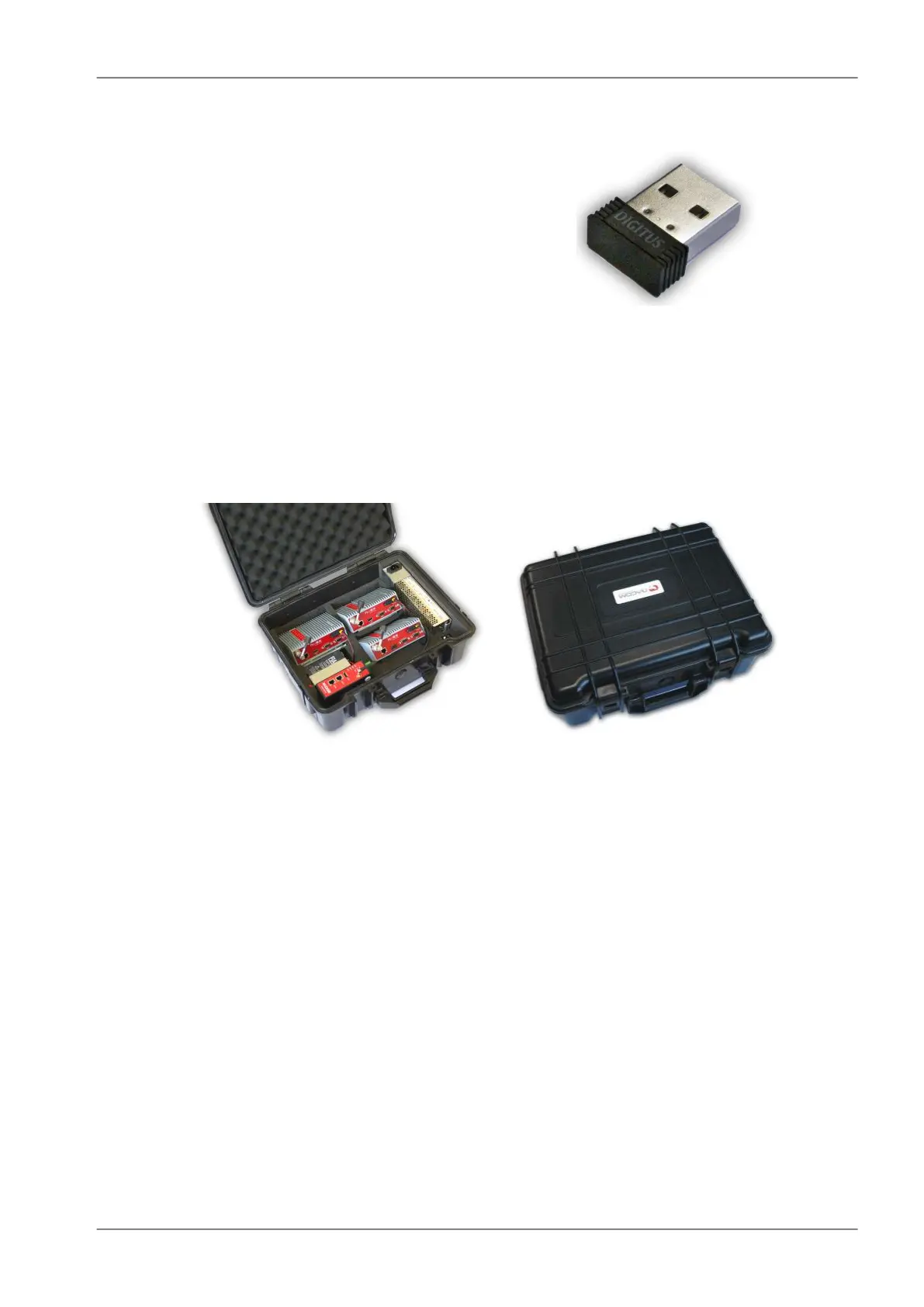
3. Wifi adapter
Fig. 4.19: WiFi adapter
Wifi adapter for service access to the web inter-
face via USB connector. Includes a built-in
DHCP server which provides up to 5 leases.
To access the RipEX always use the fixed IP
10.9.8.7. For details on use see Section 5.3,
“Connecting RipEX to a programming PC”.
4. Demo case
A rugged plastic case for carrying up to three RipEX's and one M!DGE 3G SCADA router. It also
contains all the accessories needed to perform an on-site signal measurement, complete application
bench-test or a functional demonstration of both radiomodems and the 3G router. During a field
test, units can be powered from the backup battery and external antenna can be connected to one
of the RipEX units through „N“ connector on the case.
Fig. 4.20: Demo case
Content:
• Brackets and cabling for installation of three RipEXes and one M!DGE (units are not part of
the delivery)
• 1× power supply Mean Well AD-155A (100-240 V AC 50-60 Hz/13.8 V DC)
• 1× Backup battery (12V/5Ah, FASTON.250), e.g. Fiamm 12FGH23
• 1× Power cable (European Schuko CEE 7/7 to IEC 320 C13)
• 1× Ethernet patch cable (3 m, UTP CAT 5E, 2× RJ-45)
• Quick start guide
RipEX accessories:
• 3× Dummy load antennas
• 1× L-bracket, 1x Flat-bracket samples
• 1× ETH/USB adapter
• 1× Wifi adapter
M!DGE accessories:
• Stick antenna (900–2100 MHz, 2.2 dBi, vertical)
Mechanical properties of case
73© RACOM s.r.o. – RipEX Radio modem & Router
Product


 To Next Page