Share My Place information (send to others)
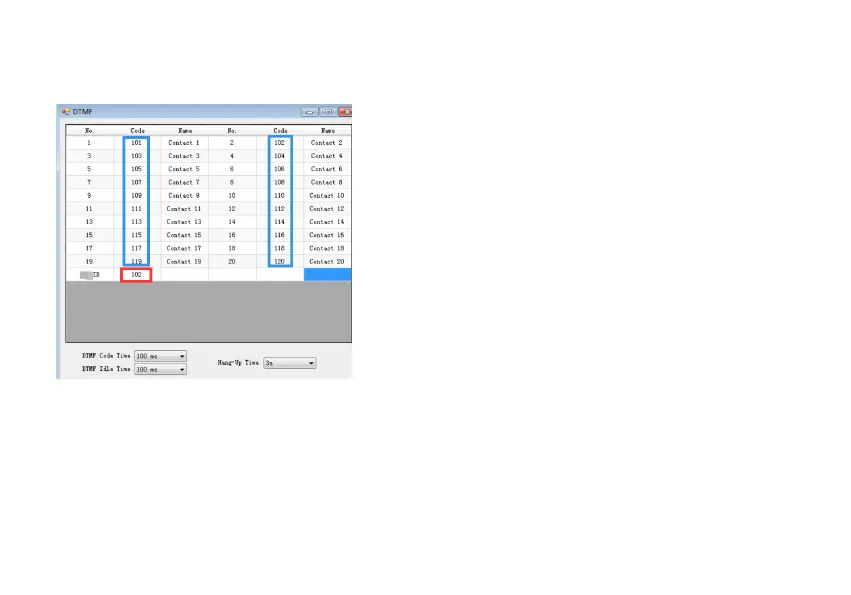
1. Set the ID of each member in CPS-DTMF in advance (up to 20)
2. After the GPS position of the radio is successful, press the [MENU] key to switch to the location information interface.
3. Press the / key to select the pre programmed Contact sequence (01-20), and display the member sequence and name on the first line. Select
the member sequence labeled as "Host".
4. Press the [PTT] key to share the current location information of the device with group members.
Requesting someone else's place
1. After the GPS position of the radios is successful, press the [MENU] key to switch to the My Place information interface.
2. Press the / key to select the pre programmed Contact sequence (01-20), and display the sequence and call name on the first line. Select



 To Next Page