Radware Alteon Installation and Maintenance Guide
Alteon Application Switch Platforms
Document ID: RDWR-ALOS-V2815_IG0203 31
LCD Module—Alteon Application Switch 4416
Alteon Application Switch 4416 supports an LCD module, which consists of the LCD itself and LCD
menu buttons.
Note: The Alteon 4408, 5224, 5224 XL, and 10000 models do not have an LCD.
Figure 7: Alteon Application Switch 4416
The LCD displays basic information.
The LCD menu buttons are for future use.
When you turn on an Alteon Application Switch, during the boot process, the LCD displays the
following:
oo Radware Alteon
o
o Loading. . .
After the initial configuration, when the device completes booting, the LCD displays the following:
oo Radware Alteon
o IP: 0.0.0.0
o Version 28.1.0.0
Alteon Application Switch 5000 Series
This section includes:
• Alteon Application Switch 5224 and 5224 XL, page 31
• Alteon Application Switch 5412 and 5412 XL, page 33
• LCD Module—Alteon Application Switch 5412 and 5412 XL, page 35
Alteon Application Switch 5224 and 5224 XL
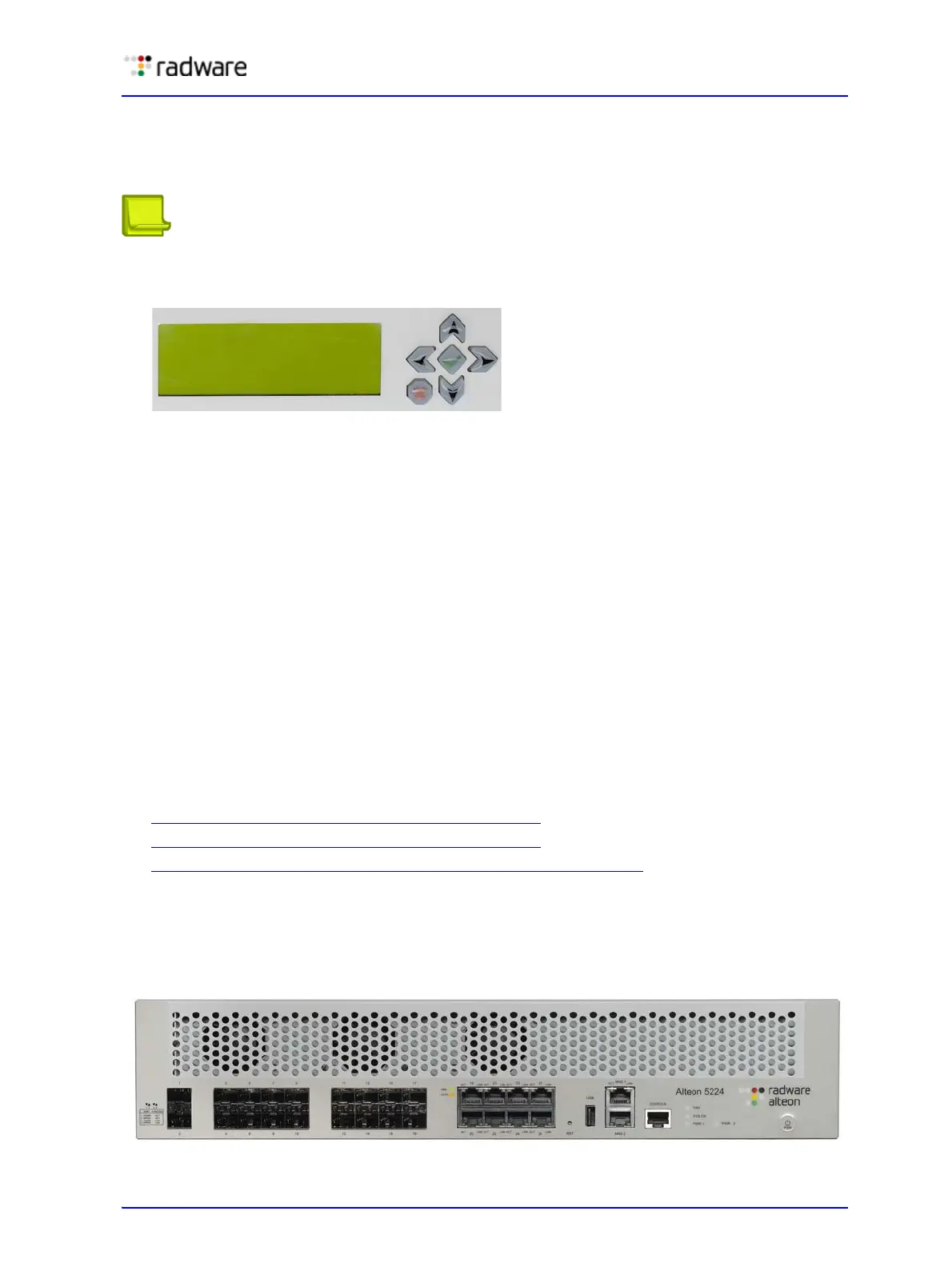
Figure 8: Alteon Application Switch 5224 and 5224 XL Front Panel



 To Next Page
 Loading...